Closing a Deposit Contract
Liquidated deposit contracts with zero available balance can be closed. Depending on their closure settings, such contracts are either picked up by Core Banking and automatically closed through scheduled jobs, or you can close them manually.
There are cases when you might expect the deposit to get closed once all amounts transferred (either at maturity or after performing a liquidation or an early termination transaction) and the deposit is not configured with automatic roll-over, or you might want such contracts to be closed after a certain number of days, allowing for possible reconciliations, or even leave them to be manually closed or with a localized job. All this is enabled from product level and, if set as negotiable, you can also change the default at contract level. You might need such settings if you work with direct debit and need to allow for the number of days the direct debit can bounce to pass before you really close the deal.
You can configure the closure settings during product definition, in the Lean Contract Settings' tab -> Closing Contract Settings section, as described in the Banking Product Factory user guide:
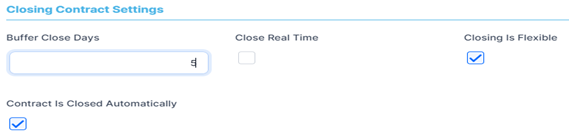
If allowed from the product definition, you can amend the closure settings of the contract, the way Core Banking should behave once the deposit's balance is zero and the contract can be closed. Perform these configurations in the Closure Settings section of the Overview tab, during contract creation, for contracts based on banking products having the Closing Is Flexible = True setting:

Depending on the real time closure setting, Core Banking uses the one following scheduled jobs to close the contracts automatically:
-
Close Contracts (CB) Job- this job closes automatically all contracts withAutomatic Closure = TrueandReal Time Closure = False, with zero available amount and with no further amounts to be recovered, that haveBalance Off Datefilled in andClosure Date = Current Date. -
Close Contracts RealTime(CB) JobAutomatic Closure = TrueandReal Time Closure = True, with zero available amount and with no further amounts to be recovered.
You can see the list of contracts that are ready to be closed in the Closure of Contracts report:
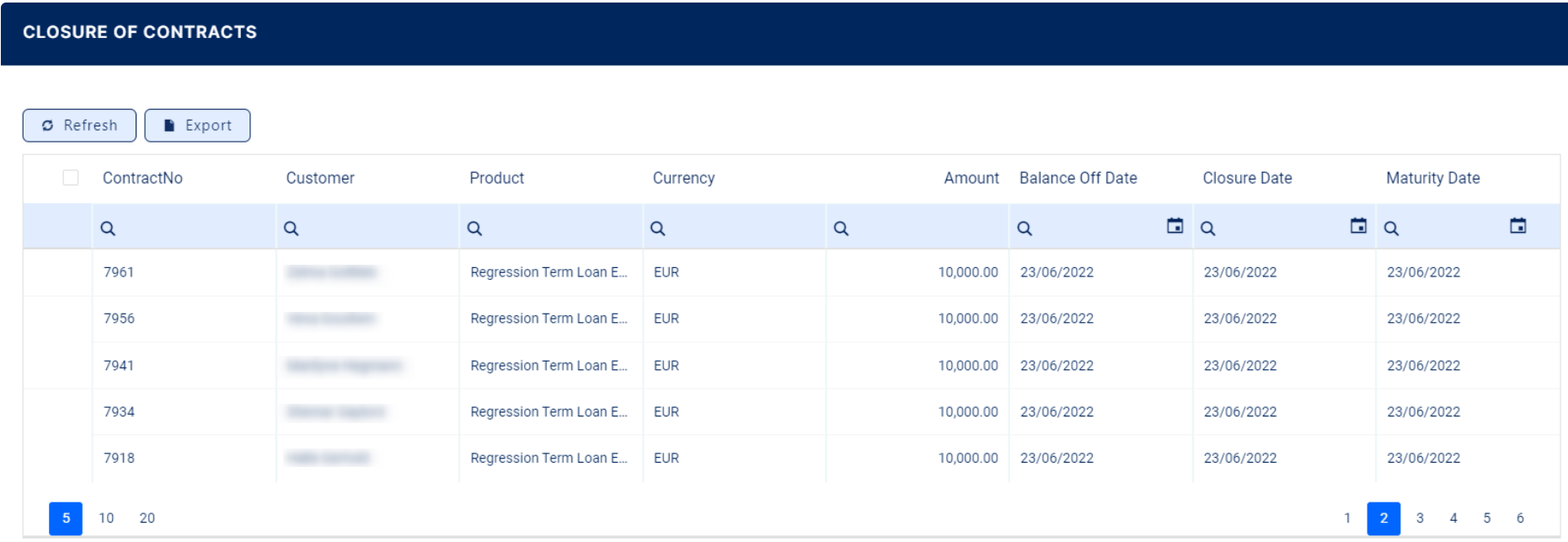
You can also use the GetClosureOfContracts endpoint to fetch the same information within your own API integration.
 Manually Closing a Contract
If you opted to close a contract with all the obligations met manually, and not automatically, then follow these steps:
-
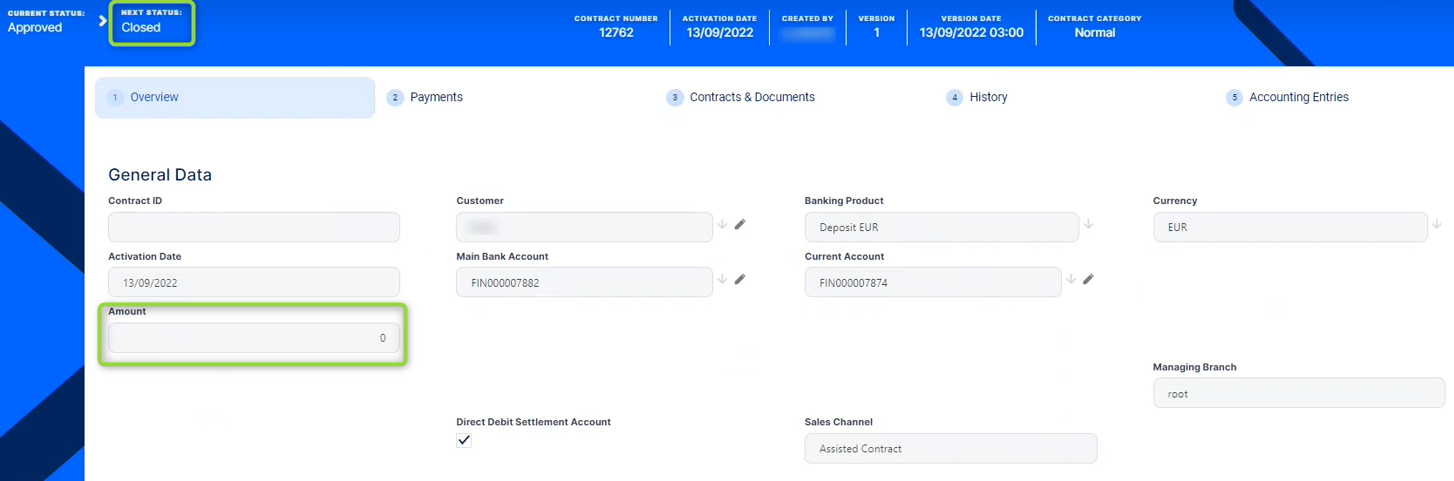
Double-click to open an approved deposit contract with zero balance, that was already liquidated.
-
Change the contract's Next Status into Closed.
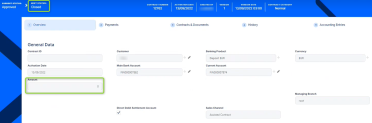
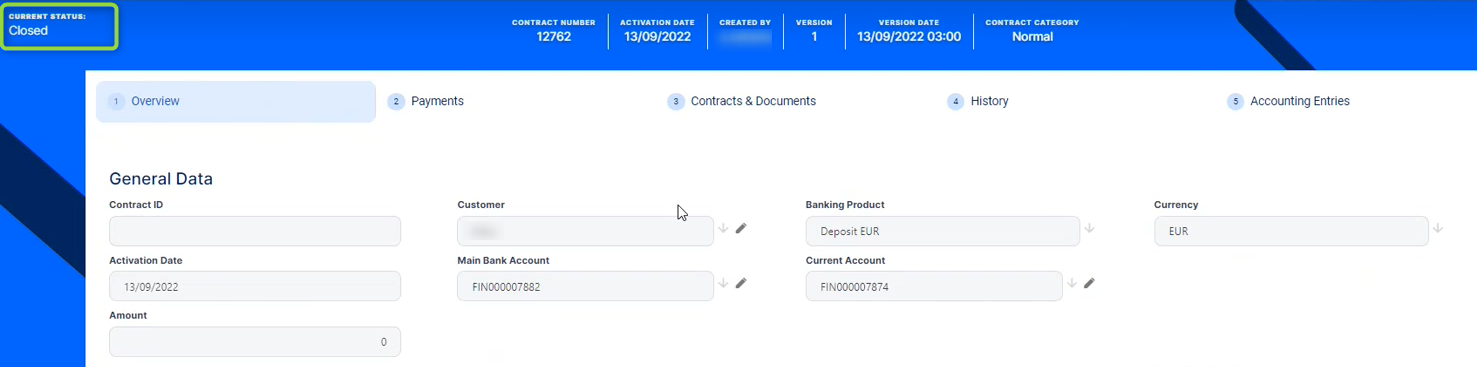
If Core Banking performs all the validations and finds that the financial obligations are met and there are no more amount to be recovered, then the contract's status becomes Closed. You can't perform any other operations on this contract.
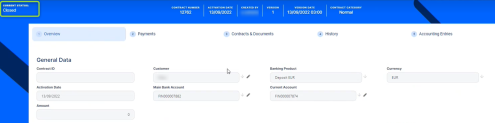
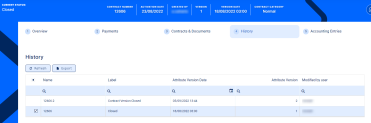
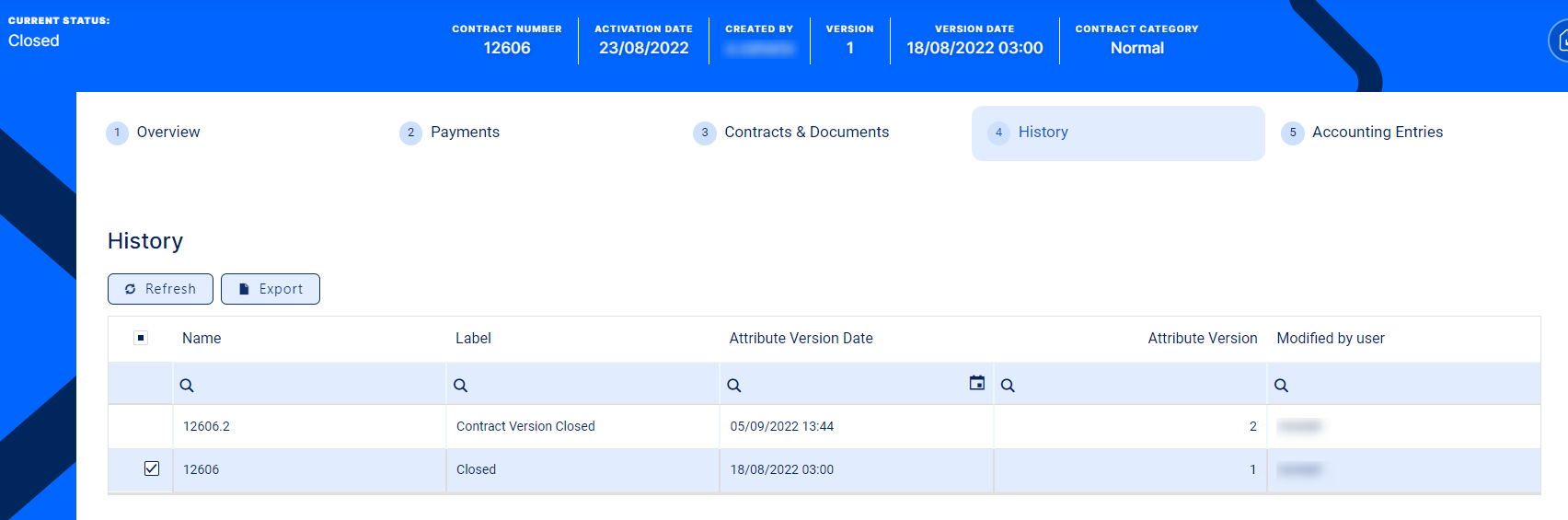
Any existing versions of the contract are also automatically closed, as you can see in the History tab.