Submit Application
After the data for eligibility and scoring was added and the Configuring the Business Formulas automation processor approved the potential customer, they can send the loan application to be reviewed. During this time the databases from ANAF and Credit Bureau are queried by FintechOS Studio using server-side scripts presented in ANAF & Credit Bureau Integration. The final result is equal to the FICO SCORE plus the application score.
FICO score is set at 720, hence all loans are approved. Change it in the data sets to fit the business needs.
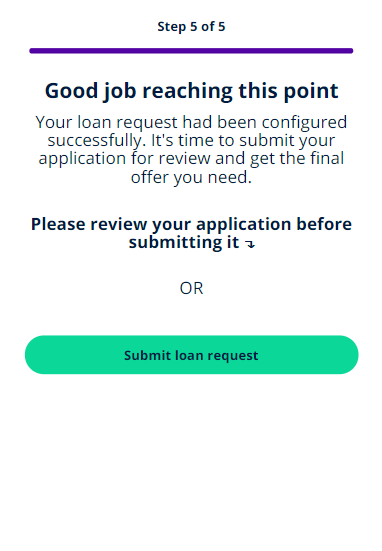
Click Please review application to see the product selected.
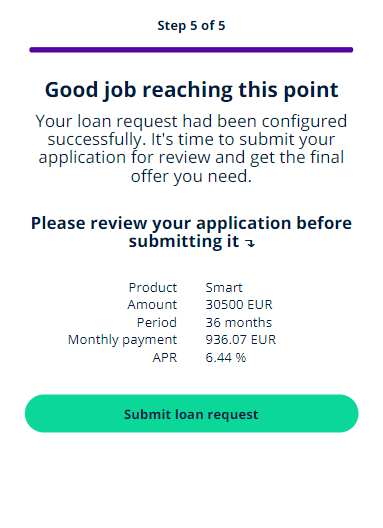
Click Submit loan request to sent it.
This page lets the user know that they have to wait a bit for the answer from those databases to be retrieved. An email with a continuation link is sent to the email address inserted in the first step, Contact Info.
The status of the application becomes SubmittedForReview. See Configuring the Business Workflows Processor for details.
At this time, the ANAF Agenția Națională de Administrare Fiscală
(ANAF)
It is the specialized body of the central public administration in Romania. It has its own legal persona, by detaching the directions with attributions in the administration of the state revenues within the Ministry of Public Finance. It ensures the resources for the public expenses of the state by collecting and administering effectively and efficiently the taxes, taxes, contributions and other amounts due to the general consolidated budget. and Credit Bureau The Credit Bureau aims to support the participants in the system by providing real, up-to-date and consistent information regarding individuals who have taken loans from banks or financial companies, purchased a product under a leasing system or have been insured against the risk of non-payment by an insurance company. are interrogated.
Agenția Națională de Administrare Fiscală
(ANAF)
It is the specialized body of the central public administration in Romania. It has its own legal persona, by detaching the directions with attributions in the administration of the state revenues within the Ministry of Public Finance. It ensures the resources for the public expenses of the state by collecting and administering effectively and efficiently the taxes, taxes, contributions and other amounts due to the general consolidated budget. and Credit Bureau The Credit Bureau aims to support the participants in the system by providing real, up-to-date and consistent information regarding individuals who have taken loans from banks or financial companies, purchased a product under a leasing system or have been insured against the risk of non-payment by an insurance company. are interrogated.
At this stage of development, the integration is just simulated. It is not up and running accordingly. The income of the potential customer is generated randomly each time.
For details on how they were configured, see ANAF & Credit Bureau Integration.
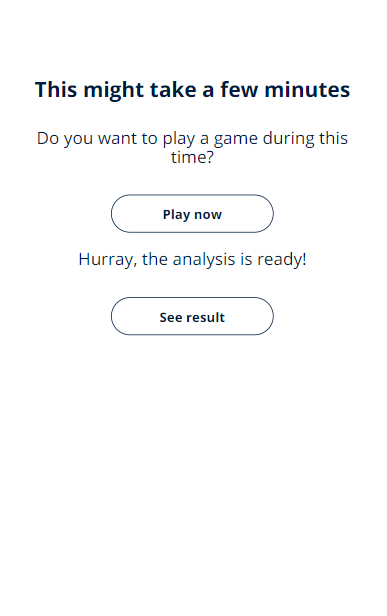
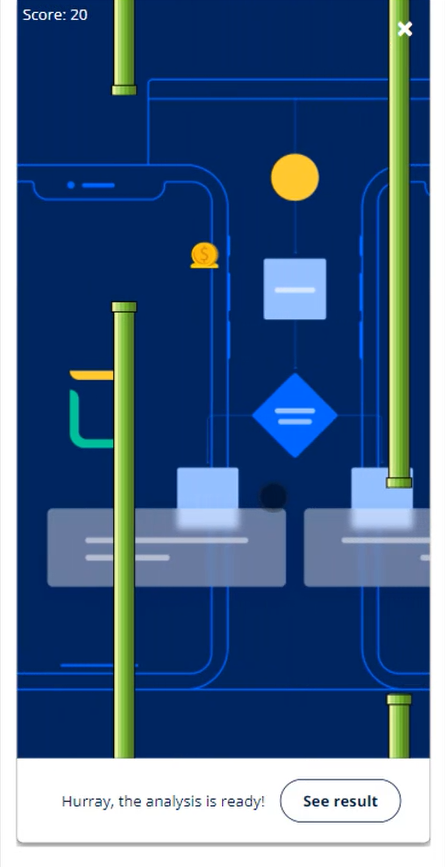
If the user prefers, they can play a game to pass the time and not exit the application screen. During the game, a message pops up to let the user know that the query is done and they can return to the application. At any time during the game, it is possible to exit safely.
When the analysis is done, the application moves into one of the two statuses: ApplicationApproved or Rejected-FinancialAnalysis. If the application is approved by the bank, the customer moves to the next step, Application Result.