Insurance Agents and Brokers
In Service Insurance, a broker is treated as a distribution partner and contractual customer of the insurer, and must have an account defined in FintechOS. The broker account is integrated with Distribution Management, where you configure distribution agreements and manage commission invoicing. An agent does not always require a separate account in FintechOS, as their operational details are often maintained in the broker’s own CRM or agency management system.
The Agent & Broker components have been refactored and are now part of the Policy Party model, with data stored in the Policy Party data structure. The previous data model is no longer used and is scheduled for deprecation in the next major release. No further enhancements will be delivered for the legacy model.
Policies can be intermediated either by an agent or by a broker. Each intermediary type has its own security role(Agent and Broker), both grouped under the standard Intermediary role, ensuring appropriate access to policy administration and quote journeys. The selected agent or broker is visible on Quote Parties and Policy Parties, providing a consolidated view of all parties and accounts associated with an insurance contract.

Agents and brokers must first be created in the Portal, after which they can be referenced via the Generate Quote API in Quote Admin during quote and bind processes.
Create Agents
-
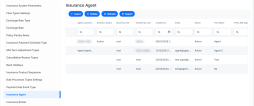
In the Portal, go to Main Menu > Contract Management > Contract Management Settings > Insurance Settings > Insurance Agent.
-
Click Insert to create an agent.
-
Fill in the following:
 Main Info
-
Reference number: a unique identifier used to track the agent record.
-
Agent Customer Account: customer account assigned to the agent; optional, typically used when the agent also acts as an account in the system.
-
Agent User: FintechOS user account linked to the agent’s security profile.
-
First Name: the agent's name.
-
Last Name: the agent’s family name.
-
Name: the agent’s full name as displayed.
-
PIN: a secure identifier used for agent authentication.
-
Email: the agent’s primary work email address.
-
Phone: the agent’s main business phone number.
Policies
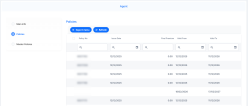
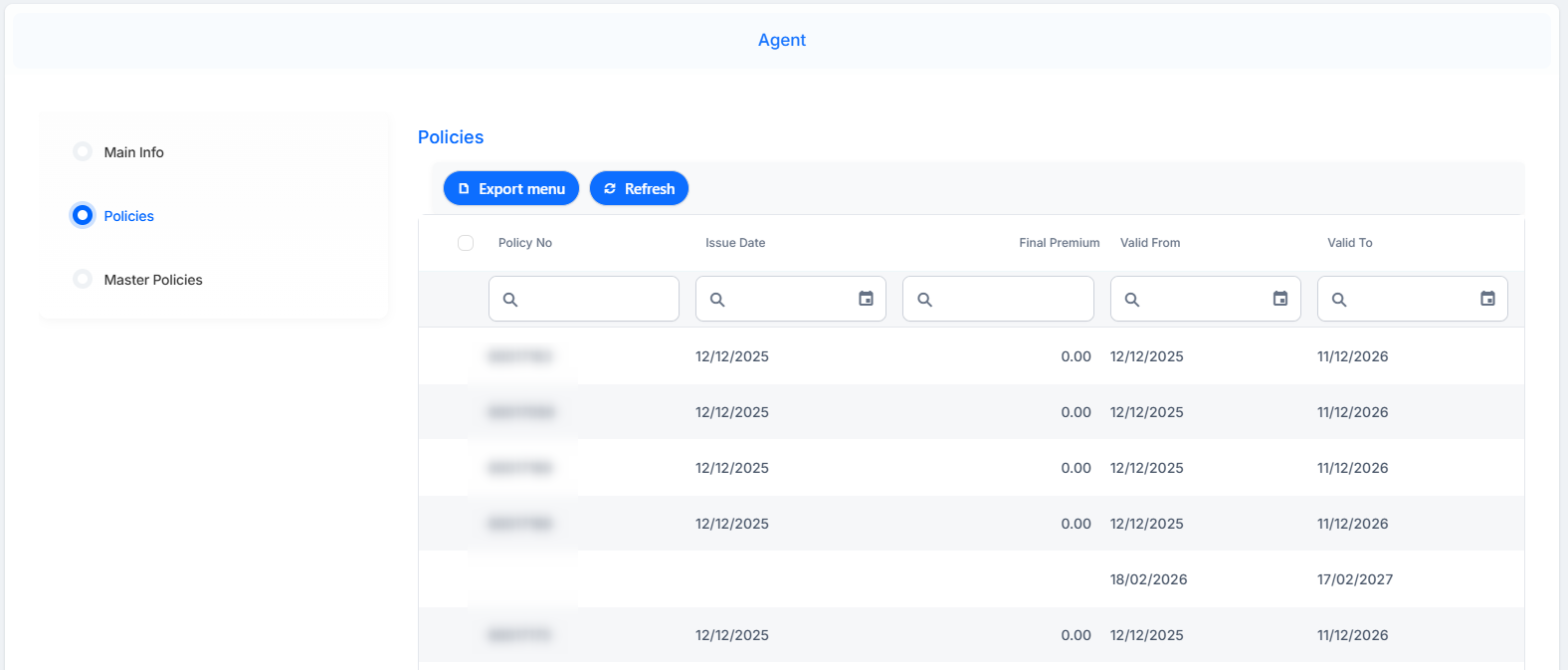
This displays all policies associated with the selected agent. You can filter the list by policy number, issue date, final premium, and validity period (valid from / valid to). The list can be exported for further analysis or reporting.
 Master Policies
This displays all master policies associated with the selected agent. You can filter the list by policy number, issue date, final premium, and validity period (valid from / valid to). The list can be exported for further analysis or reporting.
-

Create Brokers
-
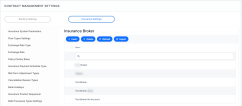
In the Portal, go to Main Menu > Contract Management > Contract Management Settings > Insurance Settings > Insurance Broker.
-
Click Insert to create an broker.
-
Fill in the following:
-
Name: the broker’s full legal or business name as used in contractual and regulatory documentation.
-
Broker Customer: customer or legal entity represented by the broker (for example, corporate client or group policyholder).
-
Contact Person: primary individual at the broker responsible for day‑to‑day coordination with the insurer.
-
Begin Date: start date of the active broker relationship or distribution agreement.
-
End Date: end date of the broker relationship or contract, if applicable.
-
Contract Date: date on which the distribution agreement was formally signed.
-
E-mail: main business email address used for correspondence and operational communication with the broker.
-
Phone: primary business phone number for the broker or main contact person.
-
Collection type: indicates whether premium collection is performed by the broker (broker collection) or directly by the insurer (company collection).
-
Bank: the broker’s designated banking institution.
-
IBAN: the broker’s international bank account number for premium settlements and commission disbursements.
-
Payment terms (days): number of days allowed to settle amounts due between the insurer and the broker, according to the distribution agreement.
-
Commission: commission rate (percentage or fixed amount, depending on configuration) applied to business placed by the broker.
-
Address: broker’s registered office or correspondence address used on policies, statements, and contractual documents.
-
Details: free‑text field for additional notes relevant to the broker relationship (for example, specific lines of business, special terms, or regulatory references).
-
