Policies
The insurance policy is a contract in which the policyholder pays an insurance company for financial protection or loss indemnity resulting from a covered event. The insurance policy contains the insured object, what coverages apply, how long the insurance is effective, and how much the policyholder agrees to pay in premiums.
 Generate a Policy
The policy issuance process represents the main Policy Administration functionality through which the insurance contracts are generated within the core system, laying the basis for other Policy Administration flows. This functionality involves an end-to-end process that starts from the generation of an initial Policy through a specific endpoint, is updated through an update endpoint, and then reaches the InForce status, according to the period of validity.
The policy issuance endpoint creates a connection between the core system and various external systems - such as websites, apps and other digital channels that you use in order to reach out to customers. Once the integration with another system that sends in customer data is obtained, Policy Administration generates a policy according to the received information.
Within this endpoint, a policy generation object is structured to collect the necessary policy related information through the integration with an external system. Following the request made, the response body issues into the system the new data specific to the policy, in addition to those obtained during the data collection from a given external system.
When generating a policy, this cannot have the Start Date less than the Issue Date; in this case, the API displays the following error message: ”The contract cannot start before it’s issuance date”. However, when generating policies under a master policy, you can add them with a Start Date earlier than the Issue Date or the Start Date of the master policy.
View Generated Policies
Follow the steps below to access the repository and view the registered policies:
- In FintechOS Portal, go to Main Menu > Contract Management > Policies. The list of all existing policies records is displayed.
-
Double-click any record to inspect a policy. The policy form opens, displaying the first tab, Policy, with the following sections:
-
The Main Info section. The details in this grid are read-only:
-
Policy No: The unique identifier of the policy;
-
Insurance Type: The type of insurance;
-
Insurance Product: The insurance product;
-
Issued Date: The date when the policy has been issued;
-
Effective Date: The last effective date of the policy;
-
Free Withdrawal Limit Date: The cutoff date for taking penalty‑free withdrawals within a policy year;
- Begin Date: The date when the policy becomes effective;
-
End Date: The last effective date of the policy;
-
Sale Channel: The pathway through which the insurance products reach customers.
- Policy Validity: The number of months, days or years when the policy is valid;
-
Validity Type: The type of validity expressed in months, days or years;
-
Quote ID: The unique identifier of the quote;
-
Cancel Date: The date on which an insurance policy’s coverage ends.
-
-
The Policy Parties tab, contains valid policy parties and their roles, the valid from and valid to columns which represent the effective date and policy end date, together with the Agent:
Double click each entry to view details about that policy party.
-
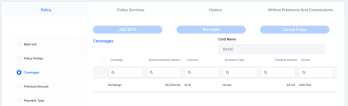
The Coverages tab lists the insured objects along with their insured amounts, premium amounts and excess.
Double-click a policy in the list to view details for each coverage, such as sum insured, available indemnity limit, excess, availability:
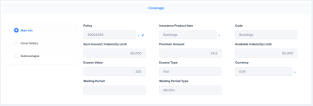
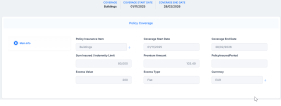
The Cover history tab shows previous coverages:
The Subcoverages tab displays details such as sum insured, indemnity limit, waiting period, and covered risks:
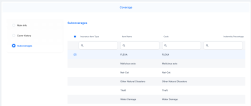
Double-click a subcoverage to open its details.
-
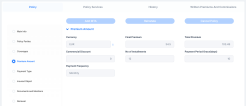
The Premium amount tab shows:
-
Currency: The currency used for payment;
-
Final Premium: The premium calculated taking into account the total premium and the commercial discount;
-
Total Premium: The sum of the premium amounts of all the insured objects;
-
Commercial Discount: The commercial discount amount;
-
No of Installments: The number of installments.
-
Payment Period Grace(days): The payment grace period, expressed in days;
-
Payment Frequency: The frequency of the payment, which can be monthly, quarterly,
-
-
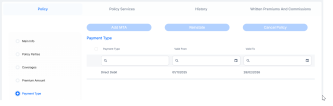
The Payment Type tab holds valid payment types, together with the valid from and valid to which represent the effective date and policy end date:
-
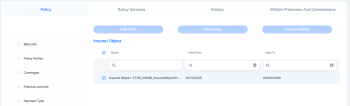
The Insured Object tab displays the insured objects, together with the valid from and valid to which represent the effective date and policy end date:
-
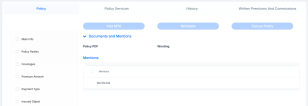
The Policy Mentions section, displaying further details about the policy:
-
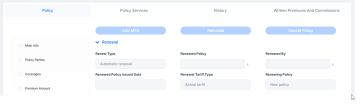
The Renewal tab displays:
-
Renew Type: how your policy is intended to renew at the end of its term;
-
Renewed Policy: the new policy issued as a result of renewing your previous policy;
-
Renewed By: the policy or process that triggered the renewal of your existing policy;
-
Renewed Policy Issued Date: - the date on which your renewed policy was officially created and issued;
-
Renewal Tariff Type: the tariff or pricing basis applied when your policy renews;
-
Renewing Policy: the active policy that is in the process of replacing your expiring one through renewal.
-
-
-
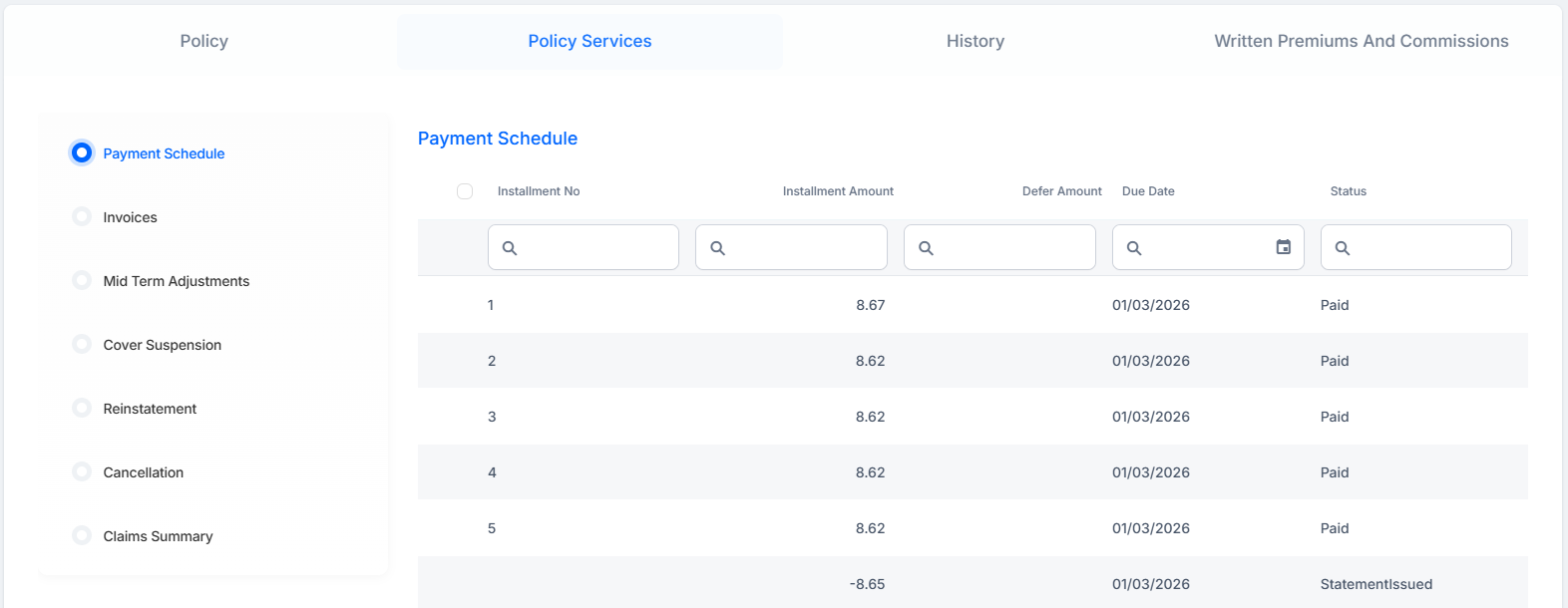
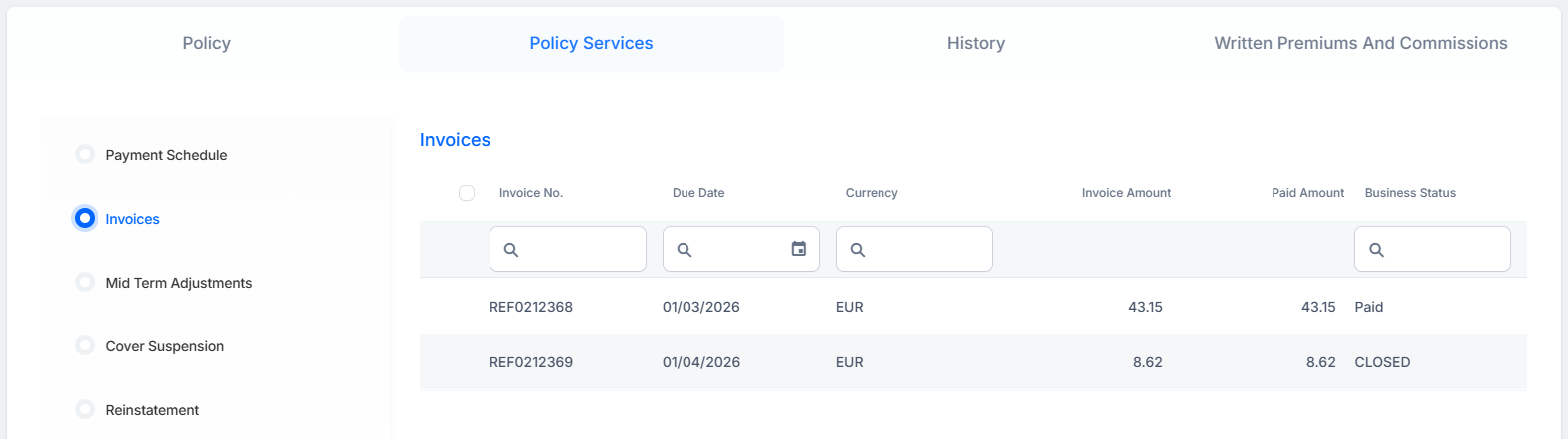
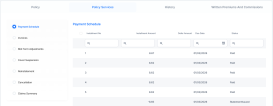
The Policy Services tab displays:
-
The Payment Schedule, listing the past installments, the upcoming installment, and their statuses:
-
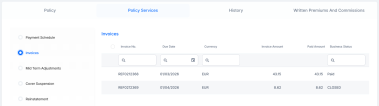
The Invoices tab displays the records for all invoices related to the policy:
-
The Mid Term Adjustments tab shows alterations and their business status;
-
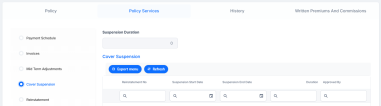
The Cover Suspension tab displays temporary pause during which your insurance policy remains active but coverage is not provided.
-
The Reinstatement tab shows policy reinstatements together with their status.
-
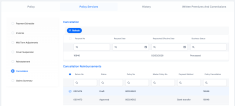
The Cancellation tab displays policy cancellations and reimbursement:
-
The Claims Summary tab shows all the details of the registered claims for this policy. To learn more about claim data, go to the Manage Policy Claim Data page.
-
-
Go to the History tab to view:
-
Versions: the policy versions together with their status, date and user who handled them;
-
Pending Versions: shows policy clones with alterations.
-
-
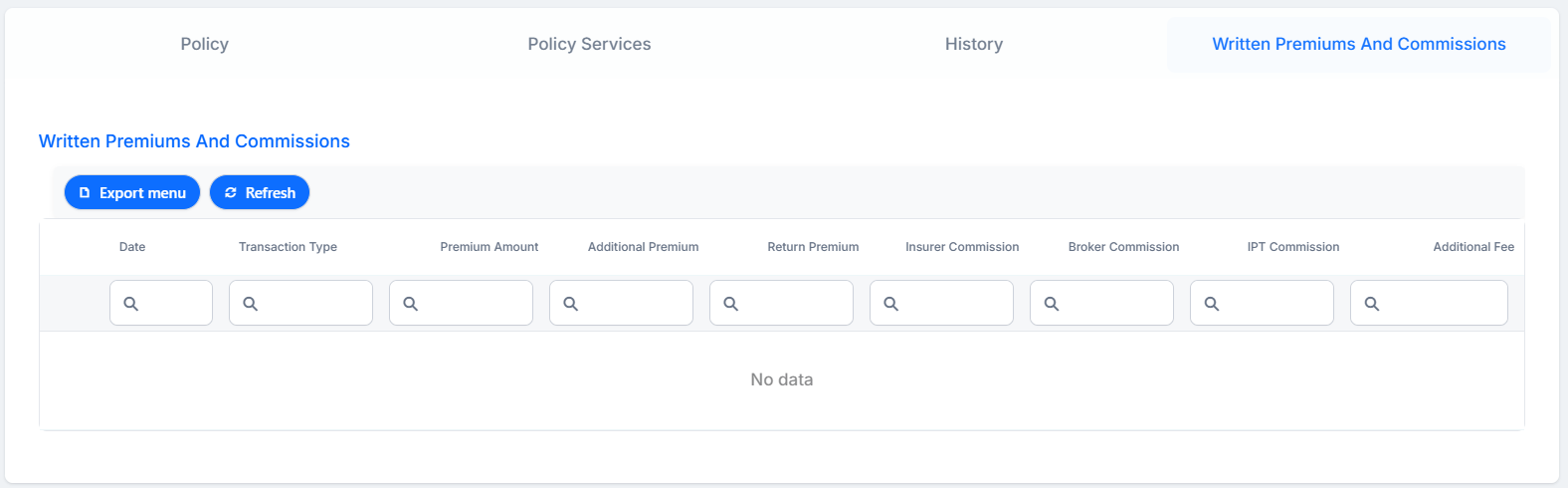
Click the Written Premiums And Commissions tab to display a list of commissions and premium amounts paid for the policy. This tab shows the premium amount, additional and return premiums paid, insurer commission, broker commission, additional fee, and IPT commission, which is the insurance premium tax applicable in some countries.
The purpose of the Written Premiums and Commissions tab is to also offer a way for exporting this information into a report. Click the Export menu button to generate an Excel or CSV report to download locally.
To view this tab, your user needs to have the Policy Servicing Officer security role.