Working with Dashboard
On the Dashboard page, you can see the number of applications you have closed this month, the number of applications that need a response from you and the applications section.

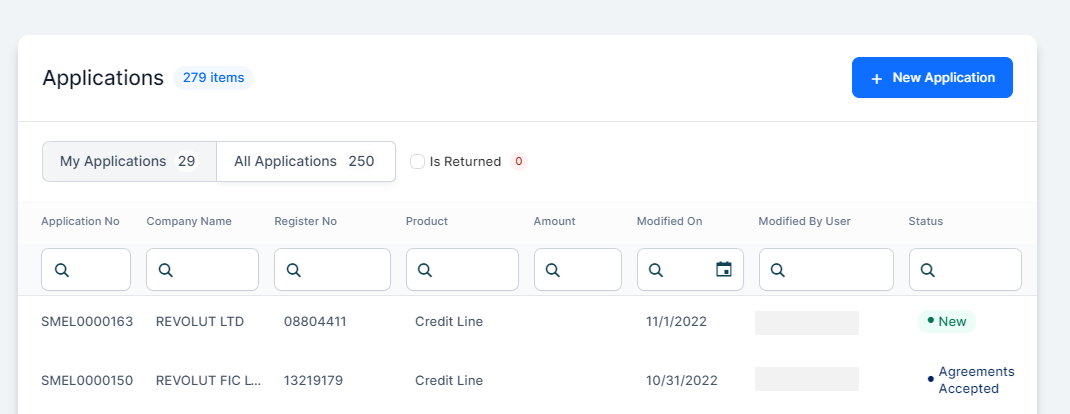
View, filter, and open existing credit applications for your customers in the Applications section.
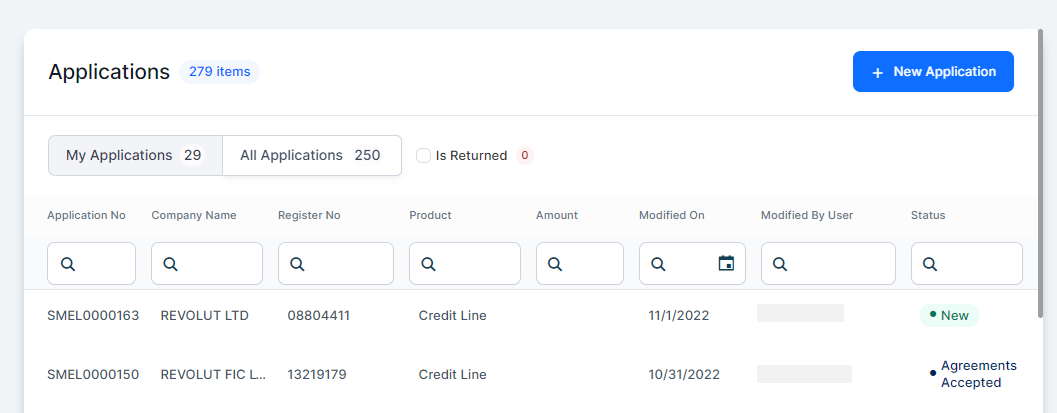
The following details are displayed: Application Number (a unique number with the prefix SMEL), Company Name, Register Number (a unique business identifier of the company ), Product (the name of the product accessed by the customer), Amount (the requested loan amount), Modified On (the date of the last modification), Modified by User (the last user who made the change), and Status (the current status of the application).
Below you can find the actions you can perform as a bank representative:
 Viewing Applications
-
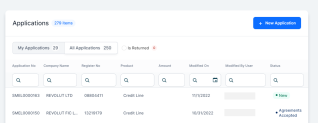
Click My Applications to view only the applications you have created.
The applications are sorted based on the last time they were modified, the applications you have modified most recently are shown first.
-
Click All Applications to view all the applications except yours.
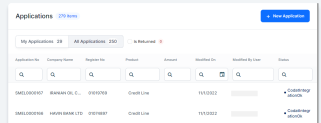
The default sorting is based on the last modification date.
-
Select the Is returned checkbox to view the applications that are returned from the Underwriter or Legal Representative.
 Filtering Applications
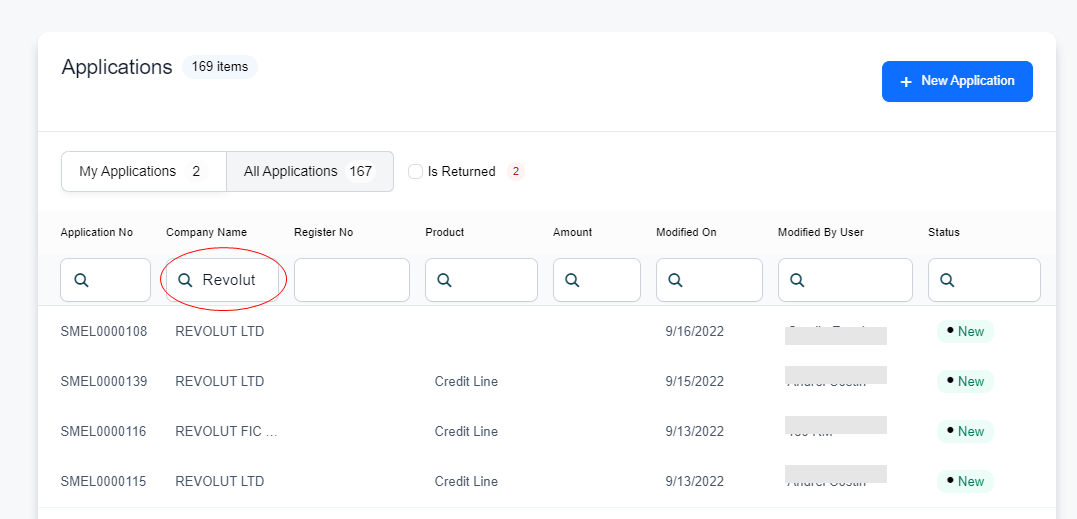
You can filter each column to find the application you are looking for.
Opening / Creating Applications
-
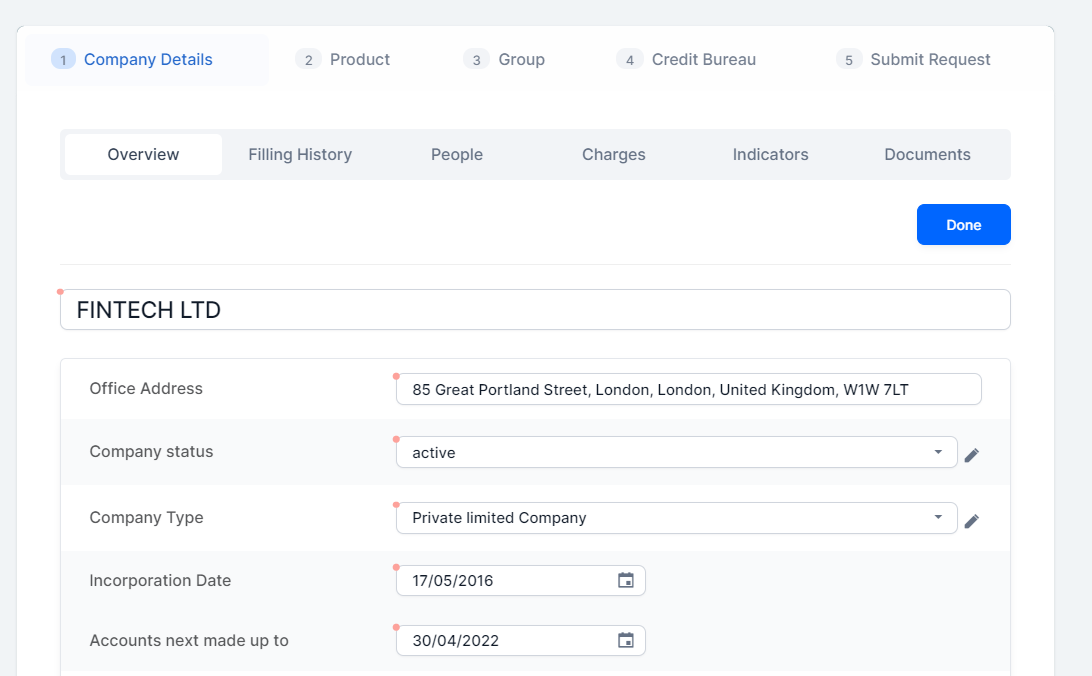
After you found the desired application, just double-click it and the Company Details tab opens.

-
If you don't have any application created for your customer, click the New application button to create a new application and to navigate to the next screen.