Managing Applications
When creating a New Application from the Dashboard, you can search for an existing company to find the SME company's identification details. The solution uses integrations that bring data from external sources, such as Companies House Connector. This connector queries the Companies House database to find public information about companies and their representatives in the United Kingdom.
In terms of extensibility, the SME Digital Lending and Underwriting solution can accommodate any other third-party software. Depending on localization, you can use other connectors produced by FintechOS, for example, KeysFin (for the Romanian market) or Dun and Bradstreet (available worldwide).
-
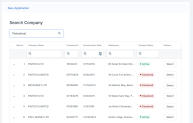
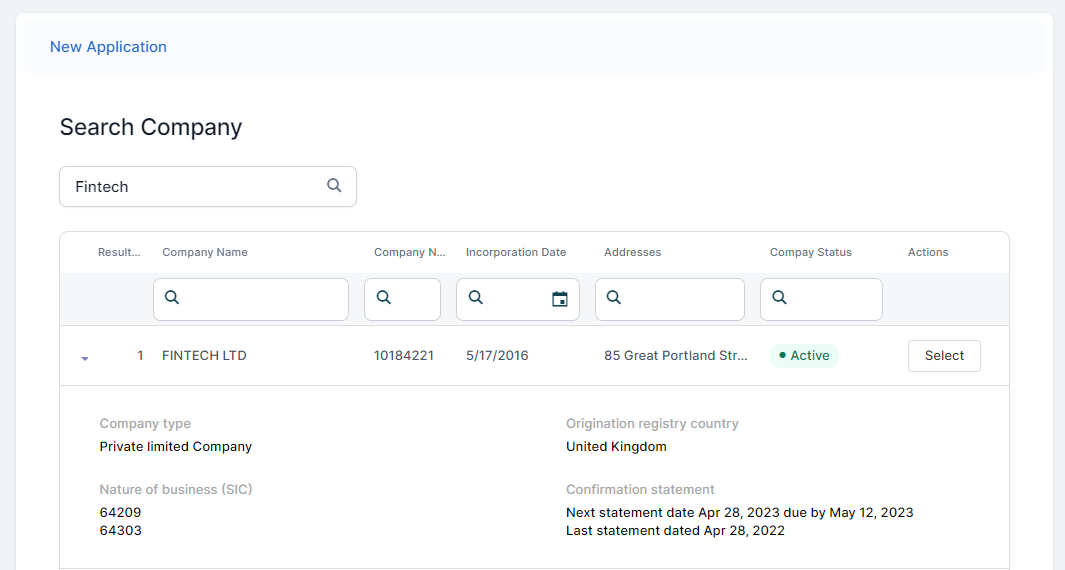
On the New Application screen, enter the company identification number or the company name in the Search Company box, to find the company for which you want to start an application. You have to enter a minimum of 5 characters to perform the search.
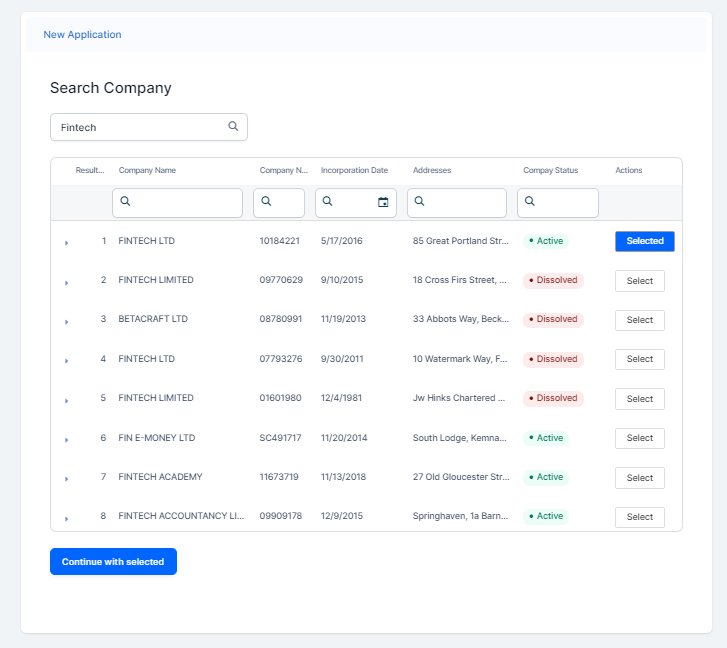
A list of companies is displayed. For each company, the following details are available: Result No, Company Name, Company Number, Incorporation date (the date of creation), Addresses(registered office address), and Company Status.
-
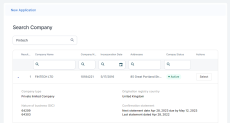
Optionally, you can expand the company for which you want to continue the application, and an overview opens with additional company details: Company type (the type of the company), Origination registry country (the country in which the company was incorporated), Nature of business (SIC)(the SIC codes for this company), and Confirmation statement.
-
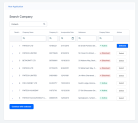
Click Select to proceed with the company, and then Continue with selected.
-
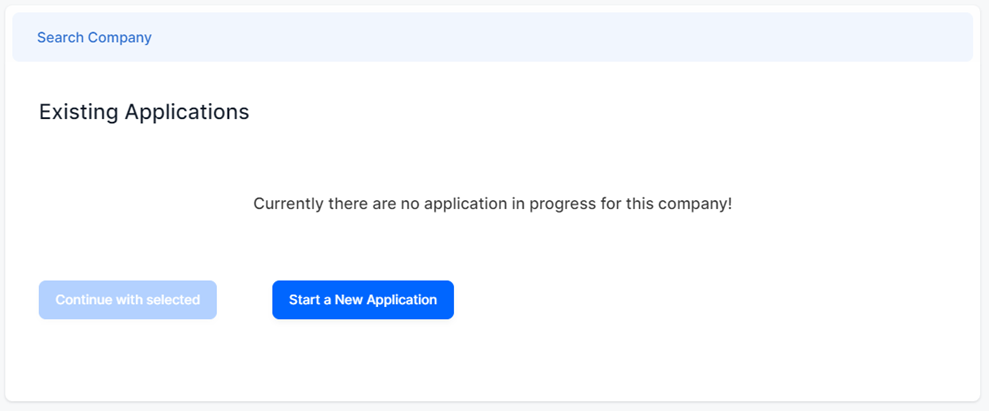
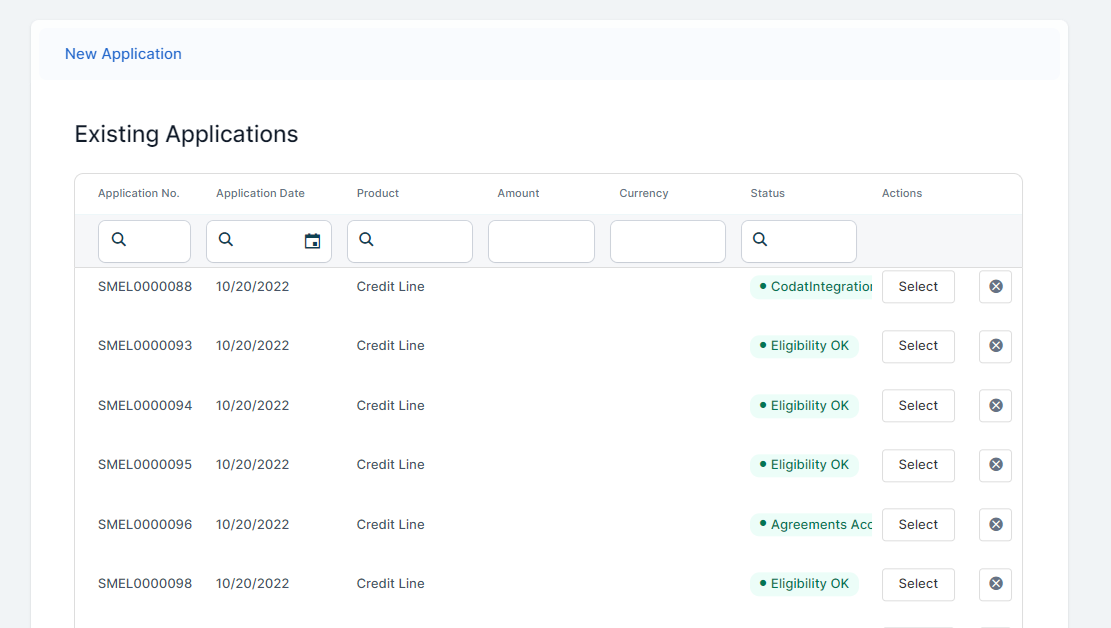
On the newly displayed Existing Applications page, you can view all the applications available for the SME customer with the following details: Application Number, Application Date, Product, Amount, Currency, Status, and Actions. Select one of the available applications and click Continue with selected.


-
If you didn't find any applications in progress, then click Start a New Application to continue.