Register for an Account
To get access to the Online and Mobile Banking, you must:
- register a request online
- go to a bank branch to activate the account.
Depending on the bank, if you already have an account for a legacy online banking solution, you can migrate it using the steps detailed in the User Migration page.
Follow the steps below to register in the Online and Mobile Banking solution:
-
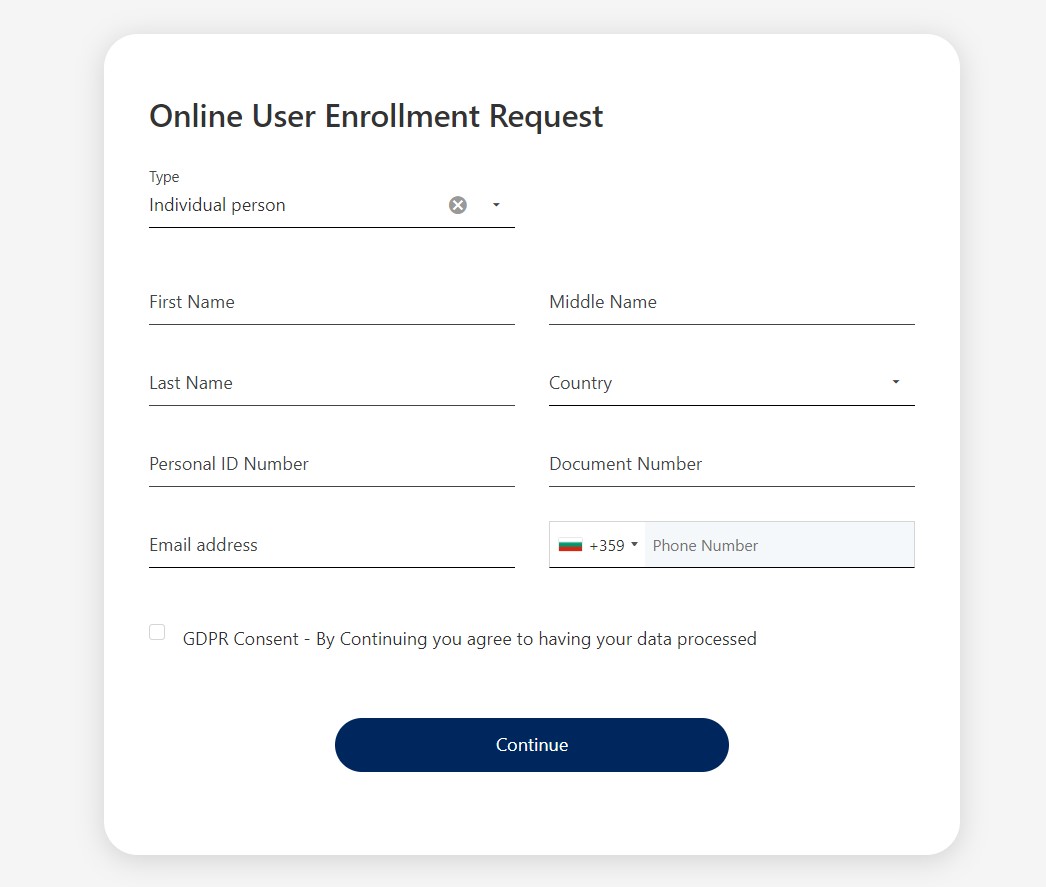
Access the link to the online form and fill in the required information. If you are not a resident of the country where you are applying for, you have to provide a document/identification number, e.g., passport.
-
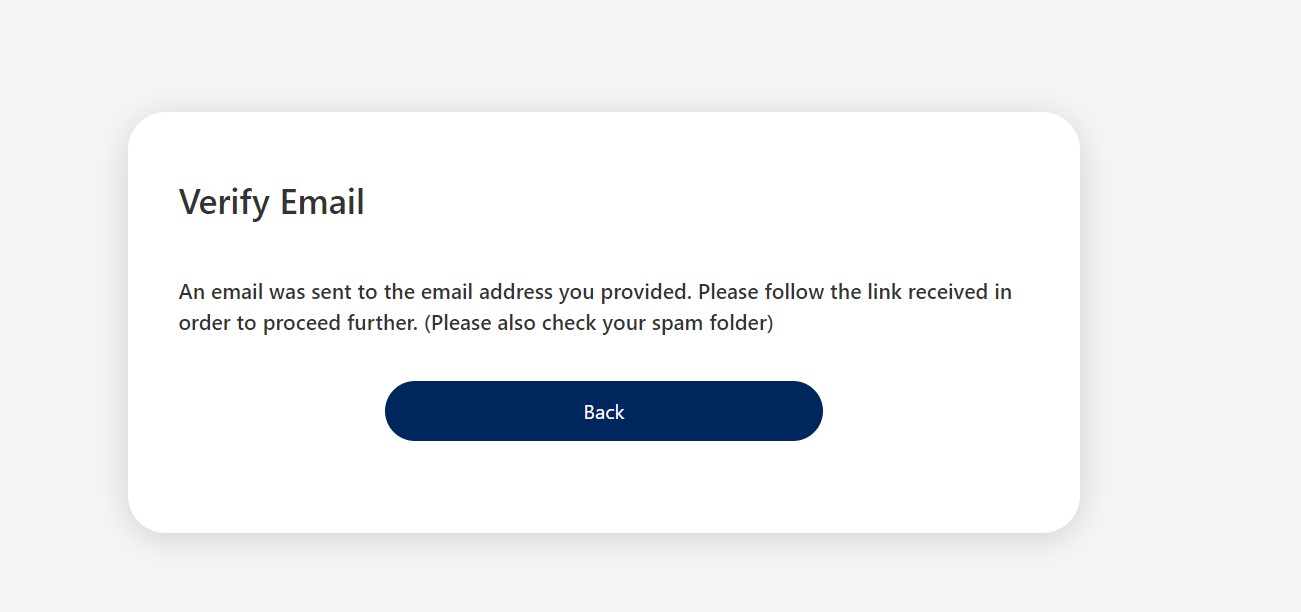
Click the Continue button. The Verify email screen is displayed informing you to check the email address you previously provided, and open the link in the email.
-
Navigate to your email and open the email received. Access the link from the email to verify your email address. The page Online User Enrollment Request is displayed informing you that the email address provided was validated, and an SMS is going to be sent to validate the phone number as well.
-
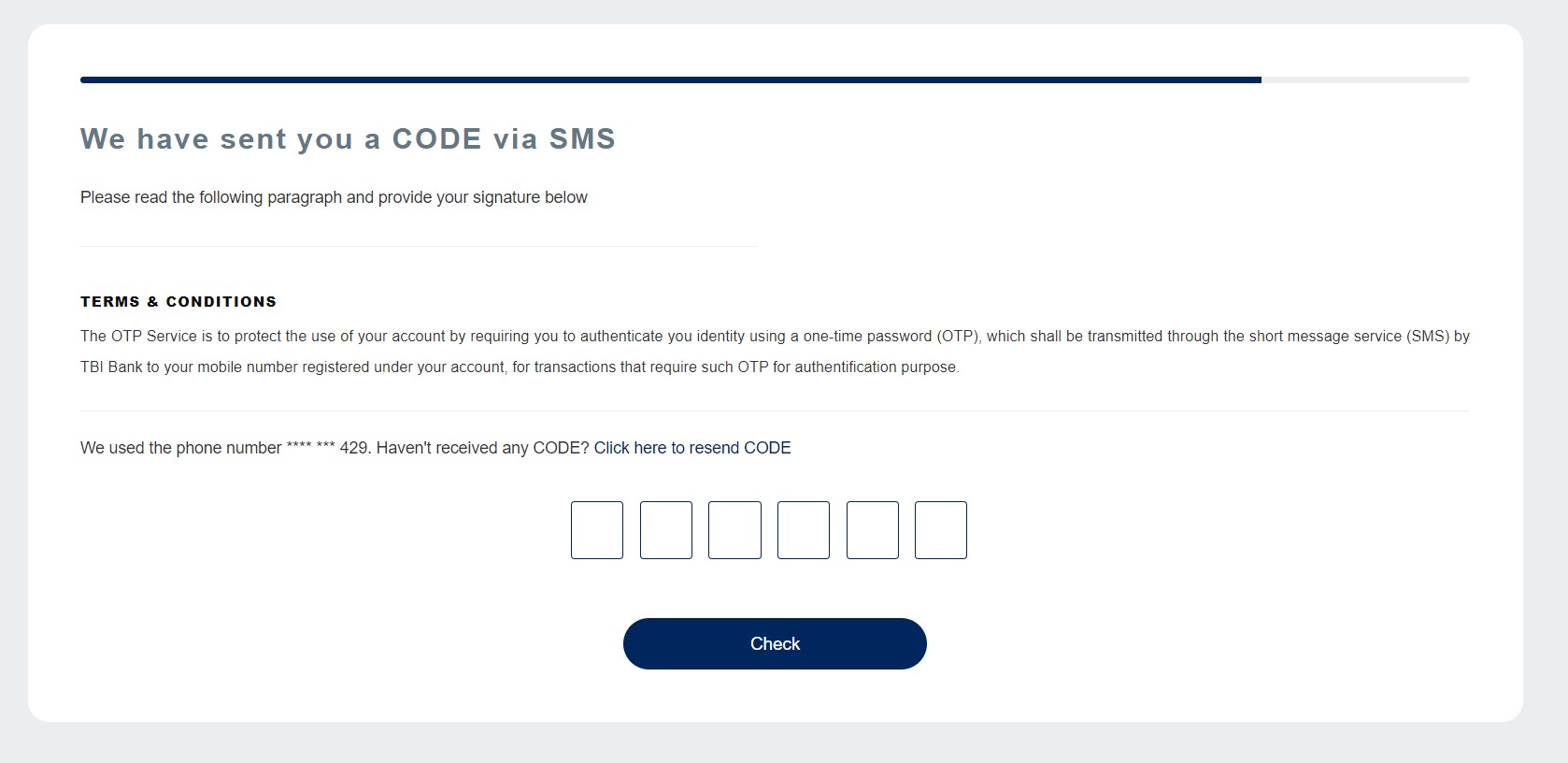
Click Send Code. Check your mobile messages and insert the code. To resend the code, click Click here to resend code.
-
Click the Check button.
-
The page Online User Enrollment Request refreshes informing you to select your desired credentials for Log in to Online and Mobile Banking.
-
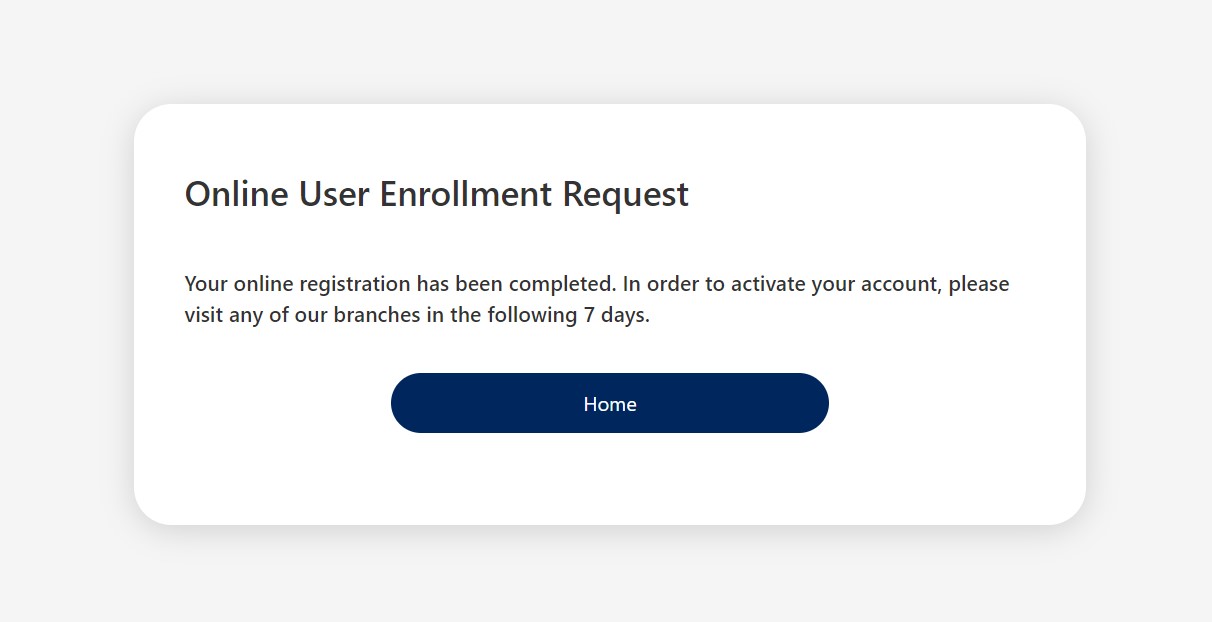
Add a username and set a password. Click Confirm. A page opens informing you that for the Online and Mobile Banking service to be activated you need to visit any branch in the following 7 days.
1 Complete an Online Form
2 Verify the Email Address and Phone Number
To change the phone number, click the Change phone number button and insert the new phone number A code is sent to that number.