Configuring the Business Workflow
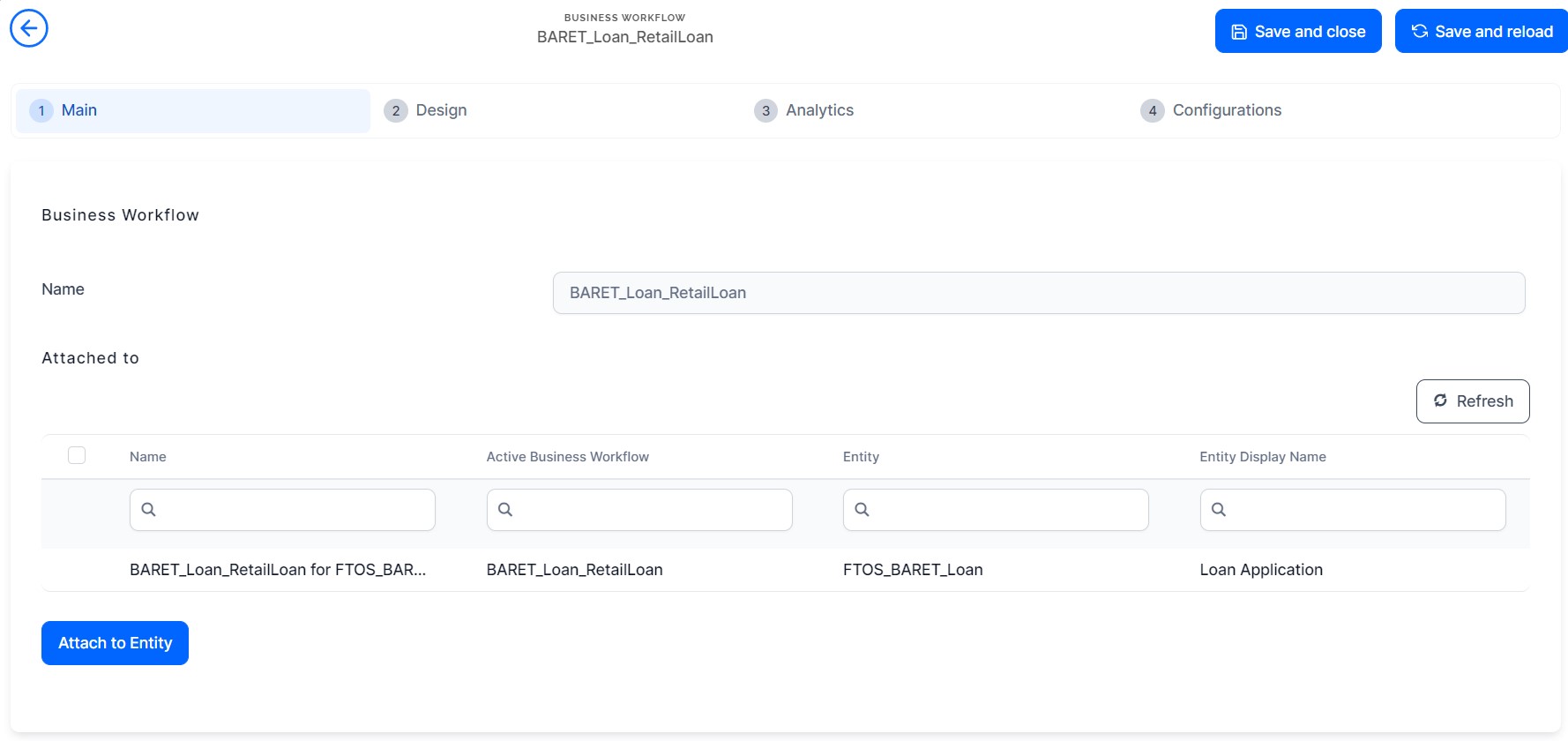
The Business Workflows Processor is used in the Buy Now, Pay Later digital journey for ensuring an easy-to-follow process by using rules-driven business workflows. The workflow is named BARET_Loan_RetailLoan attached to the entity FTOS_BARET_Loan. It contains all the states including for other digital journeys such as Mobile Retail Loan Origination and BuyNowPayLater Loan Application.
| Status | Description | Flow |
|---|---|---|
| New | When you click the Proceed to checkout from the cart side panel. | Click the Proceed to checkout button to continue to the next step. This button triggers the calculations of the formulas: |
| Contact details confirmed | After the contact information is validated. | FTOS_BNKAP_BNPLContactInfo > step Redirect |
| Personal details given | After you complete and submits personal details. | FTOS_BNKAP_BNPLConfirmDetails > step ConfirmDetails |
| Customer limit updated in core | After the system sends the new limit to the core banking system for update in the database. | FTOS_BNKAP_BNPLSaveLimit > step SaveLimit |
| BNPL accepted by available limit | After the system compares the available limit to the requested transaction. | FTOS_BARET_BNPLPayment > step Payment > Advanced > After Events |
| BNPL not accepted by available limit | In case your limit does not cover the amount to support the loan request. | FTOS_BARET_BNPLPayment_Rejected > step Payment_Rejected |
| Payment successful | After you pay the first instalment. | FTOS_BARET_BNPLPayment > step Payment > Advanced > After Section Save |
| Payment declined | After five tries to pay the first instalment, the payment is suspended. | N/A |
| BNPL posted to core | After the system sends the contract in the core banking system. | FTOS_BARET_BNPLOrderConfirm |
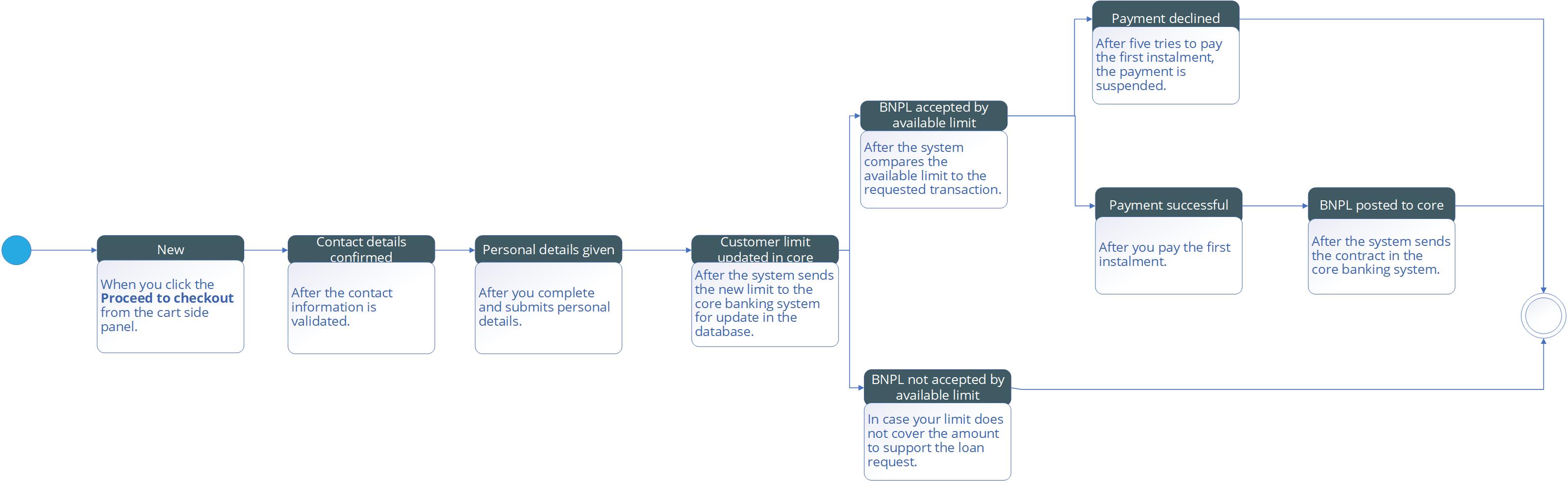
To download the diagram, click here.
The transitions are:
- New_Contact details confirmed
- Contact details confirmed_Personal details given
- Personal details given_Customer limit updated in core
- Customer limit updated in core_BNPL accepted by available limit
- Customer limit updated in core_BNPL not accepted by available limit
- BNPL accepted by available limit_Payment declined
- BNPL accepted by available limit_Payment successful
- Payment successful_BNPL posted to core.