Templates
Templates are preconfigured product examples designed to provide hands-on insight into the available product types. Each template contains pre-populated data that illustrates the supported capabilities and configuration options for that product type.
You can use templates as a starting point when building your products. You may either select a template directly or create a product through Dex, which uses templates when suggesting products that match your specified requirements.
Browse Product Templates
To open the list of available templates:
- In FintechOS Studio, go to Main Menu > Products > Products.
- Click the Templates button at the top of the screen. The templates are displayed in a grid that lists all available templates.
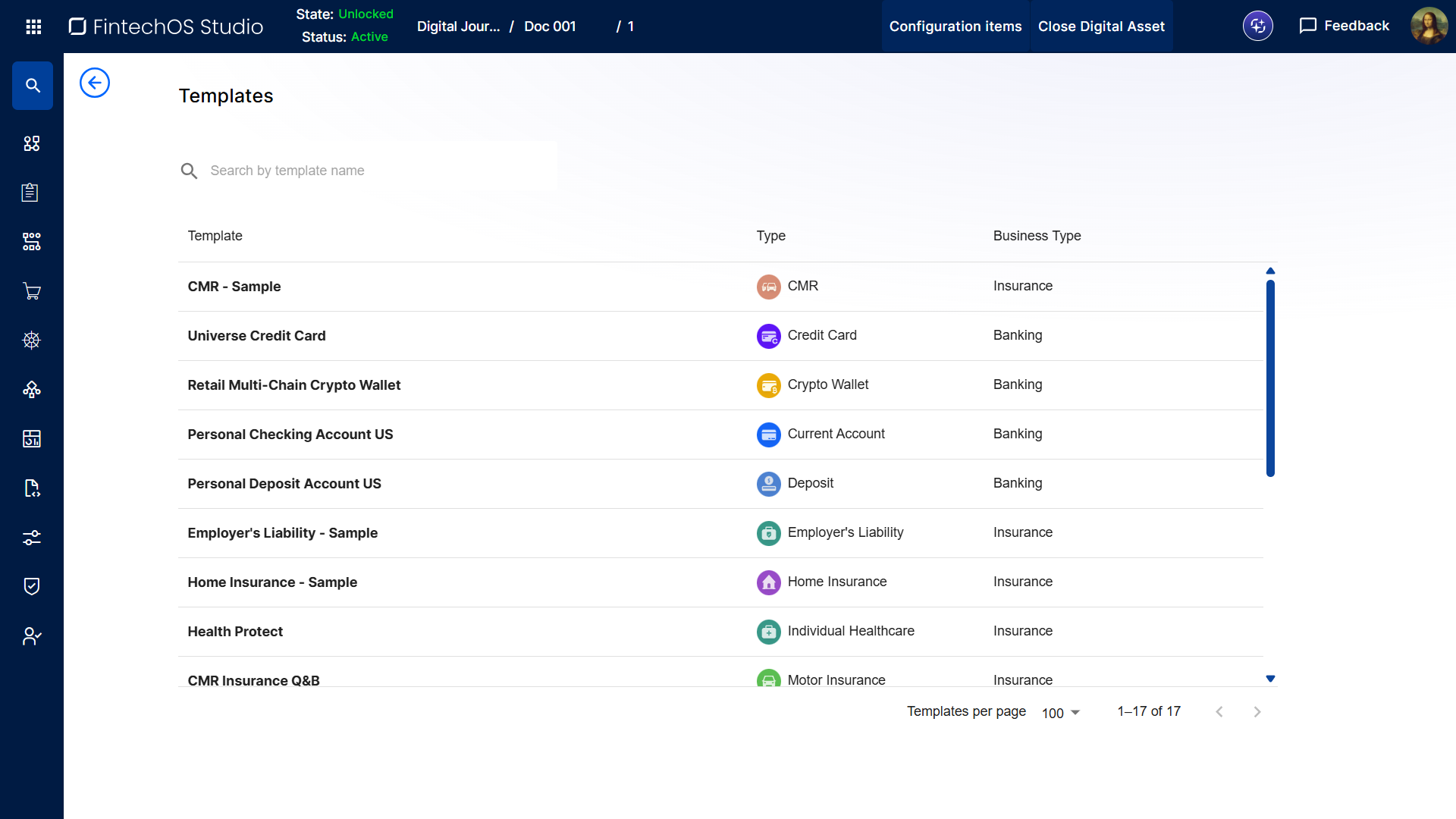
You can open a template by double-clicking its row in the grid.
Create a Product Based on a Template
- In FintechOS Studio, go to Main Menu > Products > Products.
- Click the Templates button at the top of the screen.
- In the template list, double click the template you want to use to open it.
- In the template screen, click Use Template.
- Use the sentence-based interface to configure your product (see Built-In Product Types for information on how to configure the different sections associated with the template’s product type).
HINT
If you need assistance to select a template that matches specific requirements, you can also Use Dex to Create a Product Based on a Template.
If you need assistance to select a template that matches specific requirements, you can also Use Dex to Create a Product Based on a Template.