Display transient data entity attributes in form driven flows
Once you extend a platform entity data model with a transient data entity (see Extend platform data entities with transient data entities), you can display the transient data entity's attributes in the extended entity's form driven flows. Transient data entities with single instance output structures allow you to display individual fields for each attribute, while those with collection output structures can be displayed in grids based on the transient data entity's default view (see Create transient data entities for details).
Display transient data entity attributes for single instance outputs
- Create a form driven flow based on a platform entity that was extended with a transient data entity with single instance output structure.
- For information on how to create form driven flows, see Form Driven Flows.
- For information on how to extend a platform data entity with a transient data entity, see Extend platform data entities with transient data entities.
- For information on how to create automation scripts with single instance output structures, see Customize the Output Structure.
- Make sure to include the transient data entity extension in the form driven flow's data model.

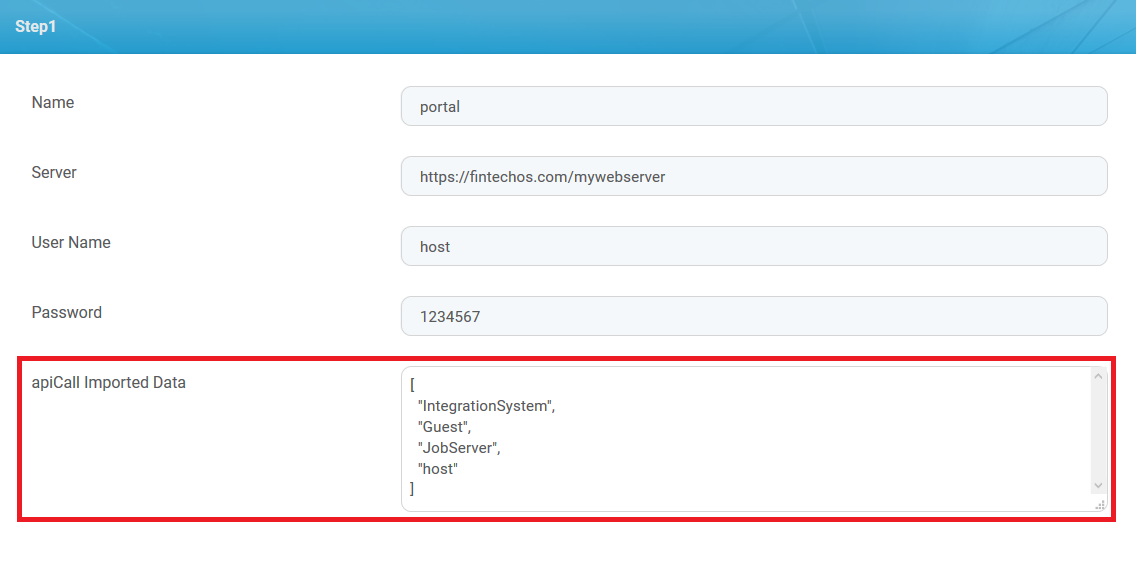
- In the form driven flow's UI editor, you will be able to insert data templates with the transient data entity's virtual attributes.
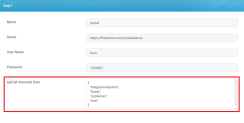
- The corresponding transient data entity's attributes will be displayed in the user interface.

Display transient data entity attributes for collection outputs
- Create a form driven flow based on a platform entity that was extended with a transient data entity with collection output structure.
- For information on how to create form driven flows, see Form Driven Flows.
- For information on how to extend a platform data entity with a transient data entity, see Extend platform data entities with transient data entities.
- For information on how to create automation scripts with collection output structures, see Customize the Output Structure.
- Make sure to include the transient data entity extension in the form driven flow's data model.

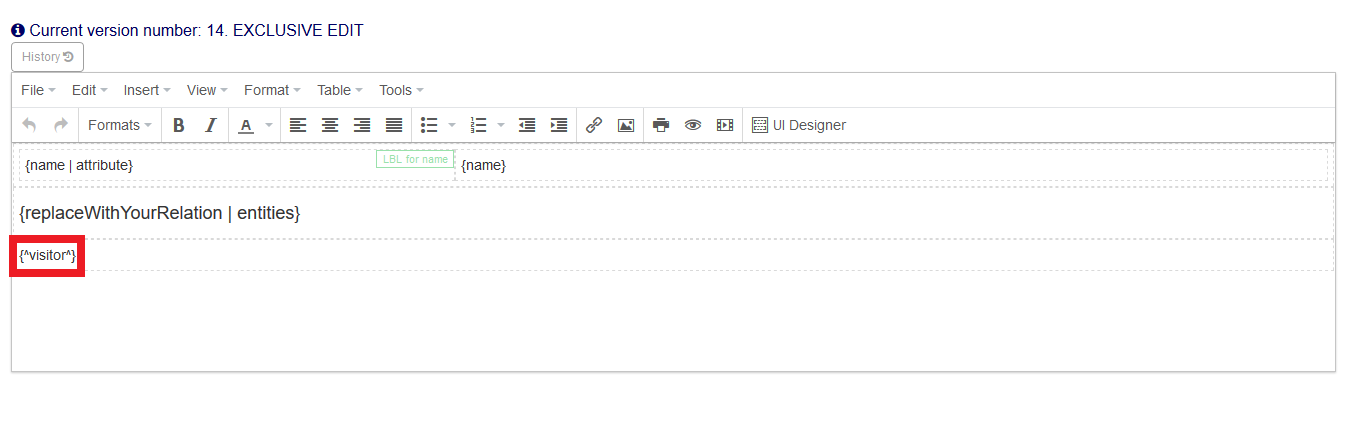
- In the form driven flow's UI editor, insert a relation container with the value based on the entity extension's name, using the following syntax:Copy
{^entity extension name^}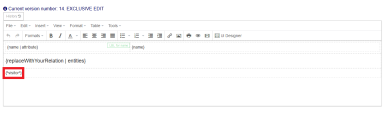
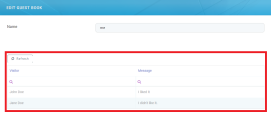
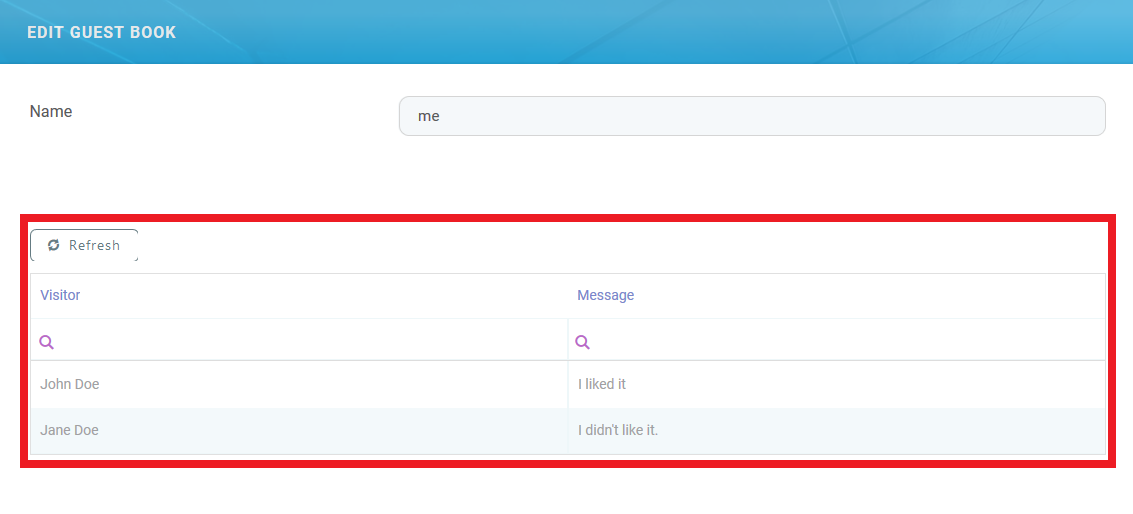
- The corresponding transient data entity's attributes will be displayed in the user interface in a grid based on the transient entity's default view.