Configure the Direct Debit Type
The Billing & Collection solution can be applied to two types of direct debit processing:
-
DIDE SEPA: functionality used for processing payments in the European area,
-
DIDE UK: functionality used for processing payments in the UK area.
For implementing a certain direct debit flow, you must choose its corresponding direct debit type - either SEPA or UK in the Flow Types Settings menu. Follow the steps below to set one of these specific DIDE types:
-
Go to Main Menu > Contract Management > Contract Management Settings > Insurance Settings > Flow Types Settings.
-
In the flow settings list, search for the FTOS_PYMT_DIDEConfiguration flow. Double-click to open it.
-
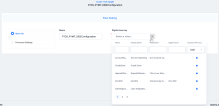
In the Main Info tab, select the digital journey for this setting:
-
In the Processor Settings tab, open FTOS_PYMT_DIDEProcessor. In the Edit Processor Settings form, locate the Settings JSON field.
-
In the JSON string, locate the
typekey. Set the value of the key as either SEPA or UK.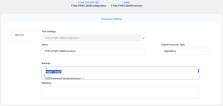
-
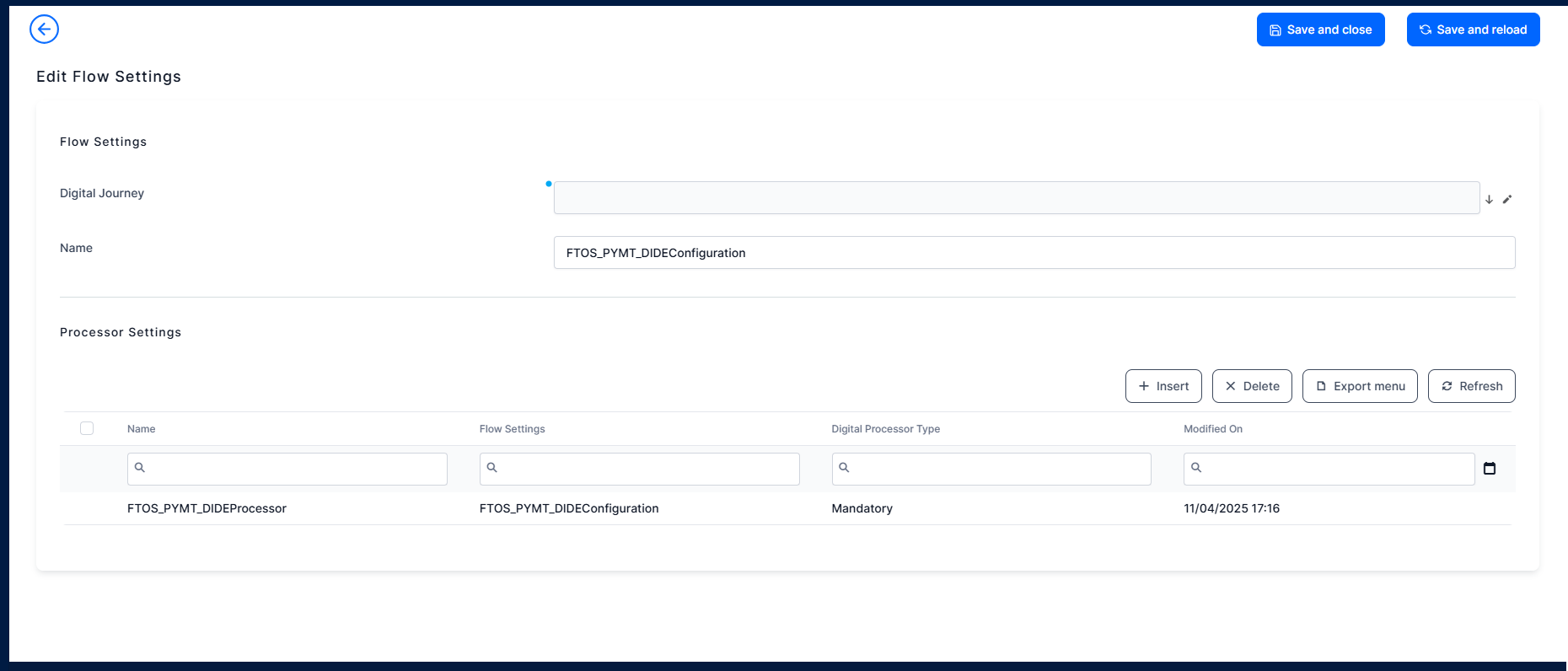
Click Save and Close. You are redirected to the Flow Settings form. The record in the Processor Settings grid is now updated with the chosen DIDE type.


You can make the same configuration in FintechOS Studio as per steps below:
-
Go to Main Menu > Digital Experience > Digital Flow Processing.
-
In the flow settings list, search for the FTOS_PYMT_DIDEConfiguration flow.
-
From here, open the record, and then go through steps 4-8 in the flow above.