Configuring the Email Templates
You can customize the emails sent to the Customer Representative. These emails are used to obtain the consent and to permit the connection to the Codat platform. To make the necessary changes according to your business needs, follow the steps below:
-
Log into FintechOS Studio.
-
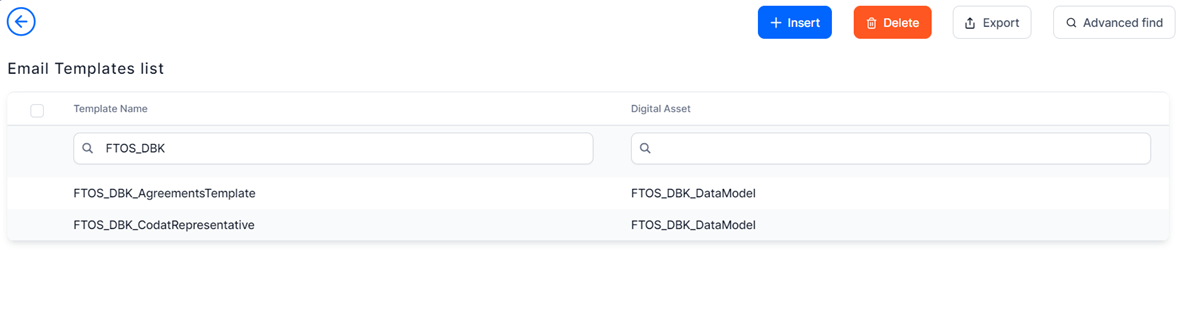
From the main menu, click Admin > Email Templates and search the following email templates used in the SME Digital Lending and Underwriting solution: FTOS_DBK_AgreementsTemplate and FTOS_DBK_CodatRepresentative.
-
Double-click on the email template you want to modify and use the text editor features to make the desired changes.