Submitting or Rejecting an Application
After you review and complete all information regarding the SME applicant and the application, you need to establish a resolution on the application.
Submit the Application
-
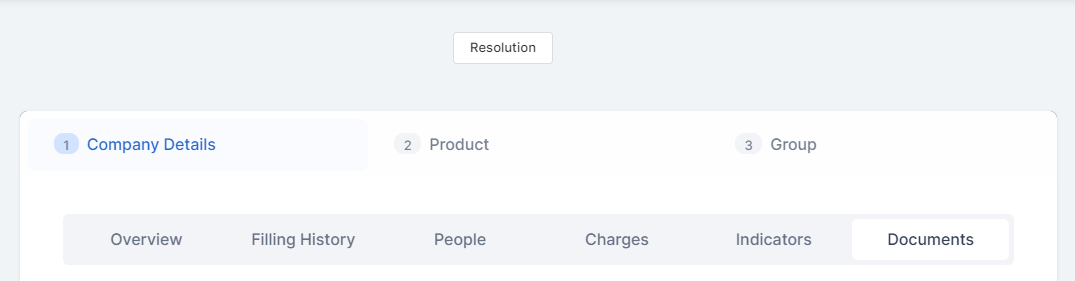
Click the Resolution button and then click Submit the Application.

-
When you click the Submit the Application button, additional automatic checks perform as follows (the OR condition applies):
-
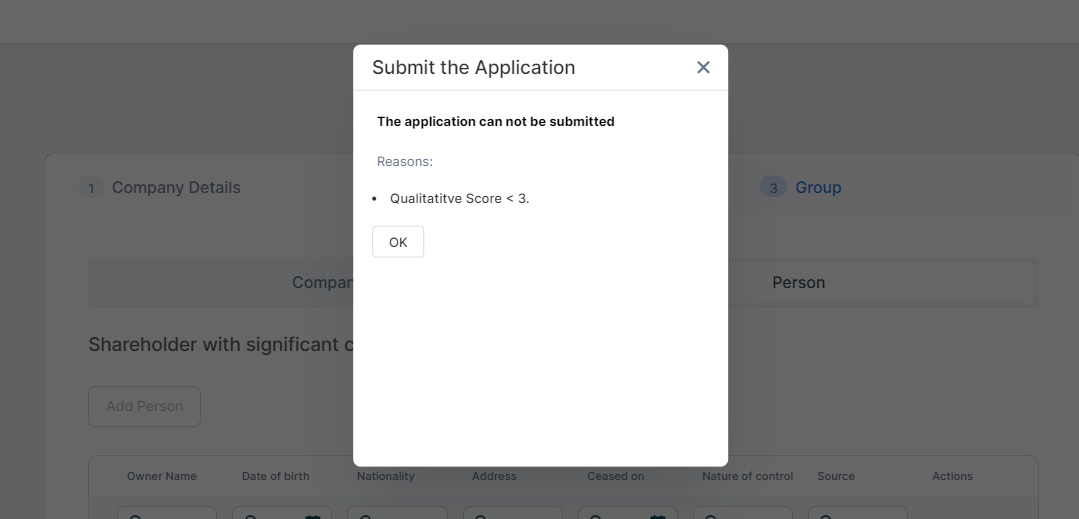
An application for which the quality score is <3 can't be submitted. This score is calculated in the Indicators > Qualitative tab.
-
An application that has Net Profit<=0 in the last year can't be submitted. This value is used from the Codat integration. If not available, then the value is used from the Experian integration.
-
The solution uses the LexisNexis integration for evaluating compliance. If the score brought from the LexisNexis integration is >=95 for records with type=20, then the application can't be submitted.
-
-
If the validation rules are not met (at least one), the following error message is displayed together with the reason: "The application cannot be submitted!" and you can't approve the application. See the example below:
-
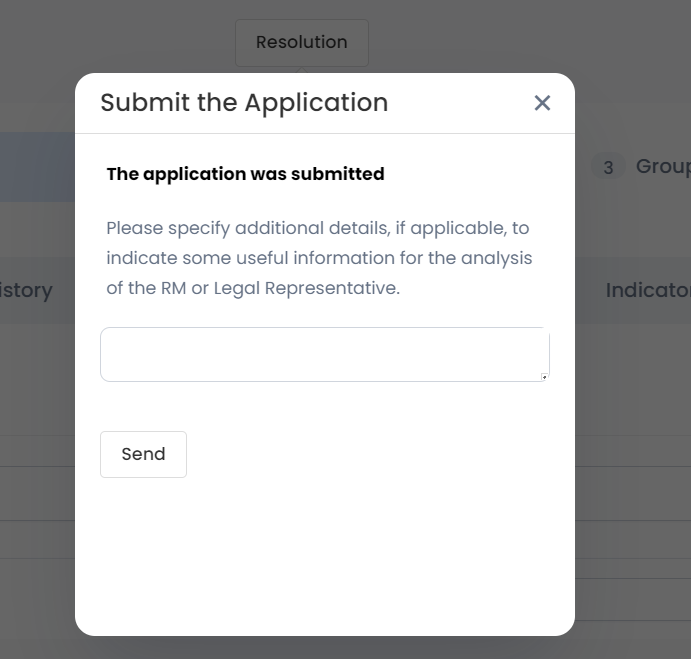
If one of the validation rules is met, then a confirmation screen is displayed.

-
Enter a comment and then click Send. The application is submitted.

Reject the Application
-
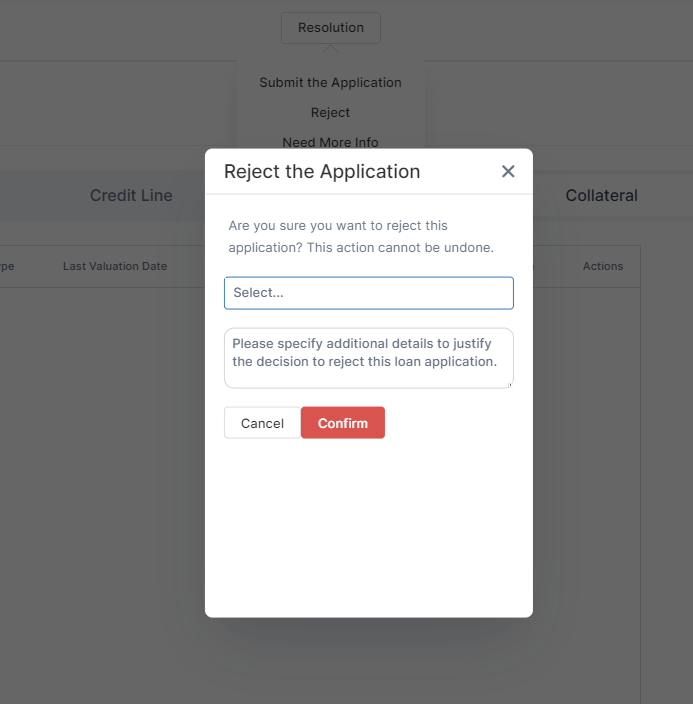
Click the Resolution button and then click Reject if the application does not meet the minimum requirements.
-
Select a reason or multiple reasons for rejecting the application and add a comment to justify the decision. The following options are available: Low credit score, Insufficient cash flow, Too many debts, Insufficient time in business, Incomplete papers, Lack of guarantees, Risky business/industry, Criminal records associated with business owners, Unrealistic business plan, Distribution of customers, General economic concerns, CCJ issues, Qualitative score, NetProfit, Banckruptcy, Not Eligible.
-
After adding the information above, click Confirm. The application is rejected.