Collect Data for the Covered Risks
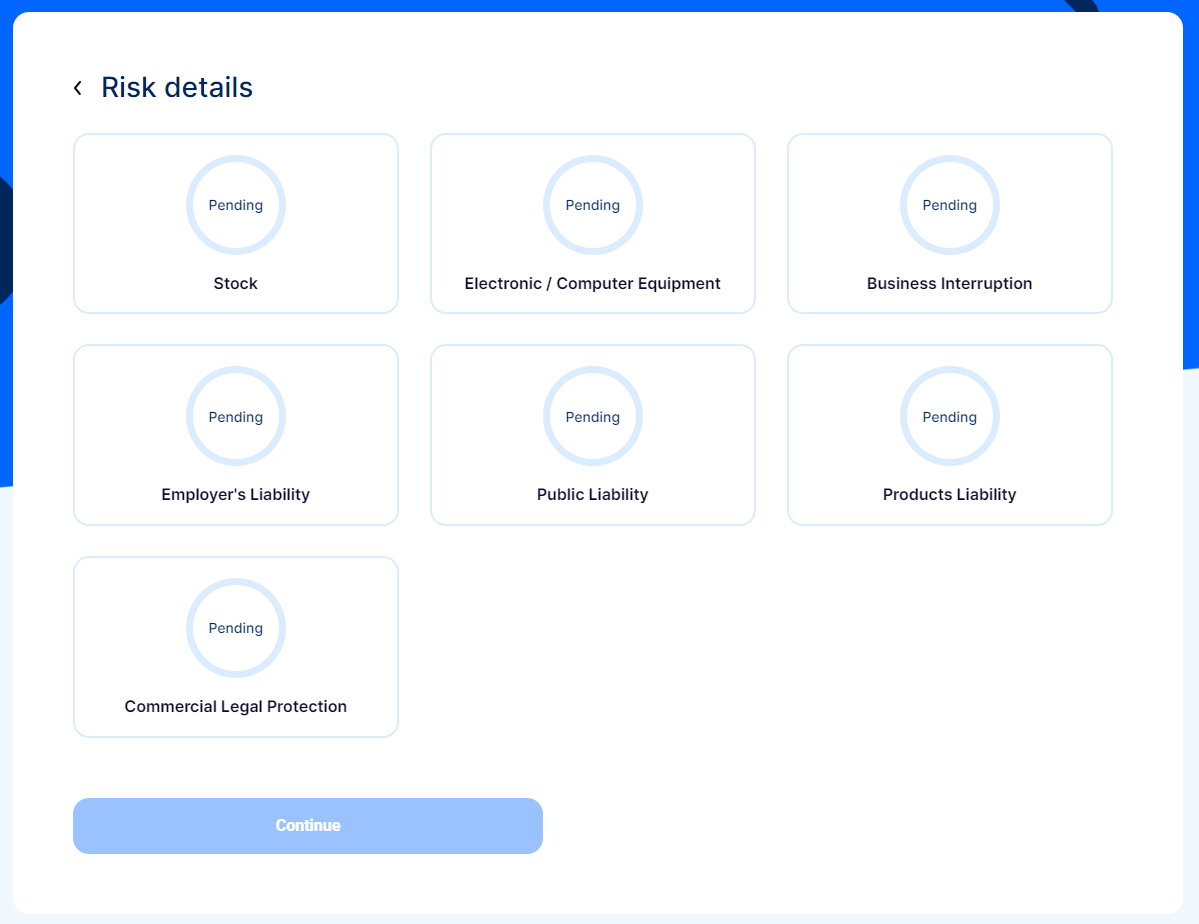
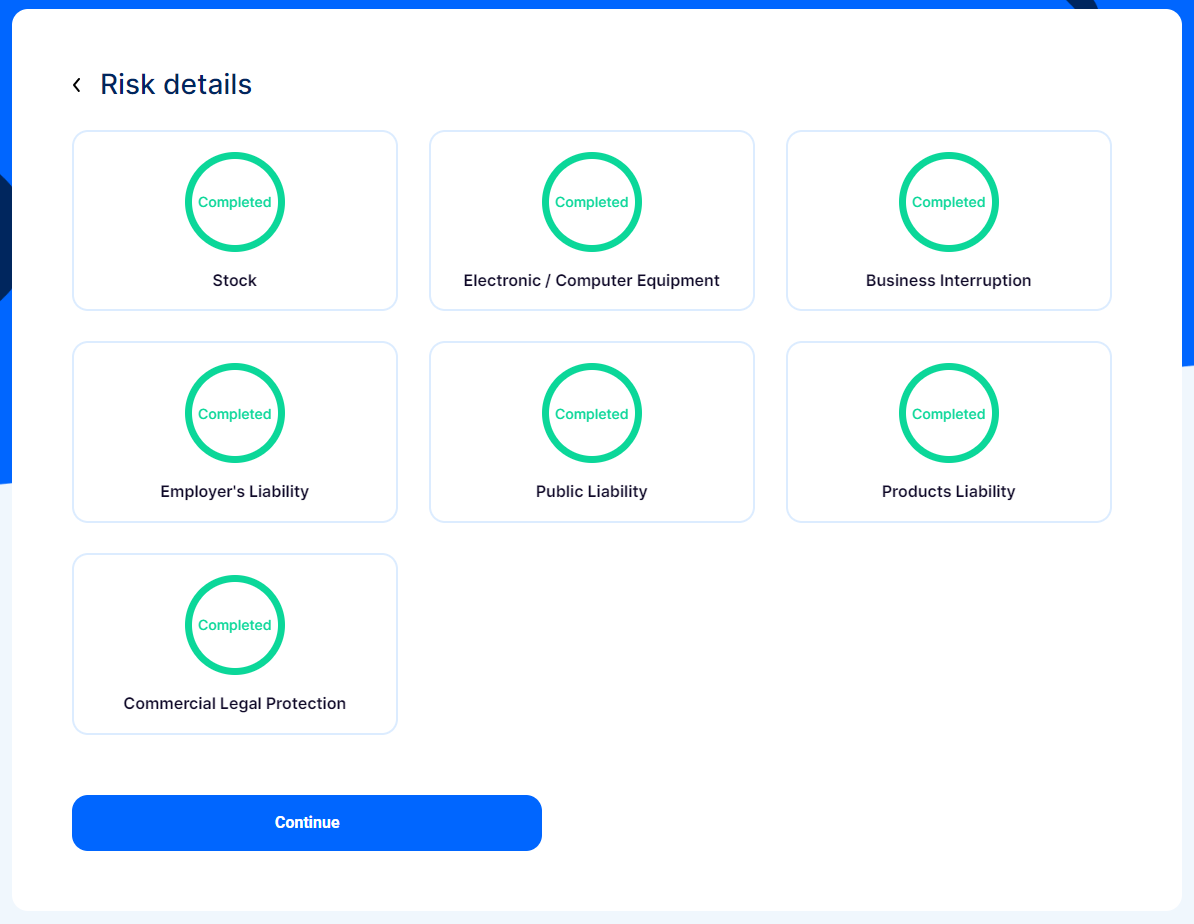
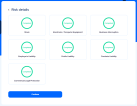
This is the Risk Details section. Here, you find the coverages based on the card selection you have made.
-
View the covered risks displayed on the page.
-
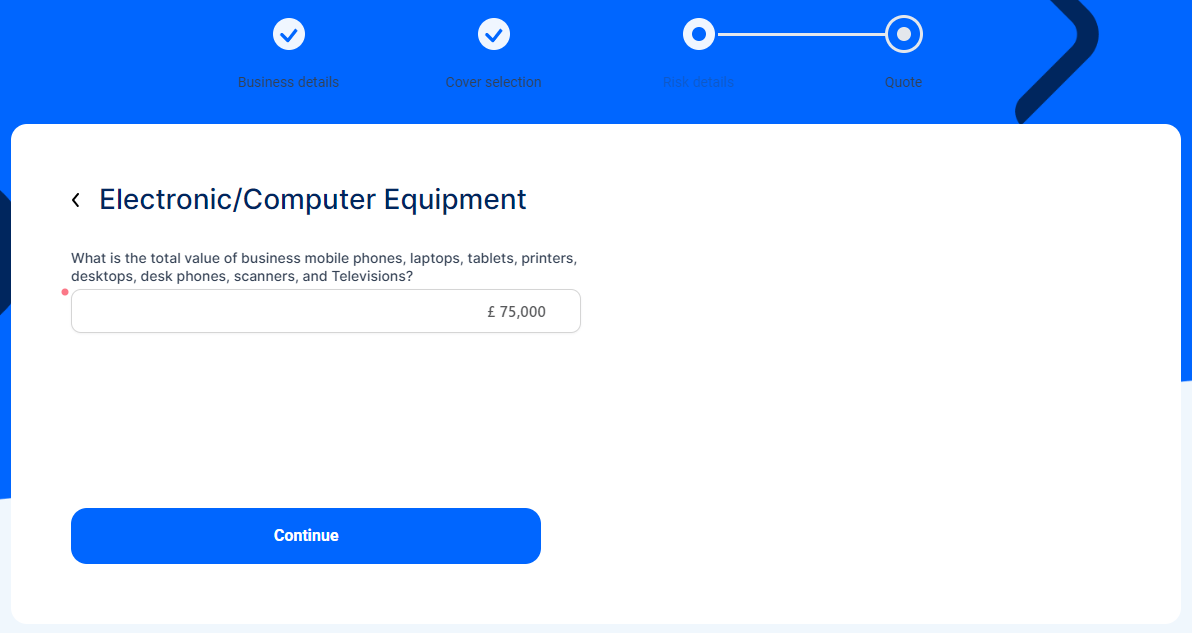
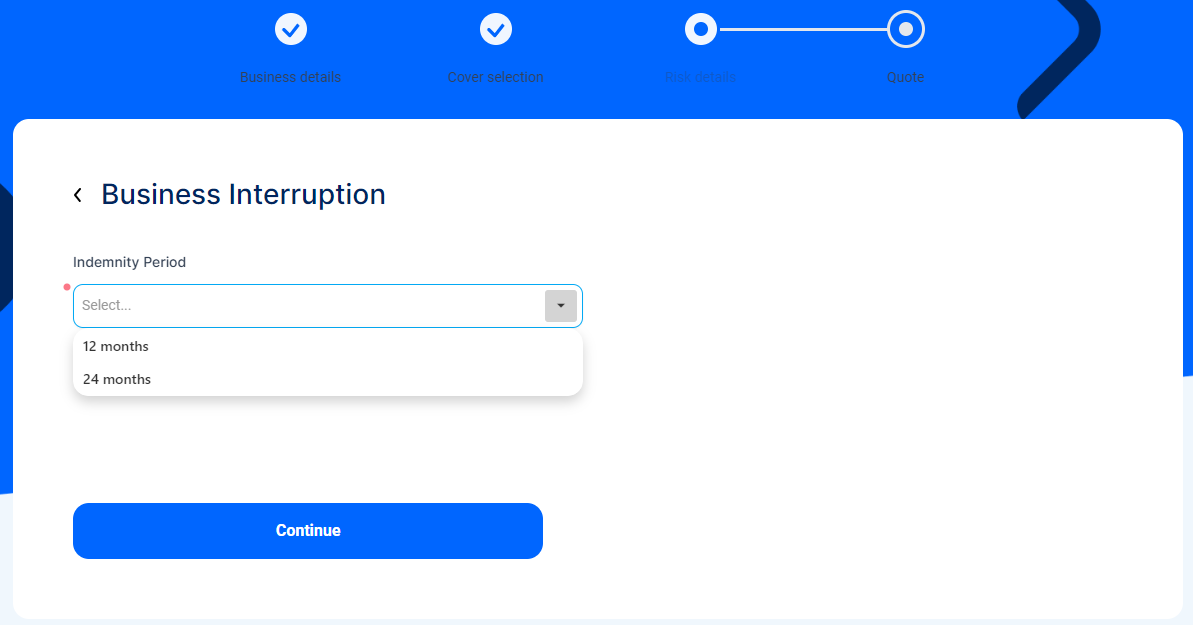
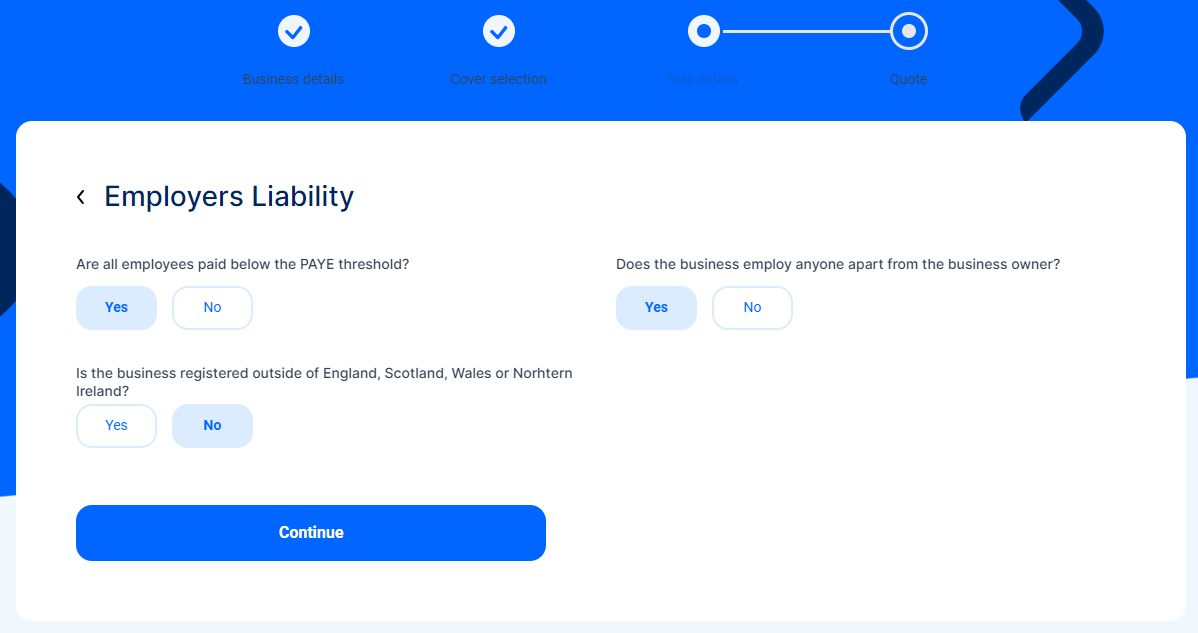
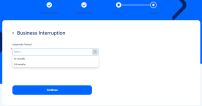
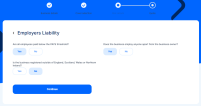
2. Select the Coverage. For each, you need to answer specific questions, for example, you need to either specify the value of an insured object or provide answers to additional questions that help rate the risk. Here are some examples:
-
Make sure to complete the questions for all the displayed risks, to be able to advance in the journey.
-
Click Continue to advance to the Declarations form.
-
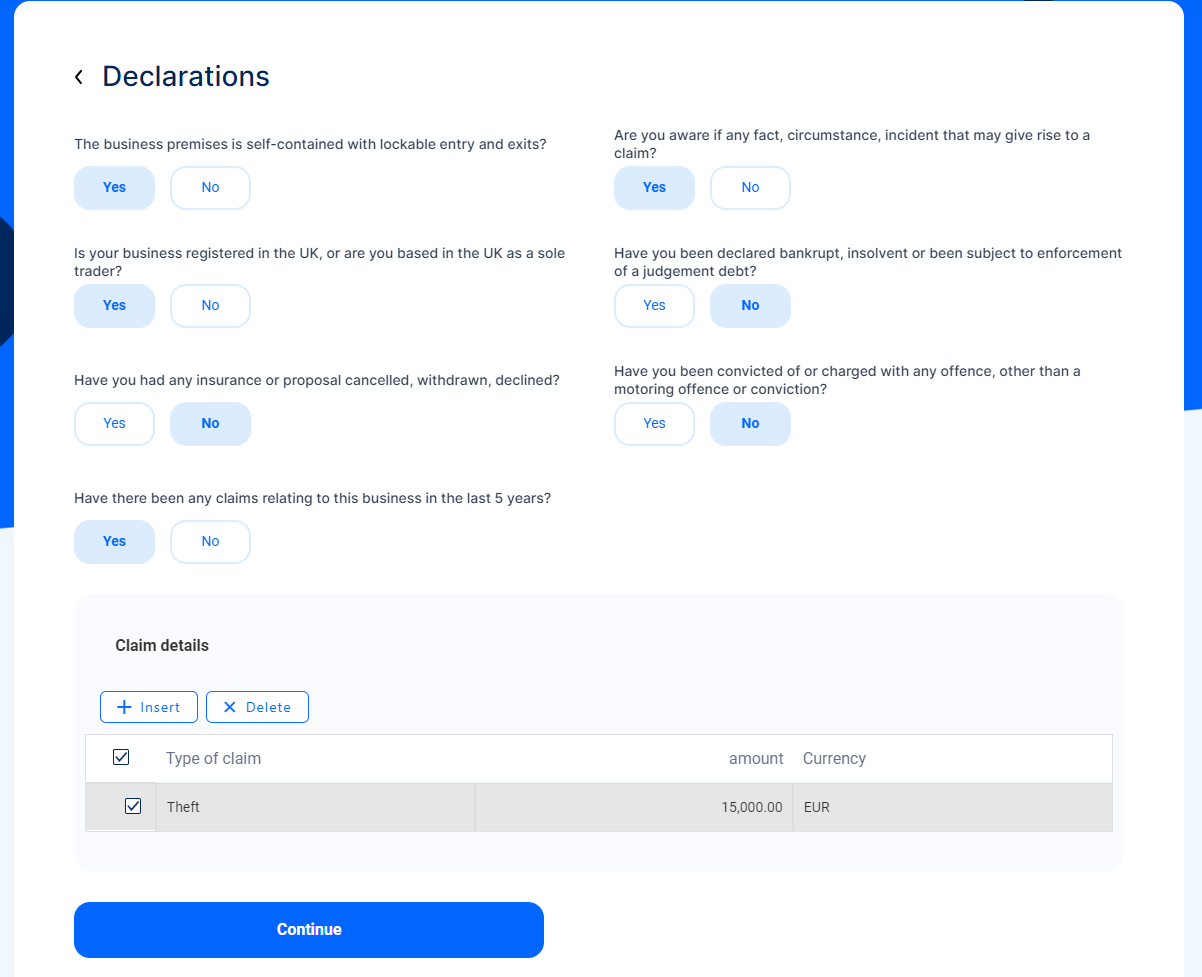
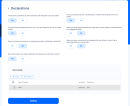
Answer the Yes or No questions displayed on the page, according to the business' situation. If you answer Yes to the last question regarding past claims, the Claim Details grid unfolds. Select the records of the claims related to the business in the last 5 years.
-
Click Continue to advance to the Quote section.