Input the Business Details
This is the starting page of the journey.
-
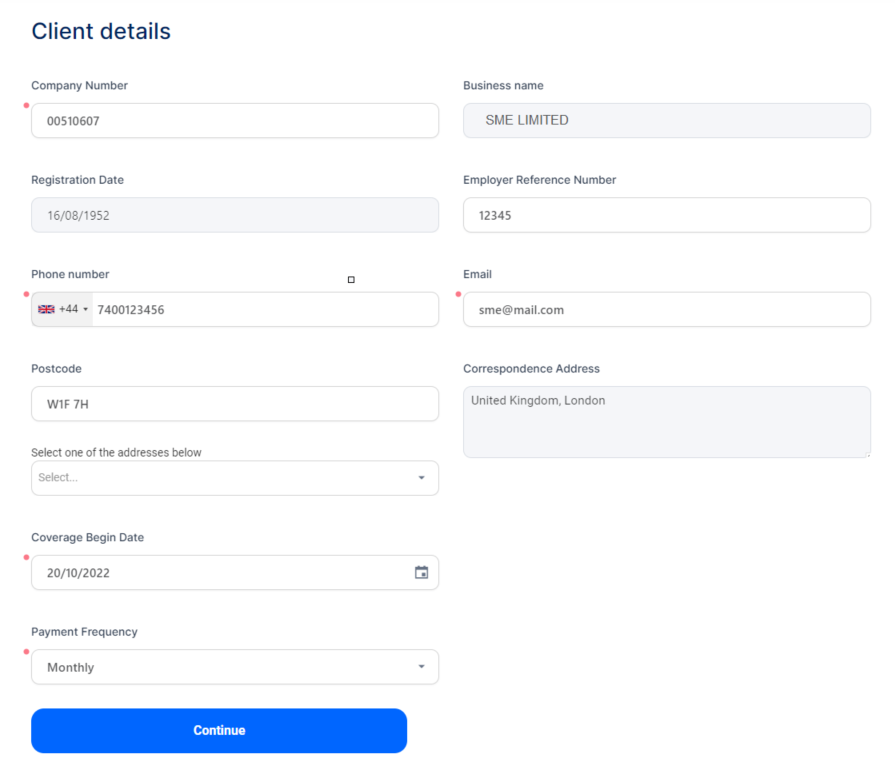
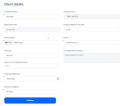
In the Client Details form, fill in the Company Number field. The Business Name, Registration Date, Postcode, and Correspondence Address fields are automatically completed with the data of the company with the number that you have entered. You can also choose a correspondence address from the drop-down below the Postcode. The addresses attached to the entered postcodes are sourced via the pre-configured Ideal Postcodes Connector.
-
Enter the company's contact details: Phone Number and Email address.
-
Select the Coverage Begin Date and the Payment Frequency.
-
Click Continue to advance to the Business Details form.
-
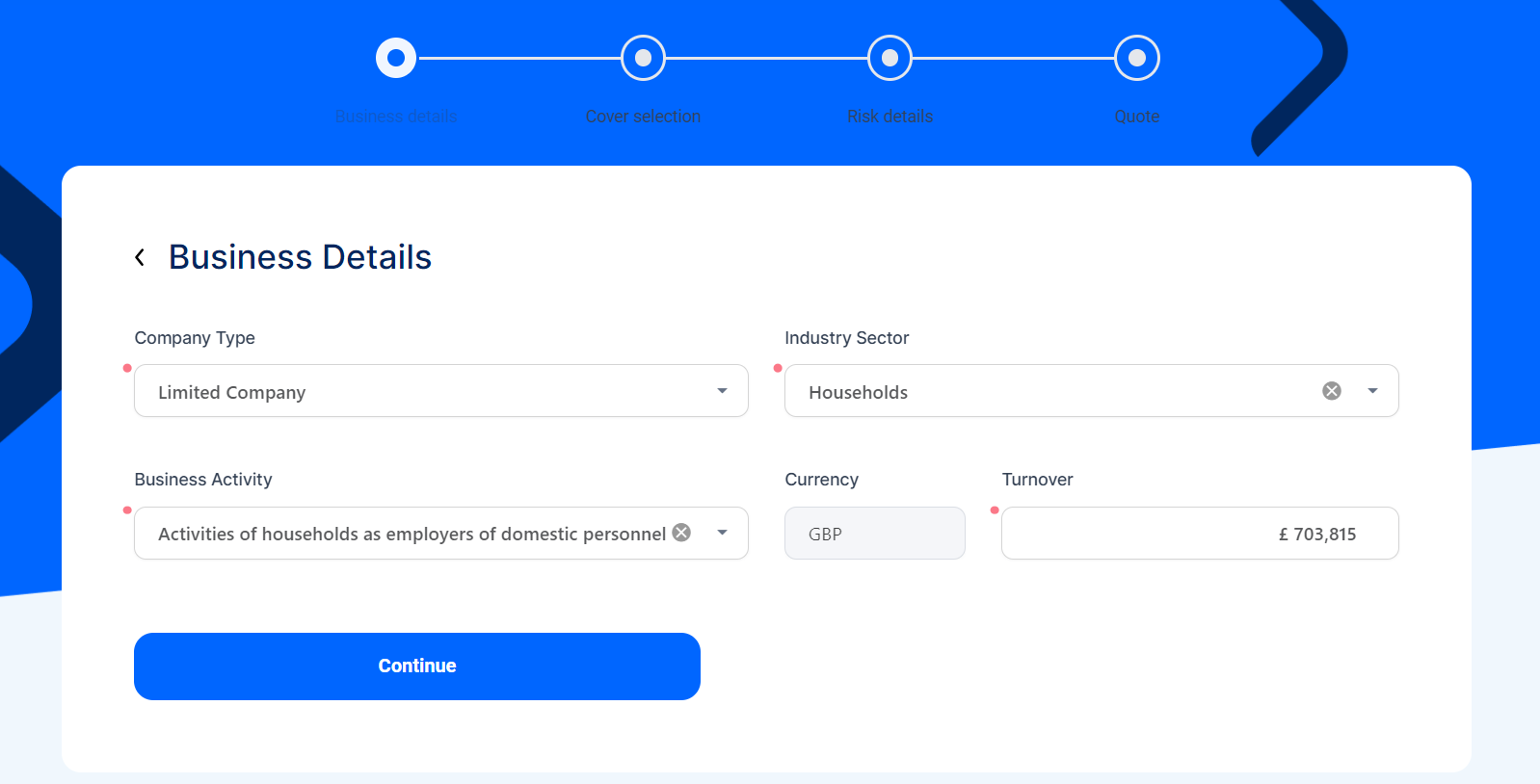
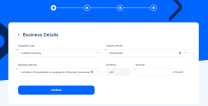
Input the business details, as per the example below:
-
Click Continue to advance to the Employee Details form.
-
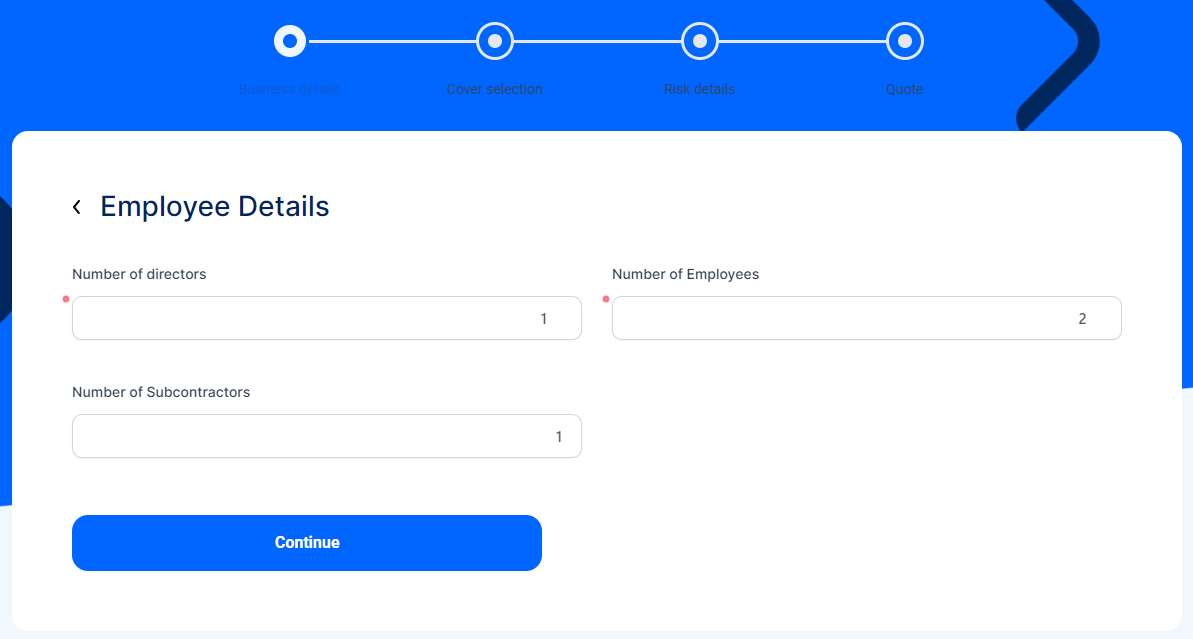
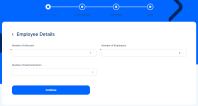
Input the details regarding the company's employees, as per the example below.
-
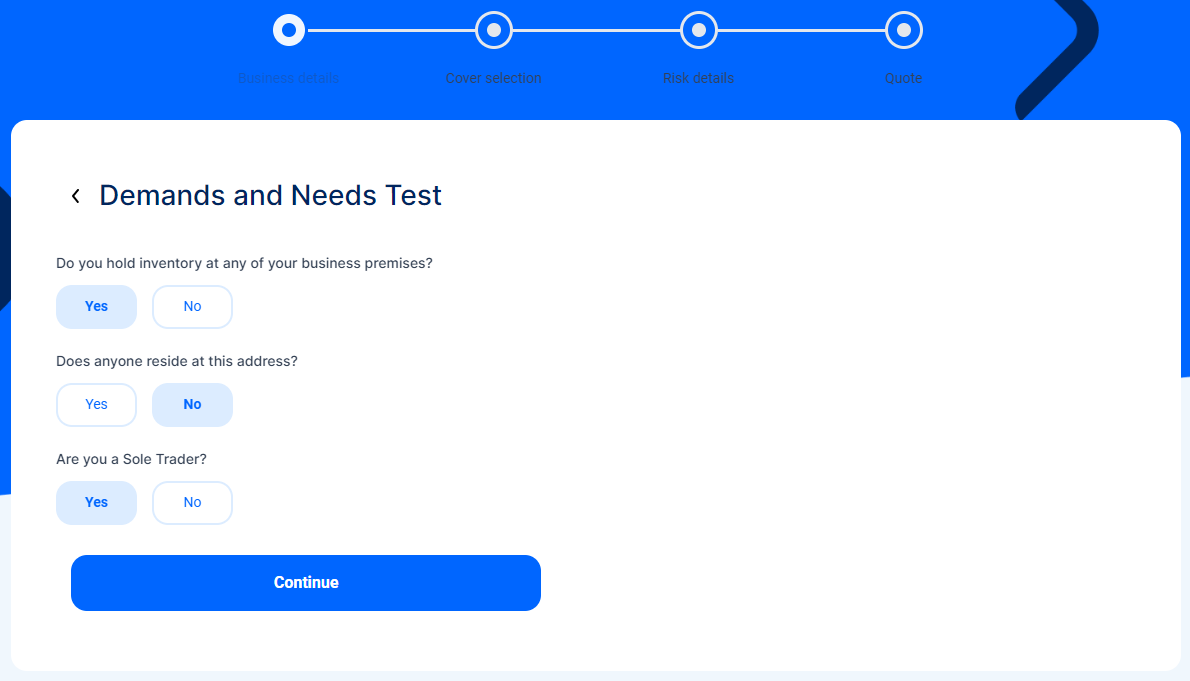
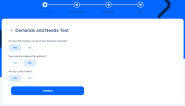
Click Continue to advance to the Demands and Needs Test.
-
The answers to the displayed Yes or No questions determine the personalized offers shown for your business.
-
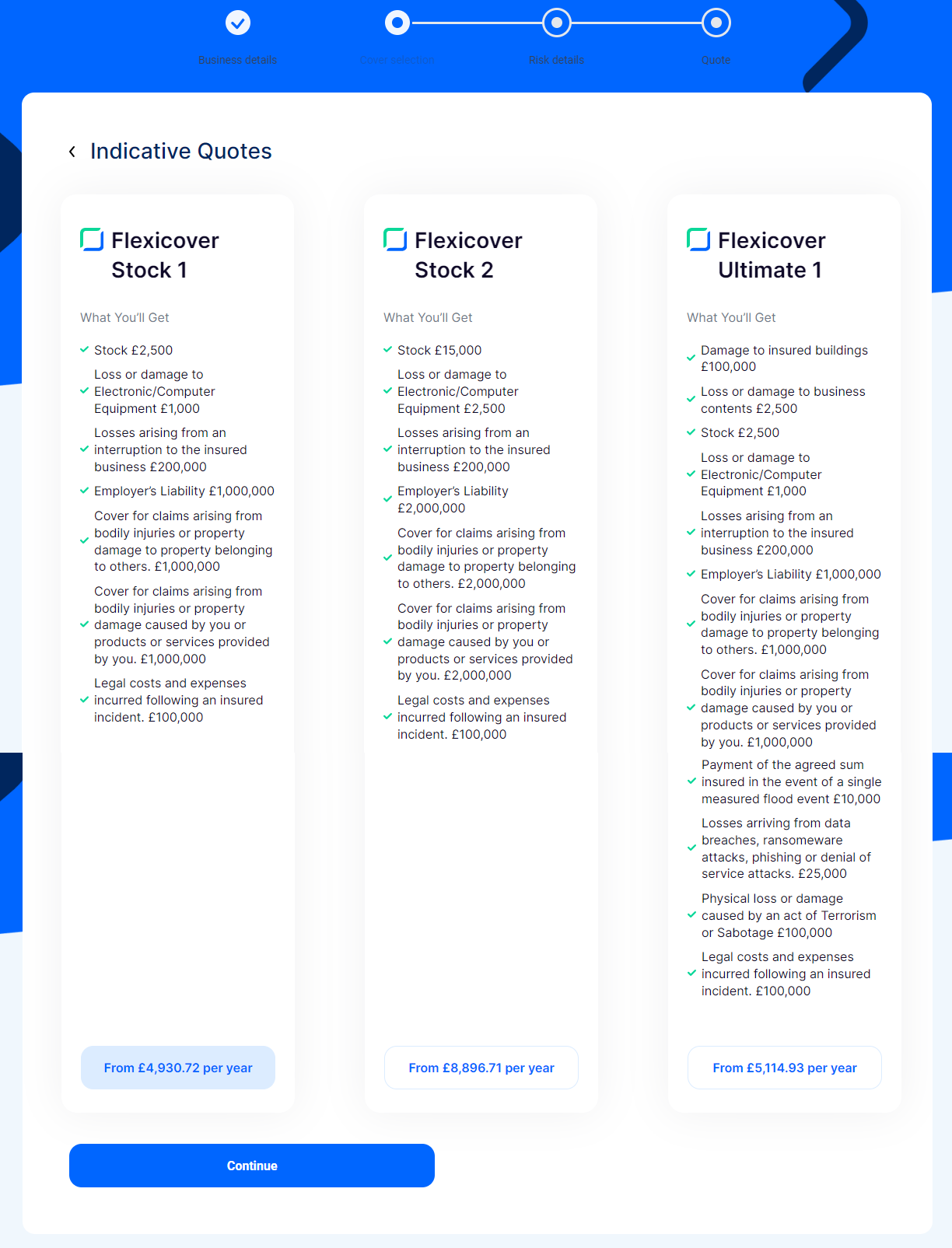
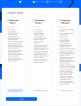
Click Continue to advance to the next milestone of the journey, the Cover Selection section. Here, you are presented with three offers, tailored for your business. For each offer card, you can see the coverages and the insured amount. You can configure the offer cards and the covers they include by using the Proposal Configurator solution.
-
On the Indicative Quotes page, select the most suitable offer for your enterprise.
-
Download and view the following documents in Word (.docx) format: Policy Wording, Summary of Cover, and Terms of Business.
-
Click Continue to advance to the Risk Details section.