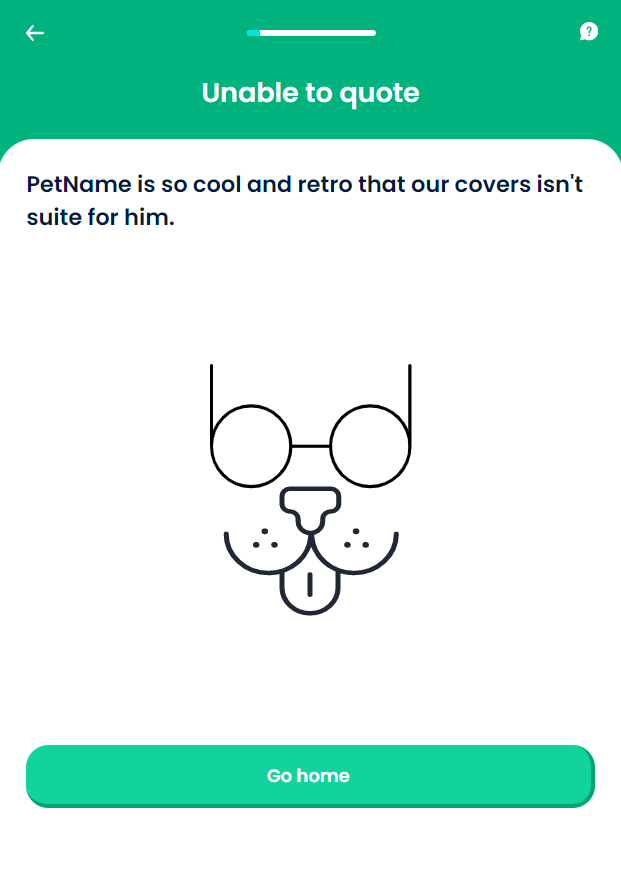
Unable To Quote
There are cases when a pet is ineligible for this insurance product, or for another Pet Insurance product created by the insurer. This screen allows the insurer to display the reason for declining the quote, so that the customers understand why they are not able to obtain cover. Being clear about what can be covered still sends a positive message to the customer, who might own more than a pet. For this step, the values inserted by the user are stored in the Pet Quote entity.
From here: When the user presses Go home, the journey ends.
On-Screen Assets
The following user interface components are included with the Unable To Quote screen:
| UI Components | Description |
|---|---|
| Progress Bar | The progress bar gives the user a visual answer to the "How much till I get insurance for my pet?" question. |
| Back Button | The back button helps the user to re-take previous steps in the flow. |
| Help Button | The help button allows the user to find support for completing the flow. |
| Heading Title | The following heading title is displayed in the header section: Unable to quote |
| Text | The following text is displayed in the header section: (pet name) is so cool and retro that our covers isn't suite for him. |
| Action Button | Go home - This button is used to end the journey. |
For details about the default UI style components used for creating the journey, consult the UI Style Components list on the Customer Journey page.
Below is an example of the Unable To Quote screen: