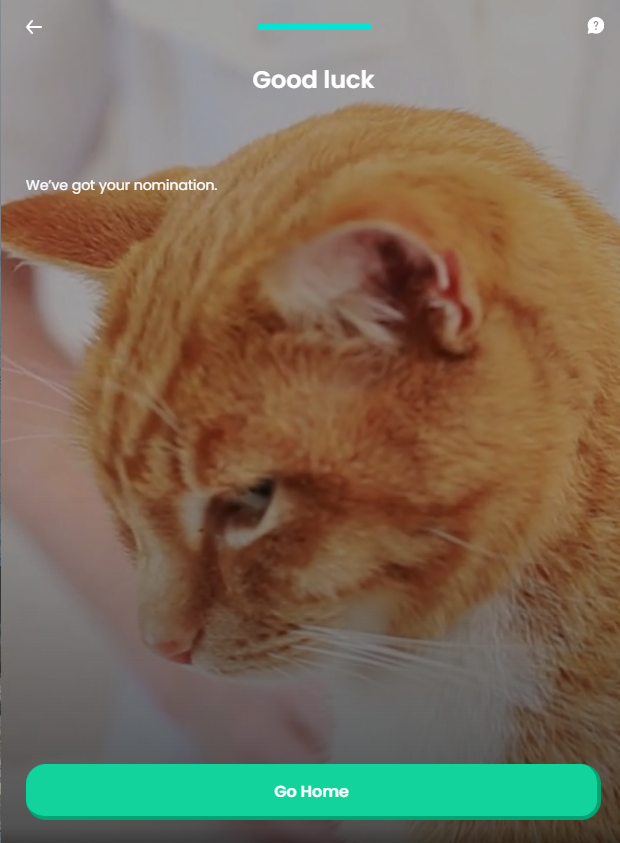
Good Luck
In attempting to end the journey on a positive high note, this screen displays the success message with regard to the charity nomination.
From here: When the user presses Go home, the journey ends.
On-Screen Assets
The following user interface components are included with the Good Luck screen:
| UI Components | Description |
|---|---|
| Progress Bar | The progress bar gives the user a visual answer to the "How much till I get insurance for my pet?" question. |
| Back Button | The back button helps the user to re-take previous steps in the flow. |
| Help Button | The help button allows the user to find support for completing the flow. |
| Heading Title | The following heading title is displayed in the header section: Good luck |
| Supporting Text | The following supporting text is displayed in the middle section: We’ve got your nomination. |
| Action Button | Go home - This button ends the journey. |
| Video | Happy pets (background video) - From the public domain, released under the Creative Commons (CC0) license. |
For details about the default UI style components used for creating the journey, consult the UI Style Components list on the Customer Journey page.
Below is an example of the Good Luck screen: