Video Recording
If the data was inserted successfully in the system in the previous step, the potential customer can access the video recording part of the session. This step has the following phases:
- face recognition
- liveness
- speech.
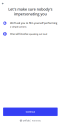
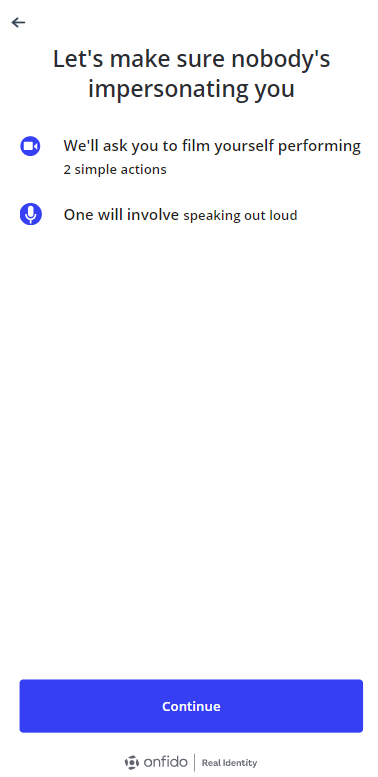
The page entitled Video Recording is displayed with the following message:
- Click Continue.
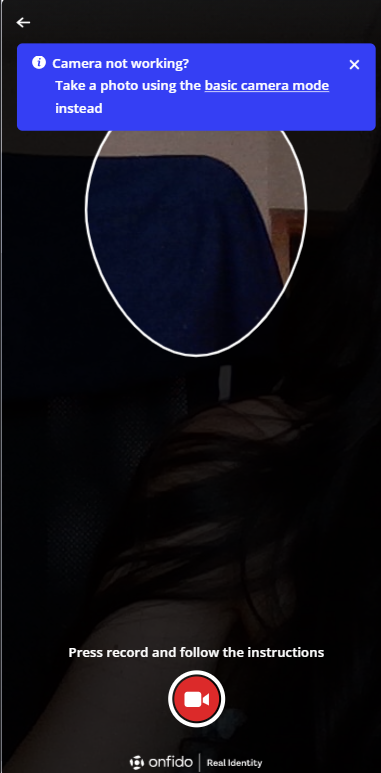
- Click on the red camera icon to start.
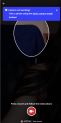
- The processor displays instructions to be performed, including moving your head to confirm you are a live person, not a photograph. The result is matched with the photograph from the identity document from the database.
The video recording is necessary for the customer to progress in the application. If this step is failed the business status is changed to Rejected–FaceRecognition as presented in Configuring the Business Workflows Processor.
The user has 5 possibilities to retry should the video recording fail.