Your Trip
After selecting the Pay now option to pay for the trip using the loan that has been acquired, the payment is processed and it may take a few moments because the system issues the payment to the individual suppliers. These screens are available only when the payment transfer has been successfully completed.
1 Payment Confirmed
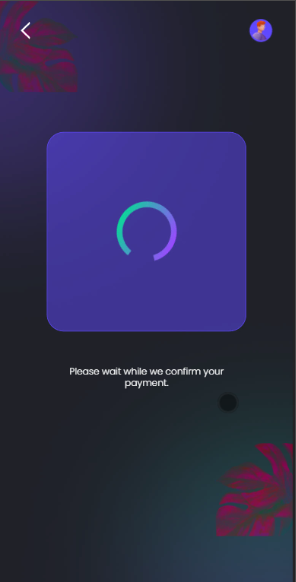
The customer waits on this screen while the payment is being processed.
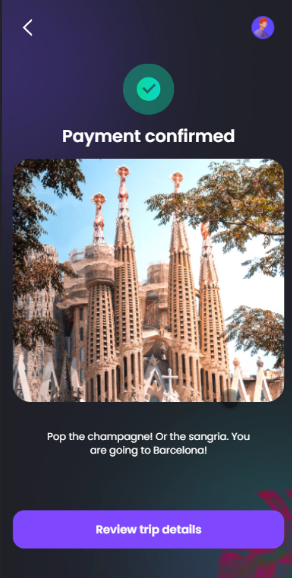
Once it is confirmed, click on Review trip details.
2 Your trip
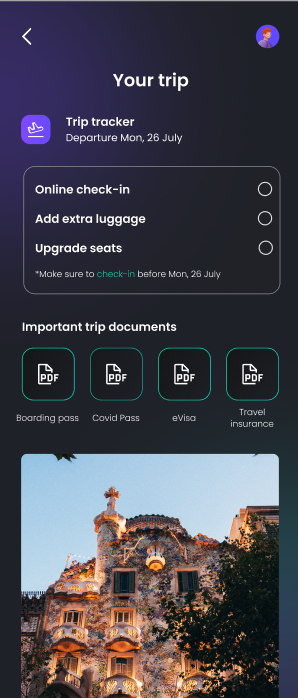
In this screen, there are instructions for further action to take for the flight tickets:
- Online check-in
- Add extra luggage
- Upgrade seats
Click on any of those to be directed to the flight operator's website.
Next, the application stores your important travel documents, such as:
- boarding pass,
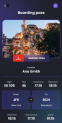
- Covid Pass,
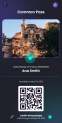
- eVisa,
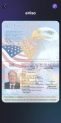
- Travel insurance.
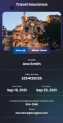
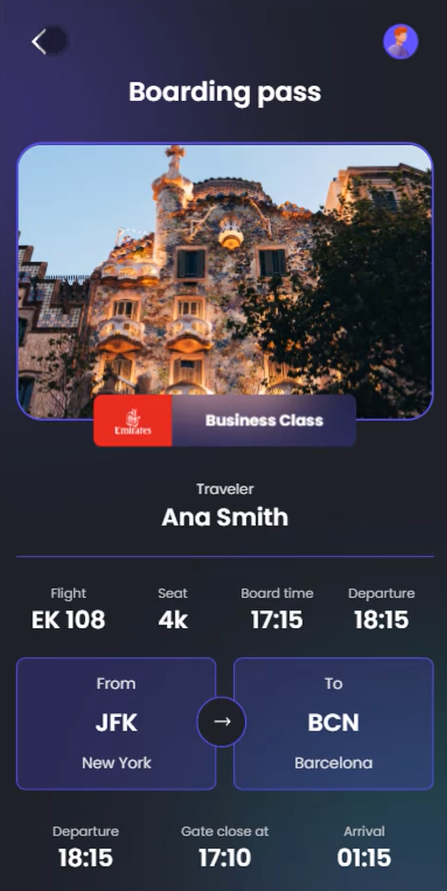
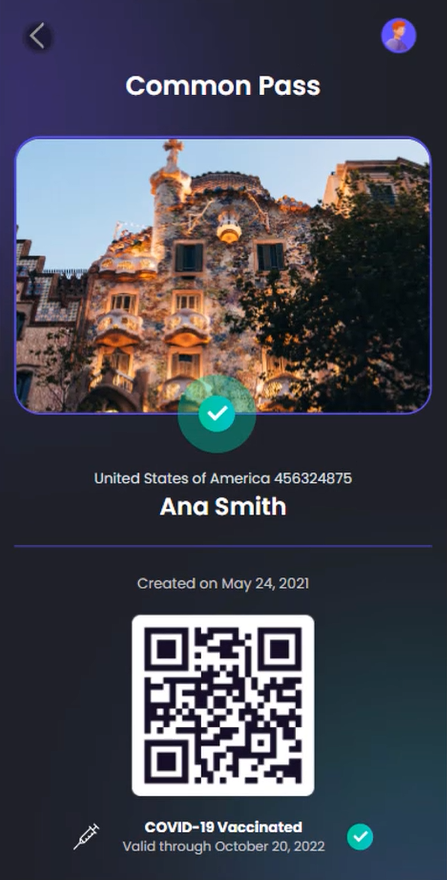
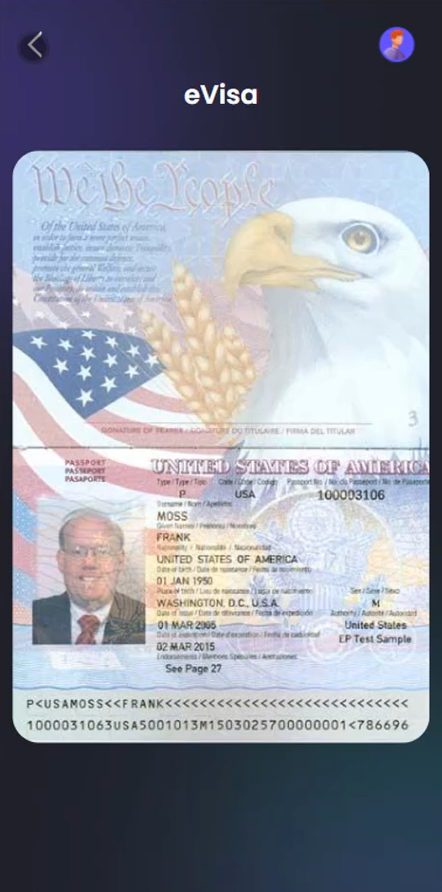
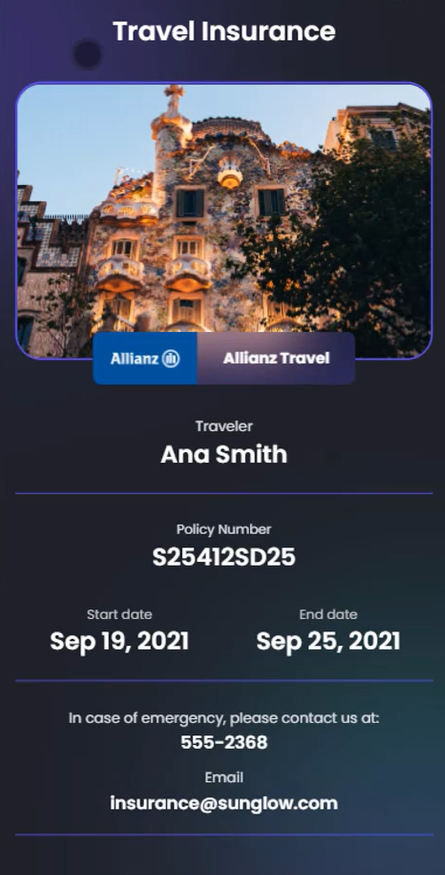
Moreover, there is a section where to plan the itinerary for the trip by searching for locations to visit, finding a tour guide and sharing and planning together with a friend.
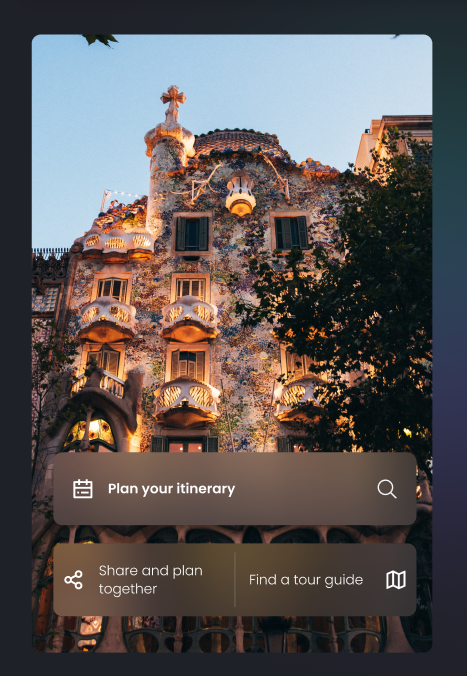
Underneath that, the system offers other options for experiences.

For the cities Barcelona, Paris and London, there are six options for experiences. Two options are displayed and by clicking Show more the rest are displayed.
Click on Go to homepage, to access Homepage.
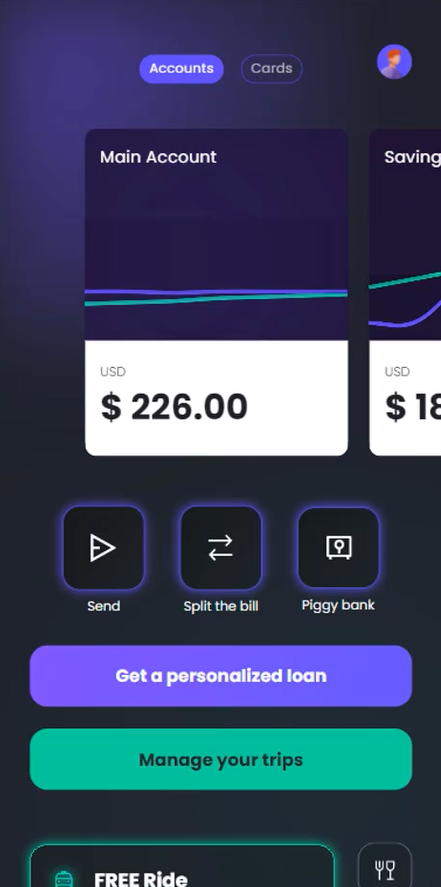
The Homepage has accommodated a Manage your trip button, which returns the customer to the page Your Trip.