Reconciliation Accounts
Reconciliation is an accounting process that compares two sets of records to check that figures are correct and in agreement. Reconciliation also confirms that accounts in the general ledger are consistent, accurate, and complete. Core Banking uses reconciliation accounts in its accounting processes, while Banking Product Factory uses such accounts in the product definition itself, as tools for monitoring the activity for a specific product or groups of products. Reconciliation accounts are also known as self-bank accounts or internal bank accounts. When creating a banking product, you must choose such a reconciliation account within the Associated Transactions tab of the banking product. These accounts are later used by the contracts based on those banking products when performing debit or credit transactions.
Banking Product Factory enables you to manage the reconciliation accounts used within your bank in the Reconciliation Accounts menu.
To manage reconciliation accounts:
-
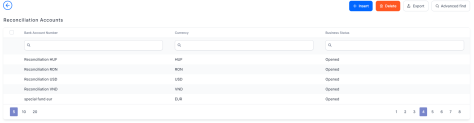
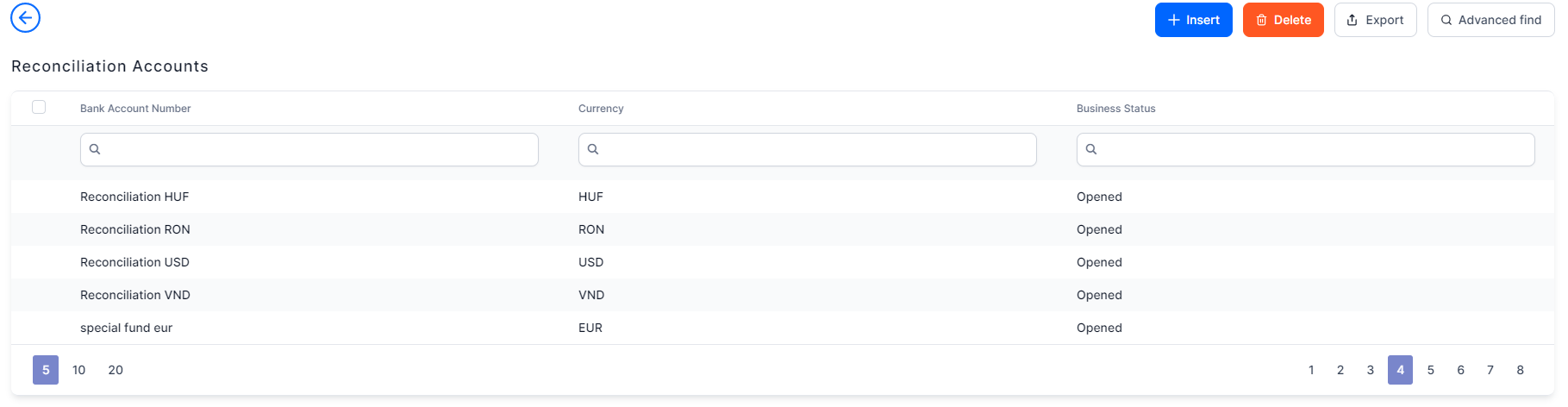
In the main menu, click Product Factory > Banking Product Dictionaries > Reconciliation Accounts, and the Reconciliation Accounts page opens.
-
On the Reconciliation Accounts page, you can: create a new reconciliation account, edit an account from the list by double-clicking it, search for a specific record by filling in any or all of the column headers of the displayed records list, view the debit and credit operations performed through each reconciliation account by double-clicking the desired account and observing the Debit Operations and Credit Operations sections, or delete an account.
You can insert, update, or delete records if you have the associated role of Banking Product Admin.
Creating Reconciliation Accounts
Follow these steps to create reconciliation accounts:
-
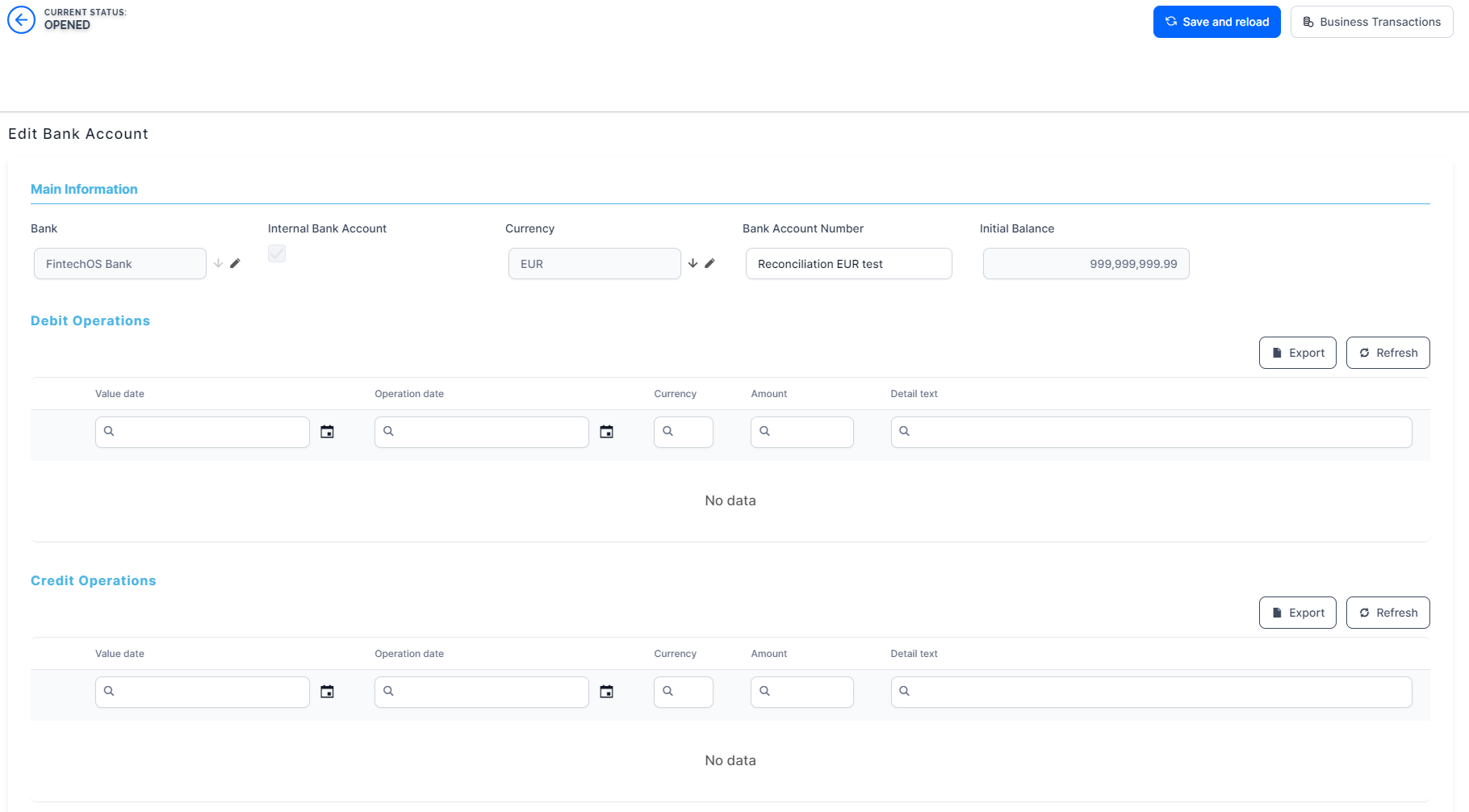
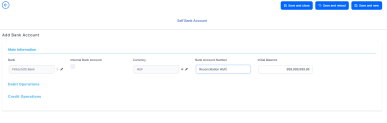
Click the Insert button on the Reconciliation Accounts page. The Add Bank Account page is displayed.
-
Fill in the following fields:
-
Bank: Banking Product Factory automatically completes this field with the bank marked as
Main Bankin the system. -
Internal Bank Account: This checkbox specifies that the account is an internal bank account, used for reconciliation.
Automatically checked asTrue. You can't change this value. -
Currency: Select from the list the currency of the reconciliation account.
-
Bank Account Number: Enter the bank account number for the reconciliation account.
-
Initial Balance: This field represents the reconciliation account's initial amount. It is automatically completed with the value of 999,999,999.00. You can edit the value.
The initial balance is needed especially for those accounts that are used for debit purposes, representing the source for some transactions.
-
-
Click the Save and Reload button. The reconciliation account is saved and its status becomes Opened, ready to be used.
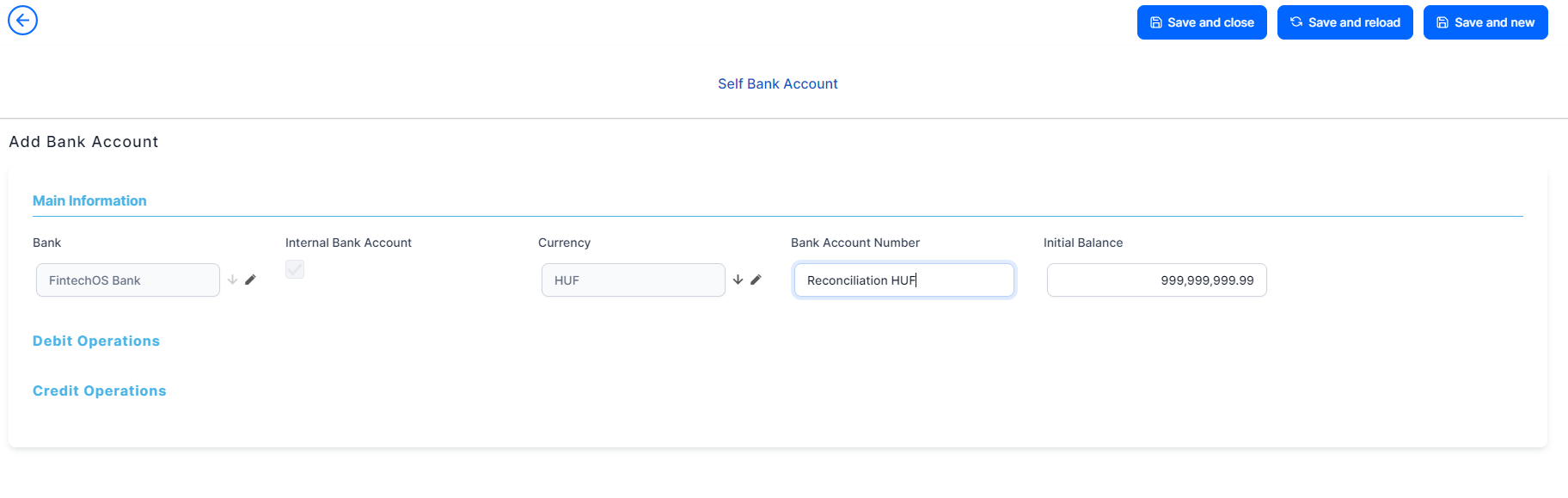
The Debit Operations and Credit Operations sections are now displayed, still empty. New lines show up in these two sections when transactions are performed for contracts based on banking products that use this reconciliation account. The following information is displayed about each transaction:
-
Value date: The date when the transaction was requested in the system.
-
Operation date: The date when the transaction was operated by the system.
-
Currency: The currency of the transaction.
-
Amount: The amount of the transaction.
-
Detail text: The text representing information about the transaction, such as event type, repayment notification number, due date, and so on.