Signature of Documents
After the final offer was selected, then the user can preview the documents for the loan they are acquiring. An email is sent with the paperwork allowing the customer to read at leisure the loan contract, current account contract, FEIS The European Fund for Strategic Investment (EFSI) is an initiative launched jointly by the European Investment Bank Group – the European Investment Bank and European Investment Fund and the European Commission to help overcome the current investment gap in the EU. EFSI is one of the three pillars of the Investment Plan for Europe that aims to revive investment in strategic projects around the continent to ensure that money reaches the real economy. and, optionally, the insurance contract.
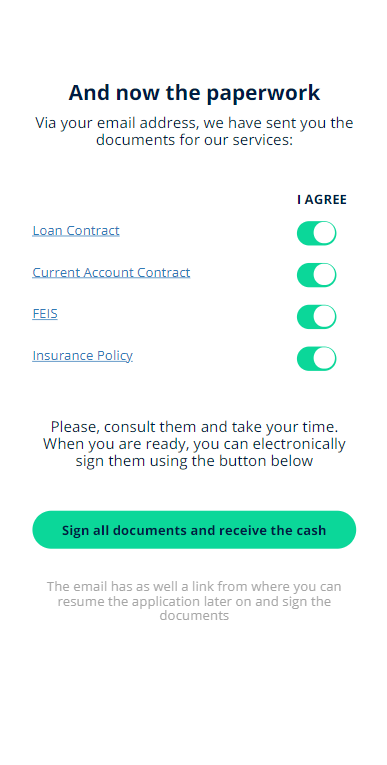
The first screen labeled Preview the documents has all the documents displayed. To view any one of the documents, click on the pdf symbol at the beginning of each row. An email with the documents has been sent as well to allow the user to take their time to read them carefully.
An email is sent with the documents to be read. For details on how the email is configured, see Email and SMS Generation.
To move to the next step, click Sign all documents. The signature is done 100% digitally.
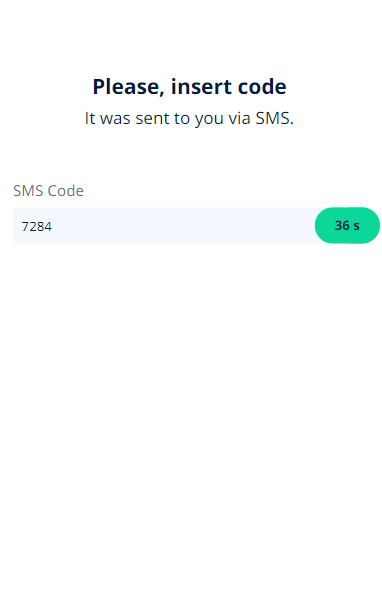
The signature is simulated. An one-time-password is generated.
The customer must:
- Read the contract and agree with the terms.
- Toggle each document.
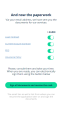
- Click Sign all documents and receive the cash.
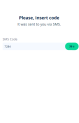
- Insert the One-Time-Password inserted from the SMS received.
If it is inserted wrongly, the system asks to click on Send a new PIN.
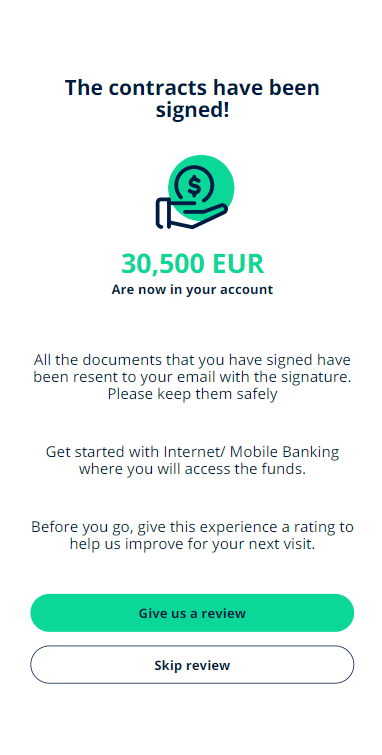
- The documents have been successfully signed. An email is sent with the documents signed as explained in Email.
To see how it was configured, click on Configuring the Documents & Configuring the Digital Flow Settings.