Calling Connectors
Follow these steps to invoke a connector's capabilities in your server automation scripts.
Prerequisites
- Set up the Data Core authentication settings in the Configuration Manager. The following keys must be set:
kv/{environment name}/b2cportal/app-settings/DataCore_ClientIdkv/{environment name}/b2cportal/app-settings/DataCore_ClientSecretkv/{environment name}/b2cportal/app-settings/DataCore_KeycloakUrl
- Verify that the desired connector is deployed and running on your environment (production or sandbox). For more details, see the Console Management Application API documentation.
1 Create a Web API Client Library
Create a Web API client library based on the connector's API definitions file. For details on creating a client library from an OpenAPI specification file, see Web API Client Libraries. Select the Use Service Account Token option to handle authorization automatically when a server automation script invokes the library.
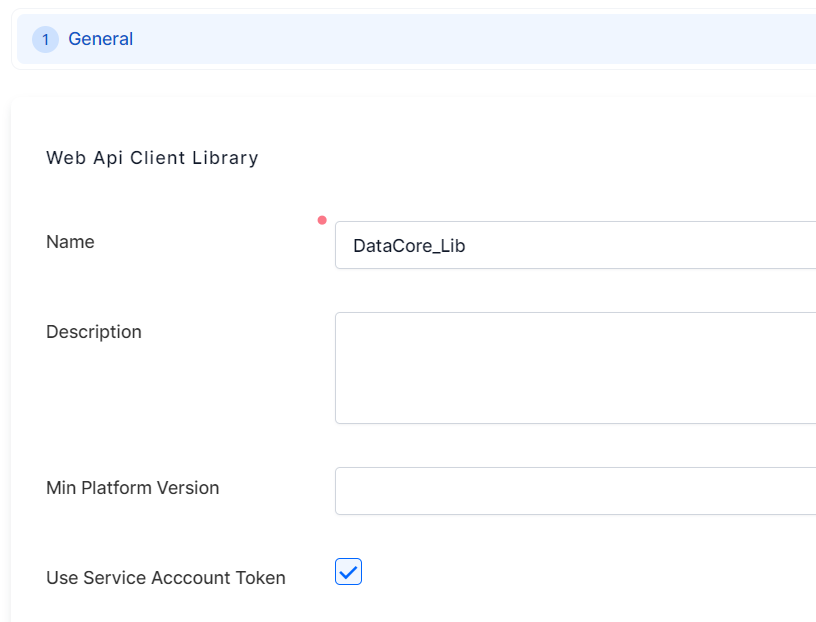
Use the Get Connector endpoint from the Console Management Application API to retrieve the connector's definition URL.
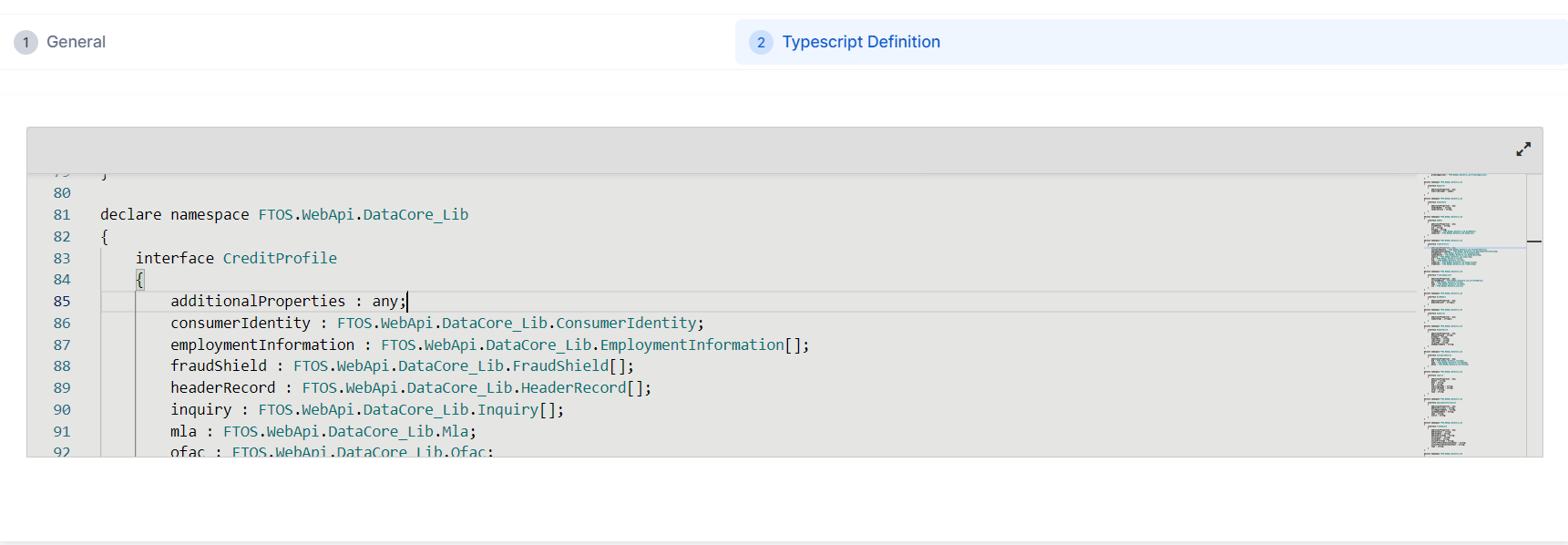
After generating the library, edit its definitions in the TypeScript Definition tab to refine the IntelliSense auto-complete suggestions in your code editor.
2 Store the Connector's Base URL
Create a system parameter to store the connector's Base URL. Reference this system parameter each time you import the connector's Web API client library.
Use the Get Connector endpoint from the Console Management Application API to retrieve the connector's base URL.
3 Create a Utility Code Library
For generic, reusable connector capabilities that are independent from a specific data domain or business process, store the desired methods in a dedicated utility code library. Create a server automation script library that imports the Web API client library and defines any methods you need:
let baseUrl = getSystemParameterByName("DataCore_BaseUrl");
let dcClient = importWebApiClient('DataCore_Lib', baseUrl);

function CreditReport(creditRequest) {
    var response = dcClient.CreditReport(creditRequest);
    return(response);
}

function GetCreditReportHeaderRecord(creditRequest) {
    var response = dcClient.CreditReport(creditRequest);
    return(response.creditProfile[0].headerRecord);
}
4 Call Connector Methods in Your Scripts
Attach the utility library to your server automation script and call the desired methods:
var result= CreditReport(payload);
Other Integration Patterns
The steps above describe calling connectors from FintechOS Platform server automation scripts. For other integration patterns (direct REST calls from external systems, testing with Postman), see Getting Started.