System User Information
Follow the below steps to add system user information:
- In FintechOS Studio, go to Main Menu > Security > System User Information to display the System User Information list page.
-
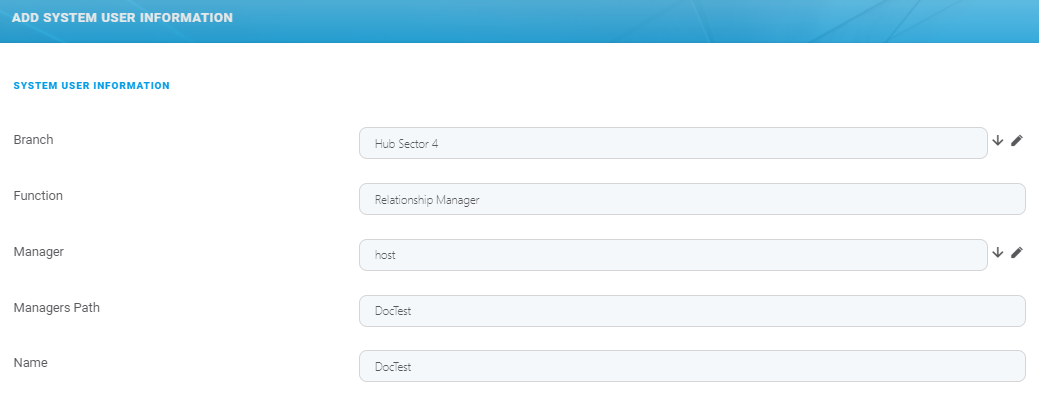
Click the Insert button in the top right corner. The Add System User Information page is displayed.
-
Fill in the following fields:
Field Type Required Description Branch Lookup No The branch that the user belongs to. Select from the list or create a new record. Function Text No The user's function. Manager Lookup No The manager name. Select from the list or create a new user based on the steps from the System Users and Service Accounts documentation. Manager Path Text No The manger path. Name Text No The user's name. 6. Click Save and close to return to the System User Information List page.