Email Templates
This feature helps the users build creative emails for campaigns to promote, or remind the clients about a new element of the campaign.
- Go to Main Menu > Admin > Email Templates.
- Click Insert to add a new template.
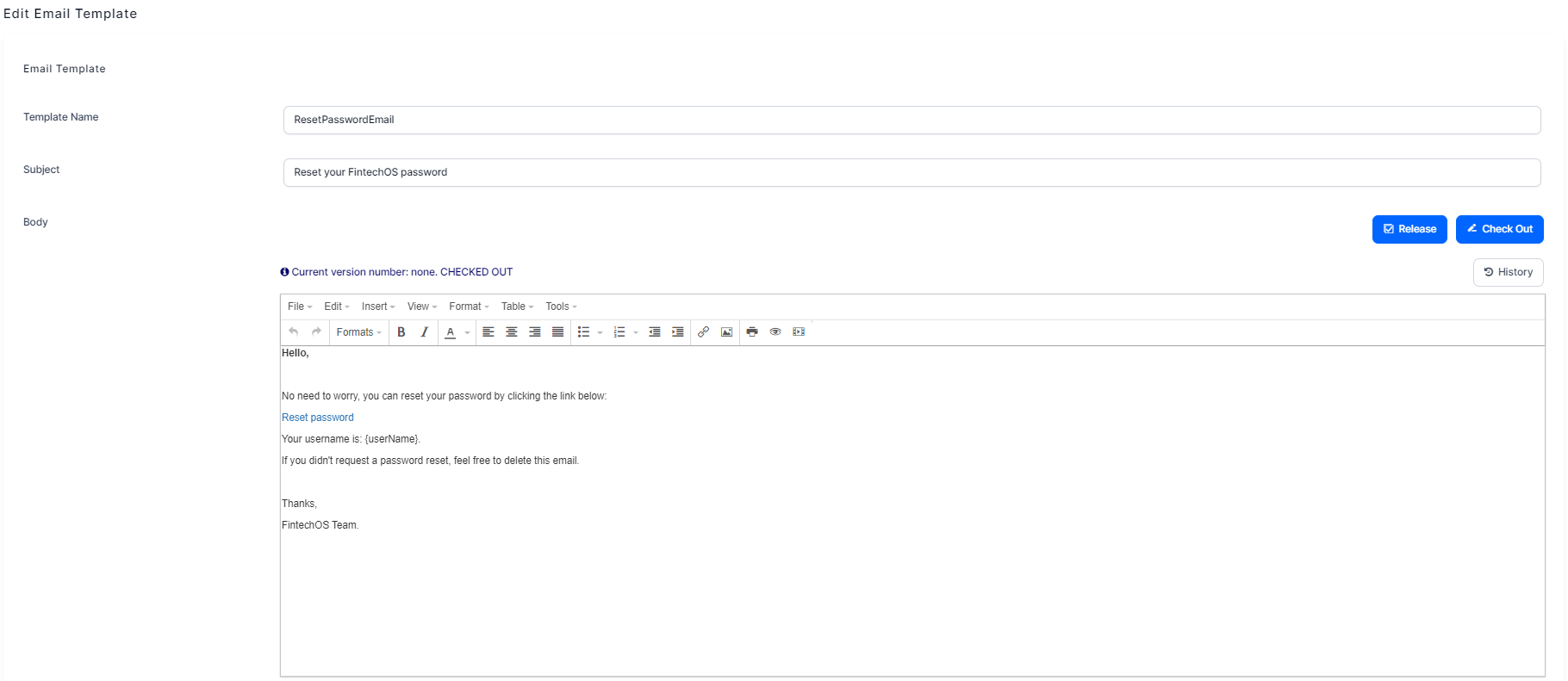
- Fill in the Template Name, Subject, and Body. Then click Save and reload.