Editing Users
You can edit users by changing their details, by adding new security roles, editing existing ones or removing security roles.
To edit a user, from the from the menu, click Security > System Users. The System Users List page appears. Double-click the user you want whose details you want to edit. The Edit System User page opens. Make the desired changes and click the Save and close icon.
NOTE The username field is read-only, you cannot edit it.
Unlock user account
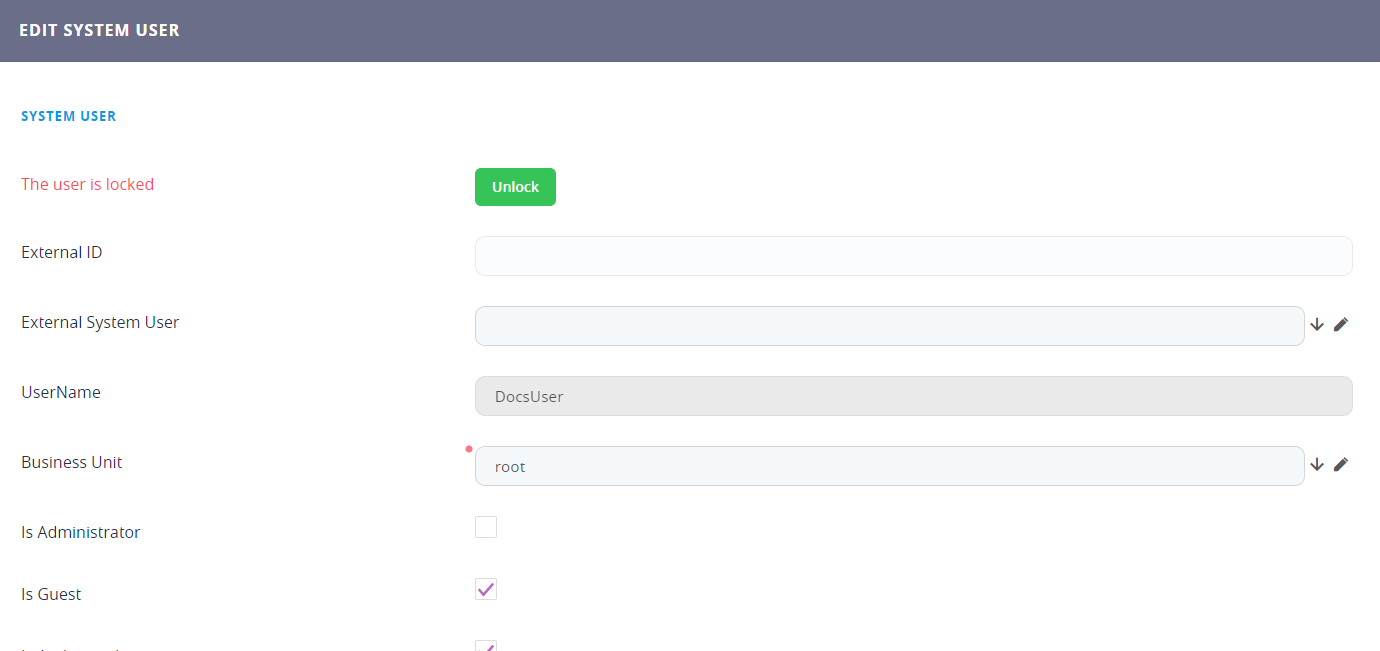
If users have locked their account by entering a wrong password many times, reaching the maximum number of password retries, users with elevated privileges (admin account) can unlock their account from the system user's configuration page, by clicking the Unlock button.