Innovation Studio 21.2 User Guide
How to create a form driven mock-up flow
- Open Innovation Studio.
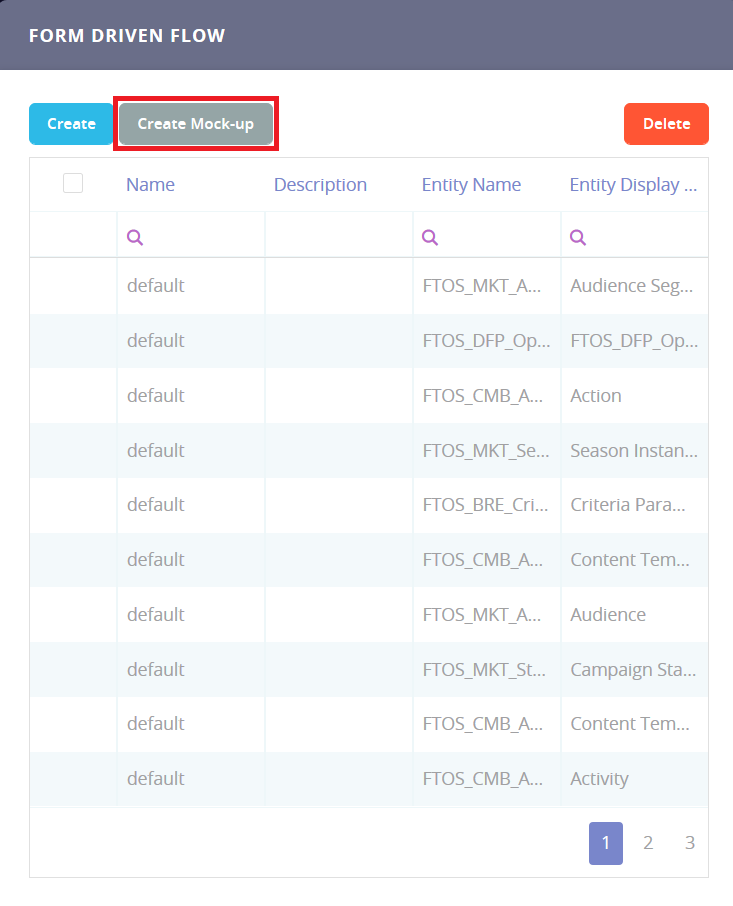
- From the main menu, select Digital Experience > Digital Journeys > Form Driven Flows.
- In the Form Driven Flow screen, click Create Mock-up.
- Follow the instructions in the Form Driven Flows chapter to create a form driven flow mock-up. The following exceptions apply:
- The Data Model tab contains only a button called Link Data Model. This button is used to attach the flow to a business entity, once you are ready to turn the mock-up into a regular flow.
- The UI, Field Options, and Filtered Fields tabs are not available in form driven flow mock-ups.
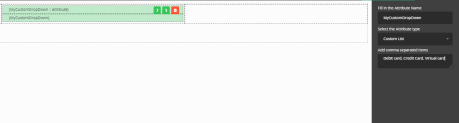
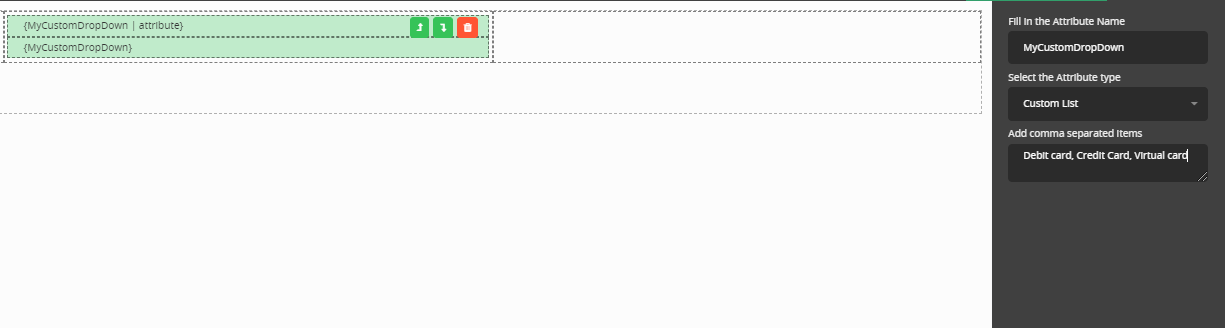
- The UI Designer allows you to type in any attribute labels and values. The UI Designer allows you to type in any attribute labels and values. Specific for mock-ups only, it is possible to add a custom list without creating a option set. Add the records from the list separated by a comma, otherwise it will not work.
Copyright © FintechOS . All rights reserved.