Flow Map
This map shows the user the steps in a flow, the rules and transitions. The difference from the Digital Journey Map is that this map only shows one flow, as opposed to the digital journey map that shows all flows in a journey.
IMPORTANT!
The flow control is available only for Form Driven Flows of type wizard.
The flow control is available only for Form Driven Flows of type wizard.
The Flow map exhibits the actions performed on a step configured in Flow Control. To do so:
- Open the Innovation Studio, select Digital Experience from the main menu > Digital Journeys > Form Driven Flows.
- Select the existing Form driven flow you wish to modify or create a new one.
- After opening the flow, click on ''Flow map''.
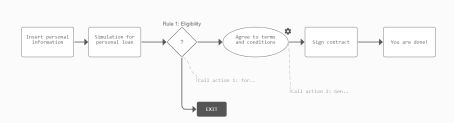
- Click on a step to see the UI configurations or the rule for flow control. Configure to add a step or an action or a transition.
- Click the ''Save and reload'' button to save the changes.
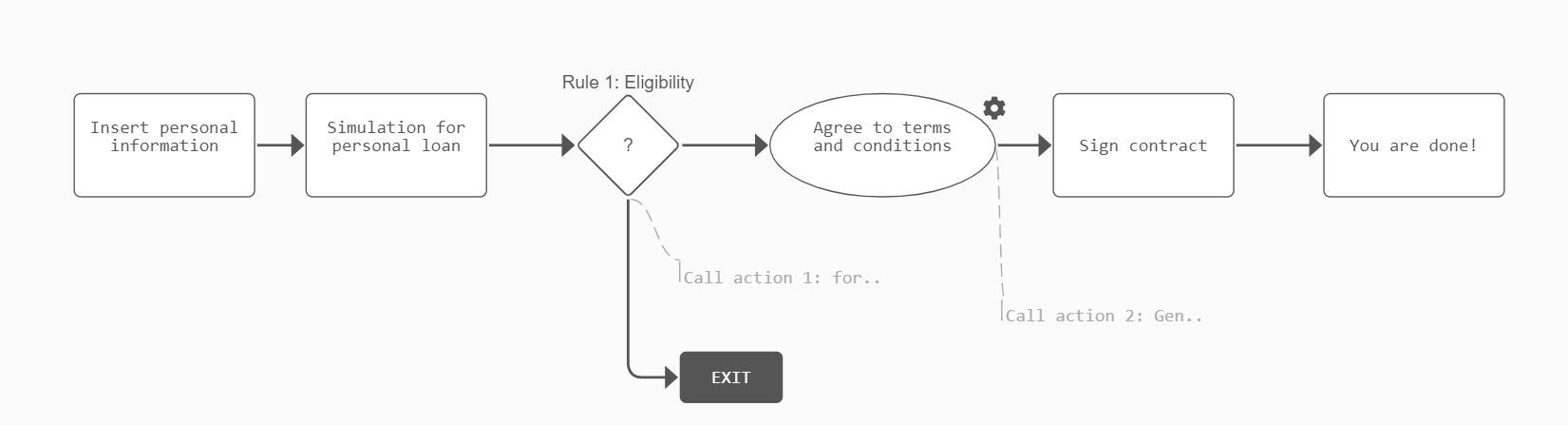
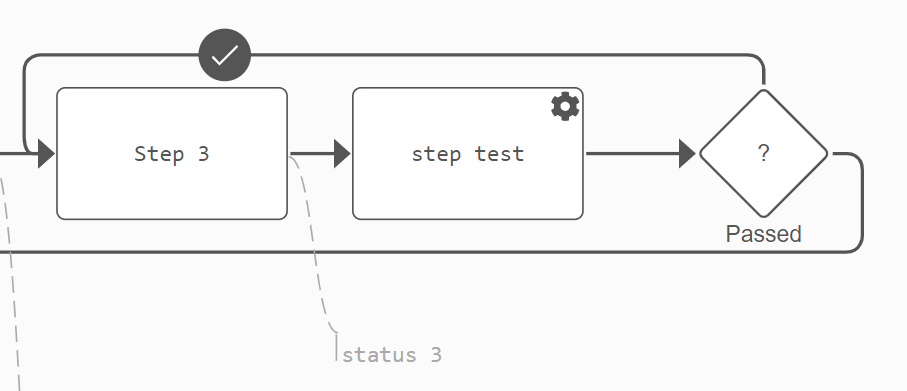
For example, step 3 is a default step, step test is a processor step, the passed step is a rule and the status 3 is an action performed after the step 3 data is saved and the action is triggered.