STEP 5. Define Report Access Privileges
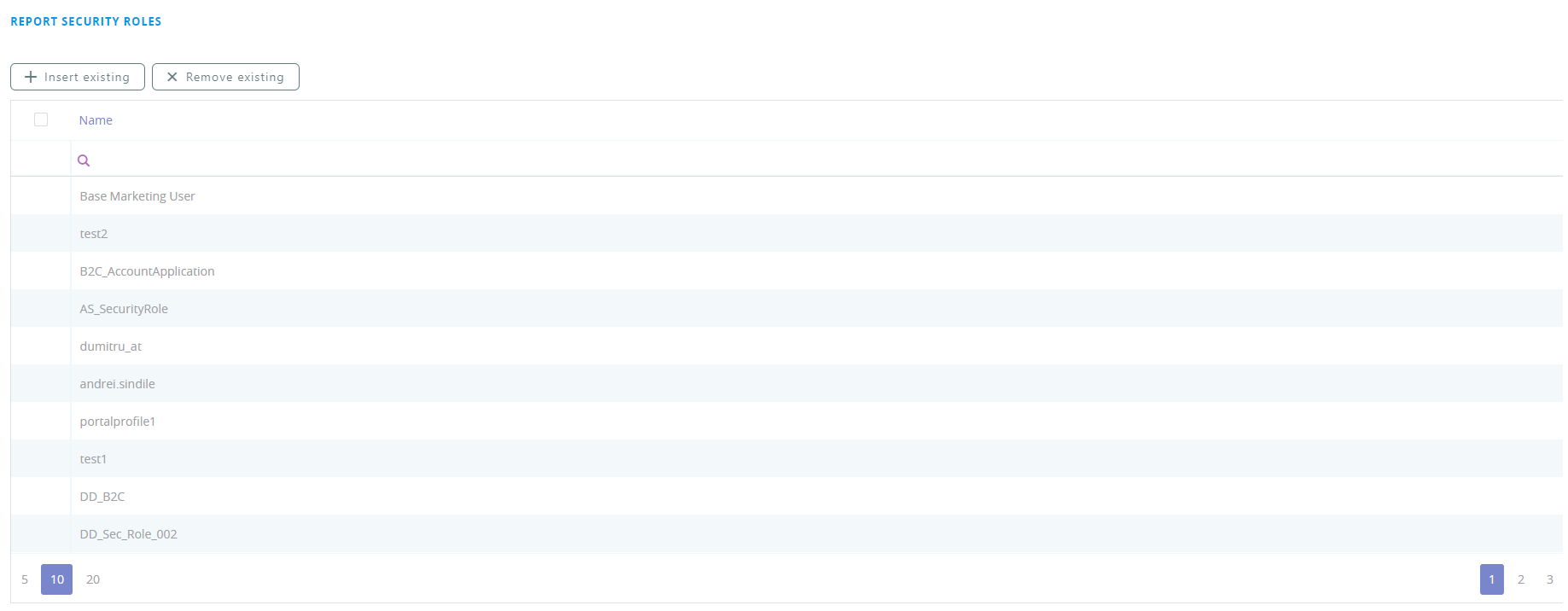
If your business case requires that the simple grid report is available to designated roles within your organization, in the Edit Report page, scroll down to the Report Security Roles section, click the Insert existing button, and select the security roles that should have access to report. If no security roles are added here, all users will be able to view the report.
Once you finish adding the security roles, click the Save and close icon to save the report. For more details on security roles, see Security Roles.