Recovering Password (for users)
NOTE In order for users to recover their FintechOS password, the forgot password feature should be activated. If you are not able to reset your password, please contact your system administrator or the person who manages you FintechOS app.
To reset your password, on the login page click the Forgot password? link. You will be prompted to enter your e-mail address or your username. In the Recover password screen, enter the email address or the username associated with your FintechOS account.
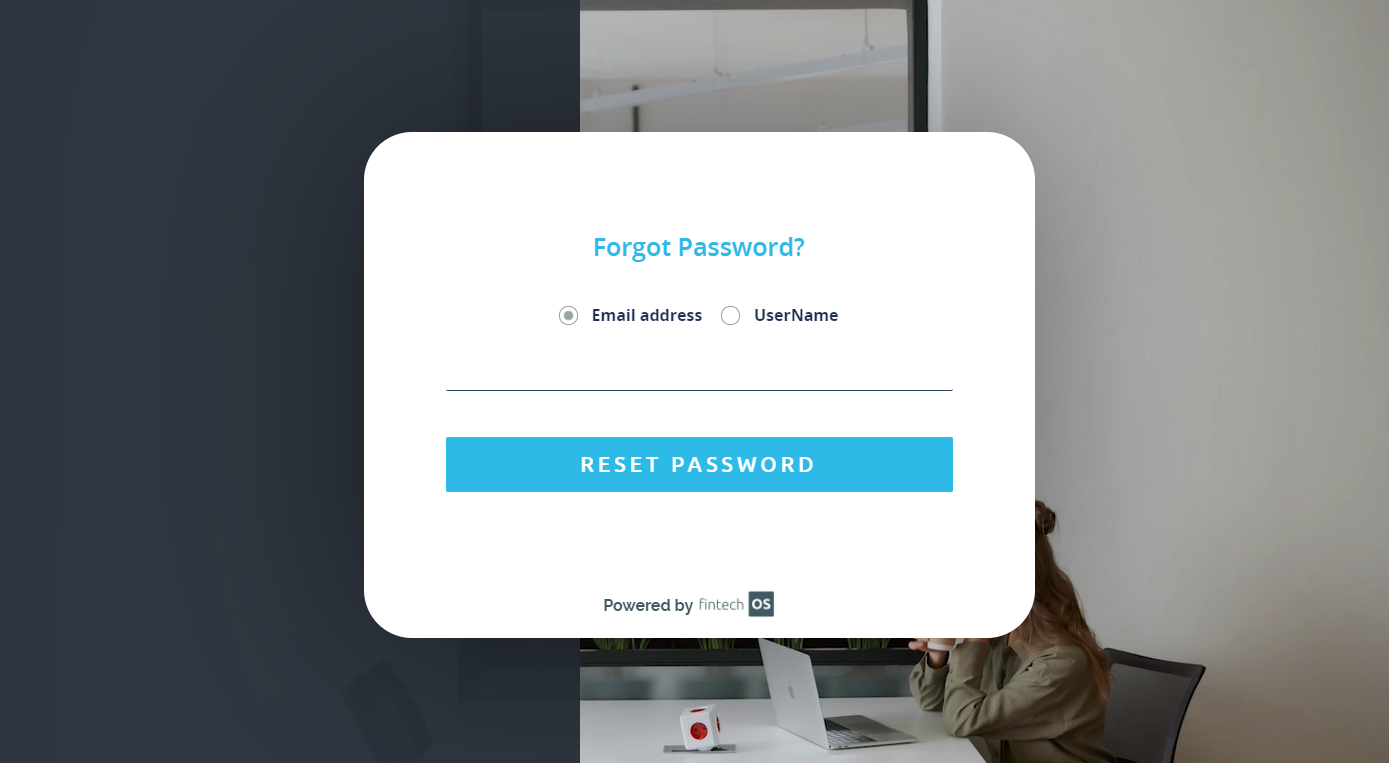
Click Send.
You will receive an email with instructions on how to change your password.
If multi-factor authentication has been activated, following the instructions received by email, when providing a new password and confirming it, you will have to enter the security pass code received via SMS on your mobile phone when requesting for a new password.
NOTE The forgot password functionality does not work for LDAP or Azure AD authentication. If you forgot your domain password, contact your system administrator to reset it.
If you haven’t received an email for password reset,
- Check your email spam/junk folder.
- Make sure that the email address: noreply@fintech.com is not blocked or make sure that all emails from this email are always delivered.
- If the above do not work, try contacting your email service provider. They are most likely blocking emails from FintechOS from being delivered.