Creating Business Units
Depending on your organizational needs, there will always be only one root business unit and at least one business unit. The root business unit acts as the top level of the organizational hierarchy and all other business units are its children. The root business unit is the company while the child business units are subsidiaries or departments within the company.
To create a business unit, follow these steps:
- From the menu, click Security > Business Units. The Business Units List page appears.
- At the top-right corner of the page, click the Insert icon. The Add Business Unit page appears.
- In the Name field, enter the name of the business unit.
- From the Parent drop-down, click the down-arrow. A pop-up appears listing all existing business units.
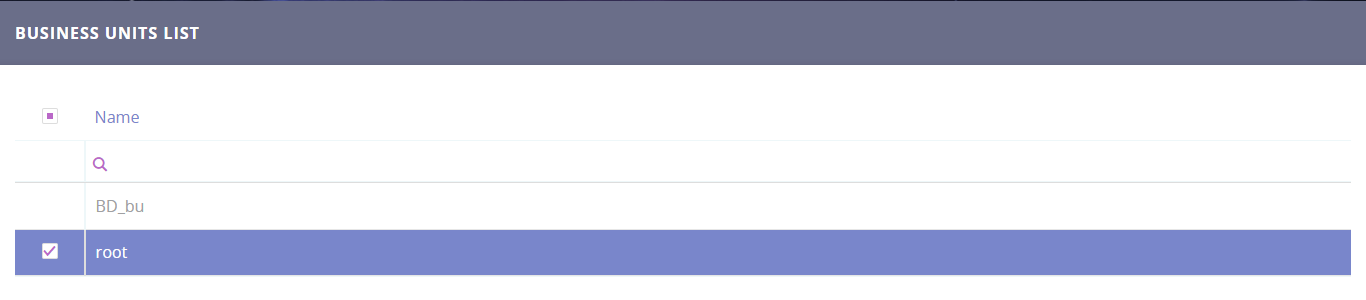
- If this is the first business unit you add, then select root otherwise, select the parent business unit so that it reflects your organization structure. The figure below shows an example on how to add the first business unit.
- At the top-right corner of the page, click one of the save options. When you finish adding business units, click the Save and close icon. The page closes and the business unit will be displayed in the Business Units List page.