Set Up the Data Pipes Replication Jobs
Data Pipes jobs require the CData Sync service to be installed and running on the FintechOS environment. For information on how to configure the CData Sync service, see the Innovation Core documentation.
The active action of data replication between a source connection and a destination connection is called a job. To set up a job:
- On the main menu, click Evolutive Data Core > Data Pipes > Jobs.
- Click Add Job.
- Name your job and select the source and destination connections (the ones you set up following the Set Up the Data Pipes Connections procedure ). You can reuse the same connections for multiple jobs.
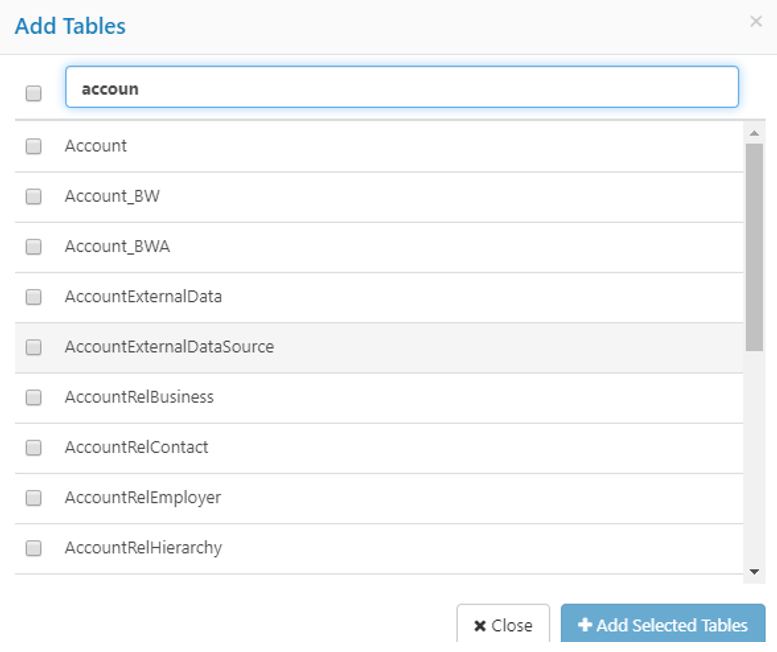
- Configure the replication job. To do so, from the Job Settings section click Add Tables

- Select the source table(s) that you would like to replicate and click the Add Selected Tables button. The selected tables are added to the Job Settings (Tables tab).
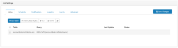
- Click on the table entry and change the replication query. First select the destination table. To so, click on the edit button next to the Destination table and change its name to the name of the destination table.
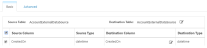
The figure below provides an example of how the query might look like:

- If you need to specify a specific schema, tick the Write Custom Query checkbox and change the query to match your schema (the schema name for FintechOS tables is ebs).

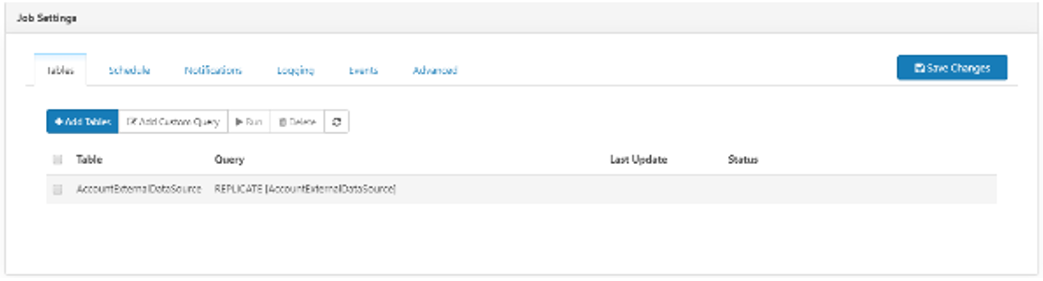
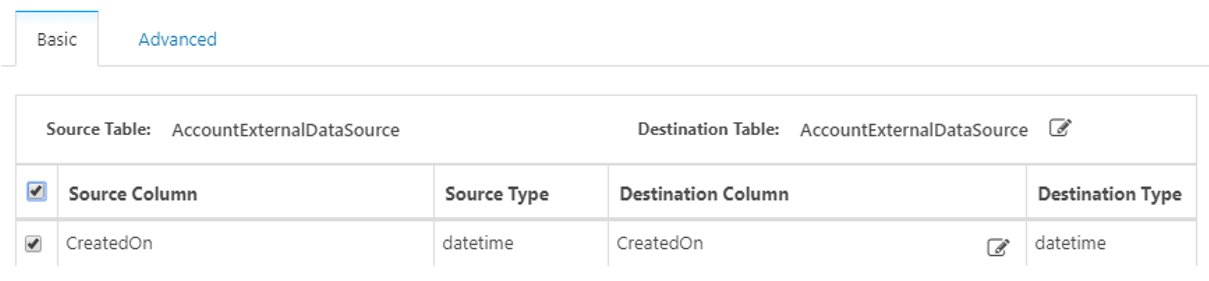


You can include multiple source - destination table pairs in the same replication job.
If you wish the replication job to update the existing data in the destination table prior to replication (for instance, if some records in the source system have been deleted, but they are still archived in the destination table), add a custom query at the beginning of the job with the following model:
CHECKCACHE [DestinationTable] AGAINST [SourceTable] WITH REPAIRFor detailed instructions on how to set up all the advanced job parameters, see the CData Sync documentation.
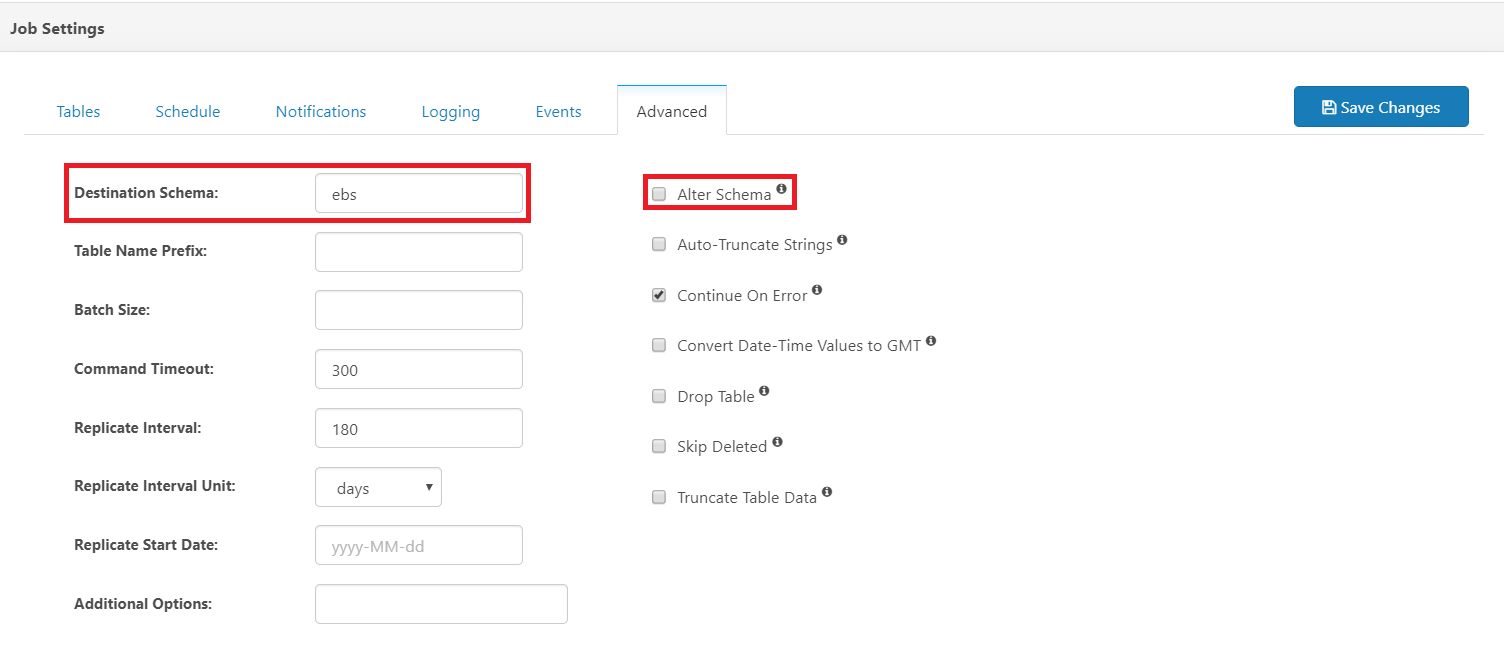
When replicating data into FintechOS, it is recommended to set the destination schema to ebs and to uncheck the Alter Schema checkbox in the job's Advanced tab.
Run Replication Jobs
You can run a job manually or you can schedule it to run at specific time intervals.
To run a specific data replication job, go to the list of jobs, select the job you want to run and click on the Start button. The external data is replicated in the FintechOS external data source entity or in the data storage system you selected as destination when setting up the connections.
The replicated data saved in FintechOS has the IntegrationSystem user ID and the root business unit.
To schedule a replication job, click the Schedule tab and set the time intervals when you want the job to run, then click Save changes.