Setting Sticky Header
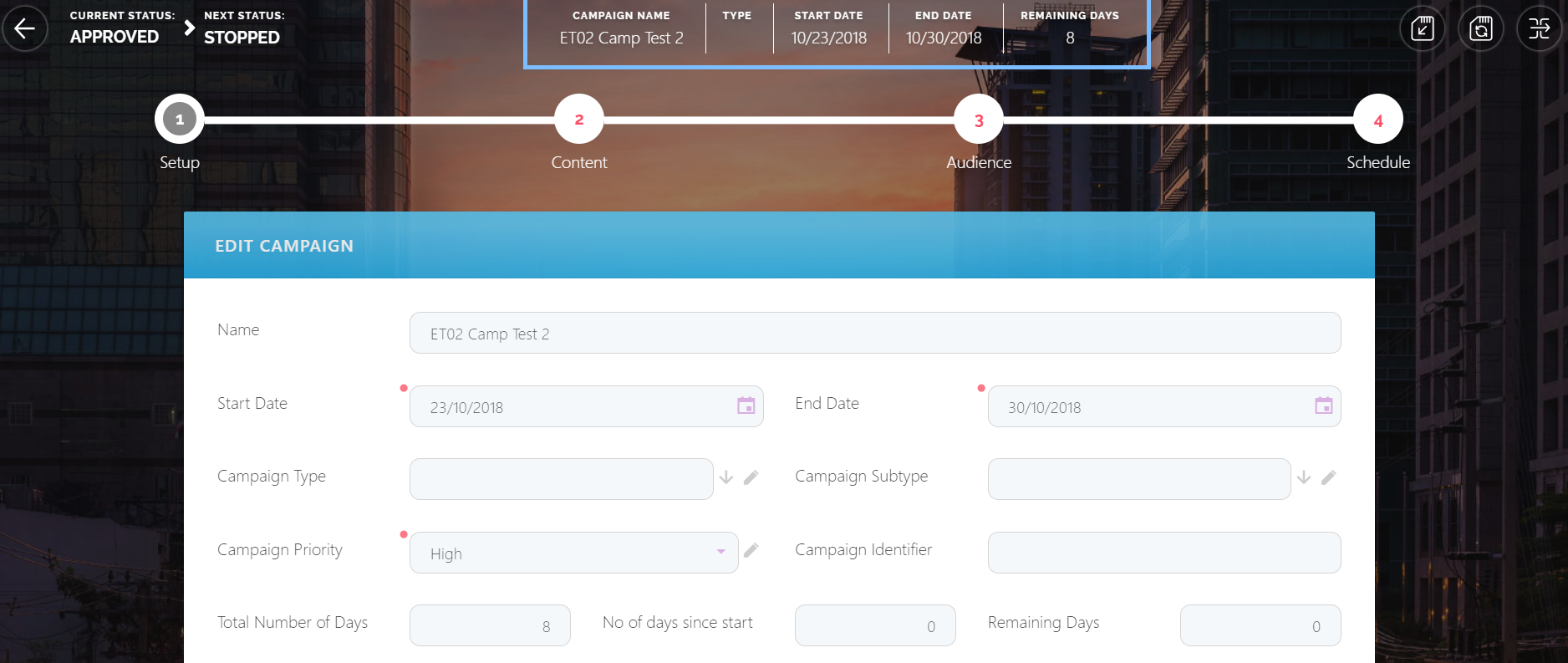
On data form driven flows, in the Journey Configuration page, Header Items tab, if you defined several header items, select the Sticky Header Items checkbox (it is selected by default) and on save, the journey header items will be displayed in the Digital Experience Portals on the menu bar.
The Portal users might need to refresh the Portal in order for the header items to appear on the specific digital journey.
The figure below shows how the campaign header items are displayed in the Digital Experience Portals: