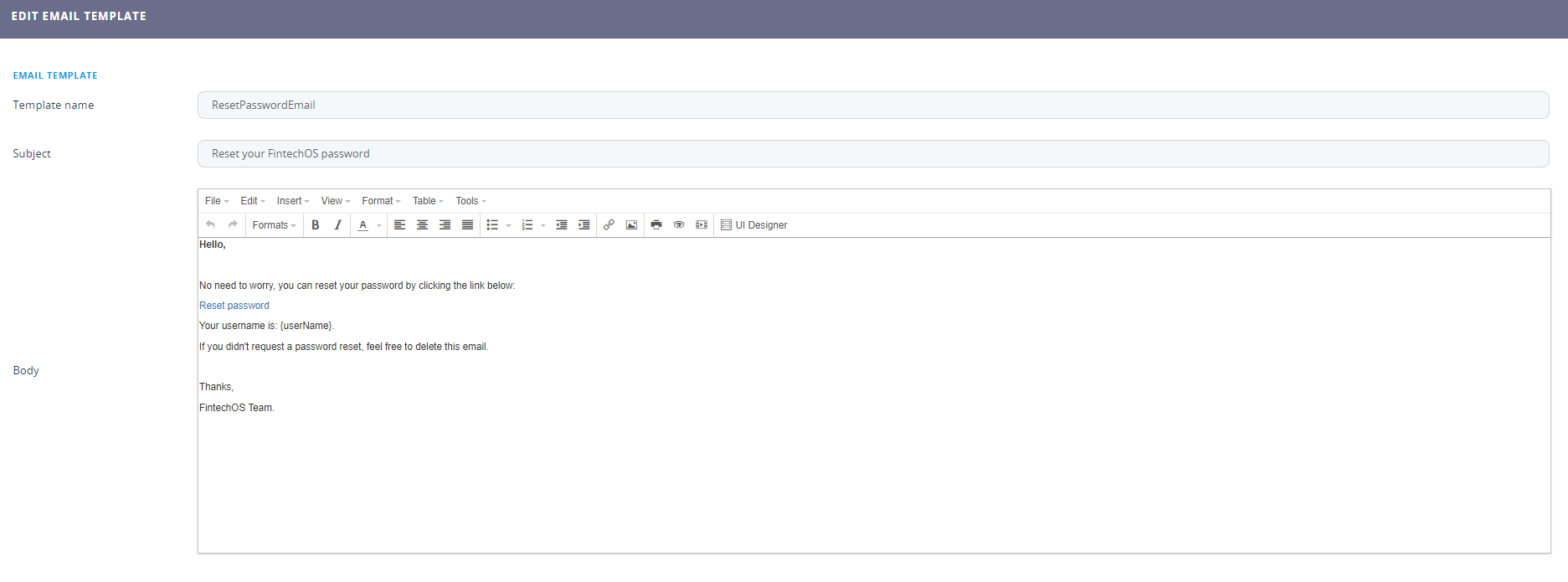
Email Templates
This feature helps the users to build creative emails for campaigns to promote or remind the clients about a new element of the company.
- Open the main menu, select the Admin menu item and click on the Email templates.
- Click the ''Insert'' button to add a new template, to delete, select the template and click on the ''Delete'' button on the right side of the screen.
- To create a new one, fill in the following:
Field Data type Description Template Name Text Type a name for the template. Subject Text Type a subject to be used in the email. Body Design the body of the email. For more information, see UI Designer. - Click the ''Save and reload'' button.