Customers
In insurance, a customer can fulfill different roles depending on the policy context. They may act as the policyholder (who buys and manages the policy), the insured person (who is actually covered), or the beneficiary (who receives the payout when a covered event occurs).
For back-office operations, the Customers view allows users to search and filter customer records, inspect personal details, and review the policies where the customer acts as policyholder, as well as related payments, premiums, and claims.
View Customers
The Customers view displays out-of-the-box customer records from the Account entity, typically populated through customer onboarding processes. It provides quick access to customer personal details and to information about their policies, claims, and payments.
Customer records in this view are read-only: you can view and export the data, but you cannot edit it directly.
-
In FintechOS Portal, go to Main Menu > Contract Management > Customers:
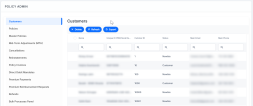
-
View a customer's details by double-clicking its record:
-
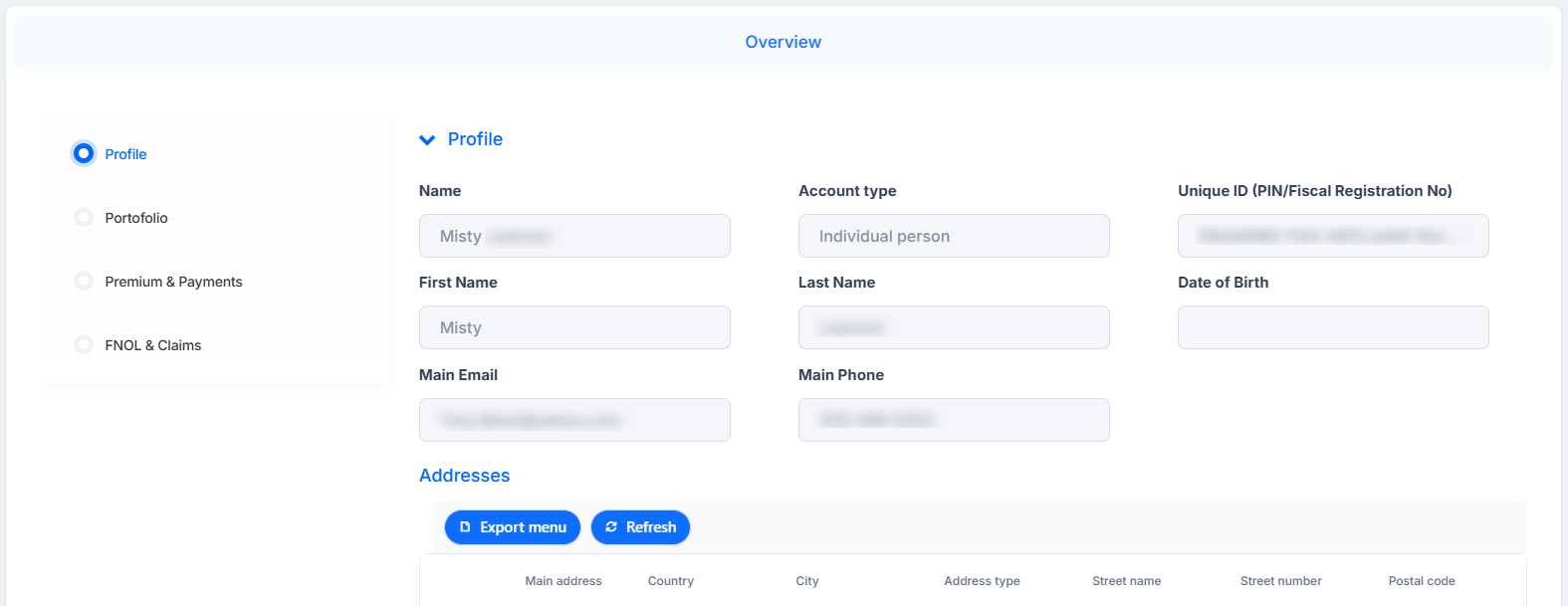
Profile: view personal details, account type, email, phone number, addresses of residence, and legal representative:
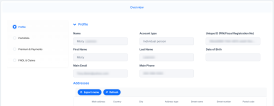
-
Portfolio: shows all insurance policies and master policies where the customer acts as the policyholder:
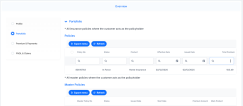
-
Premium & Payments: shows payments that the customer has made:
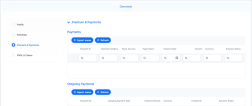
-
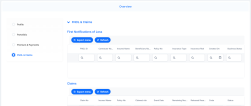
FNOL & Claims: displays first notifications of loss and claims submitted by the customer:
-



Business Statuses
New customers are automatically assigned the Newbie status. Their record can transition to other business statuses based on activity on their account (for example, policies being issued, renewed, or maturing).
A Policy Admin Manager user can manually transition a customer from one status to another, according to the insurer’s business logic and operational rules.
The statuses are the following:

| Status | Description |
|---|---|
| Newbie | Indicates that the customer record has been created with minimal lead information. The minimum required data is the full name. From this status, the record can move to Prospect. |
| Prospect | Represents a draft customer with the intention to be converted into a full customer. The minimum required identification data includes: full name, personal identifier (PI or equivalent), ID details, and address. The status transitions to Customer when at least one policy is issued. |
| Customer | Indicates that the customer is active and fully onboarded. All required information should be completed, such as full name, PIN, ID details, address, and any other mandatory data as per configuration. |
| Dormant | Used when the customer has shown no activity over a prolonged period, apart from automatic postings such as interest or service charges. |
| Blocked | Used when the customer is blocked due to KYC/AML risk, inclusion on a flag list, or other compliance or risk-related reasons. |
| Closed | Indicates that the customer relationship has been terminated and the record is inactive. |