Configure the Policy Suspension Duration
To configure the default duration of a suspension as a value in days, follow the steps below:
-
In the main menu, navigate to Settings > Insurance Parameters. The list of existing insurance parameters is displayed.
-
Double click the Policy Suspension parameter. The default value of the suspension is set to 30 days.
-
Click the New Version button. The grid for the new version of the parameter is displayed, with editable fields.
-
Edit the Value field with the new desired suspension duration, in days.
-
Click Save and Close. The new version is now available for approval in the History tab of the parameter record.
-
You can configure the default suspension value when creating your product using the Product Factory page.
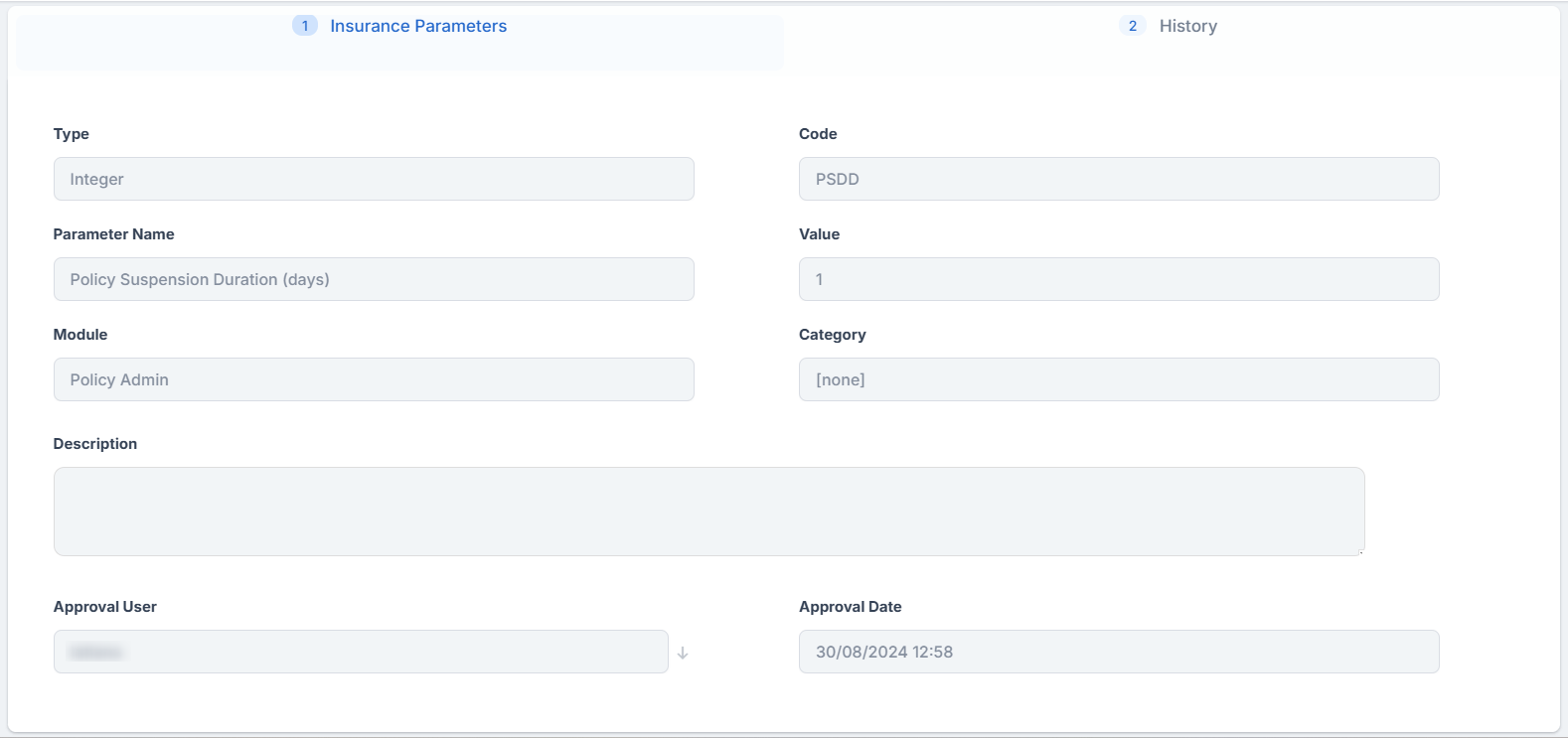
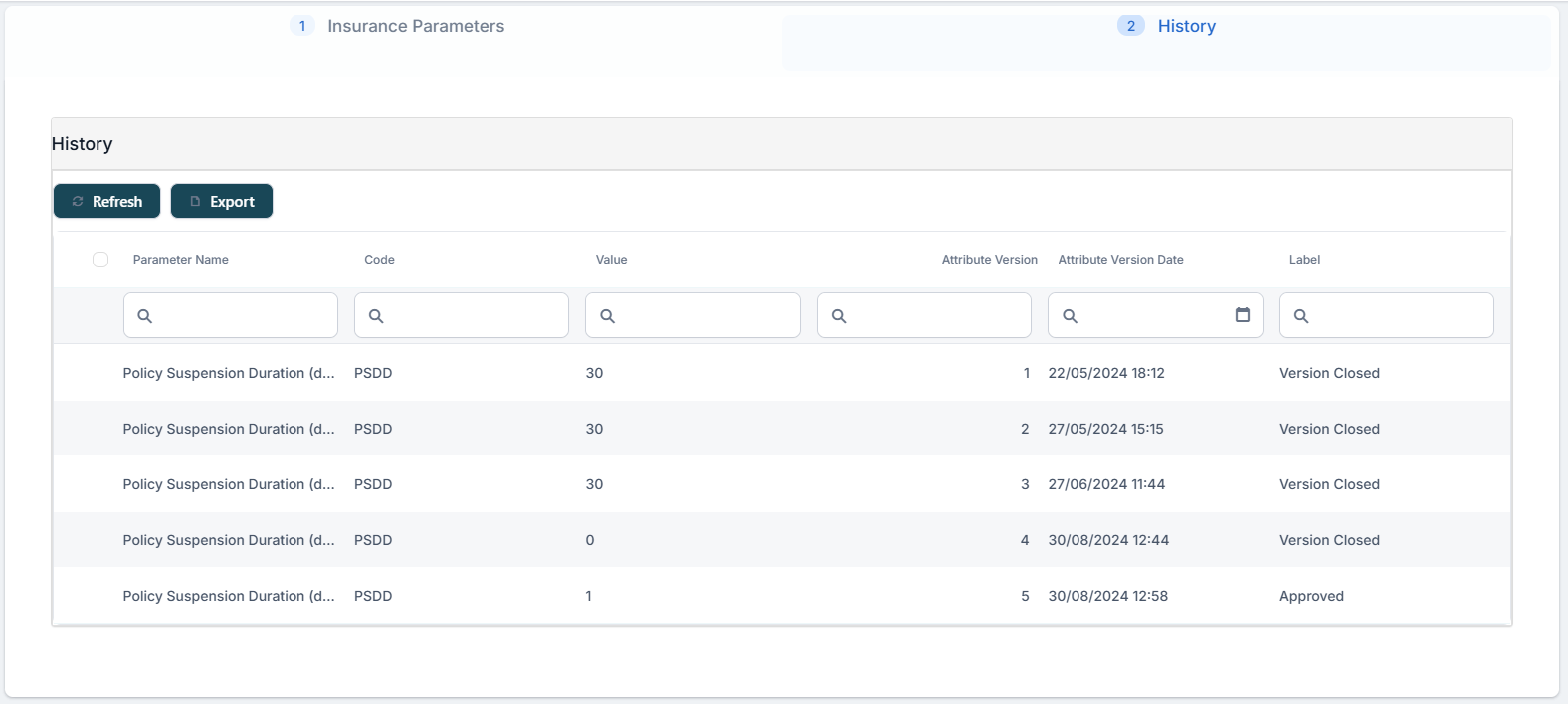
Policies in Suspended status with a suspension duration of zero transition directly to Lapsed status. In business terms, this means the policy will lapse once the due date and any applicable grace period have passed, without entering a suspended period, so the policyholder should ensure payments are made promptly to avoid loss of coverage.