Configure Cancellation Reason Types
Policy Administration allows you to configure the reasons why a policy can be canceled and also, if a specific cancellation reason type should be included as a reason type for a Masterpolicy beside the policy.
-
In FintechOS Portal, navigate to Settings > Cancellation Reason Types.
-
The Cancellation Reason Types grid is displayed. Insert a new reason type by clicking the Insert button.
-
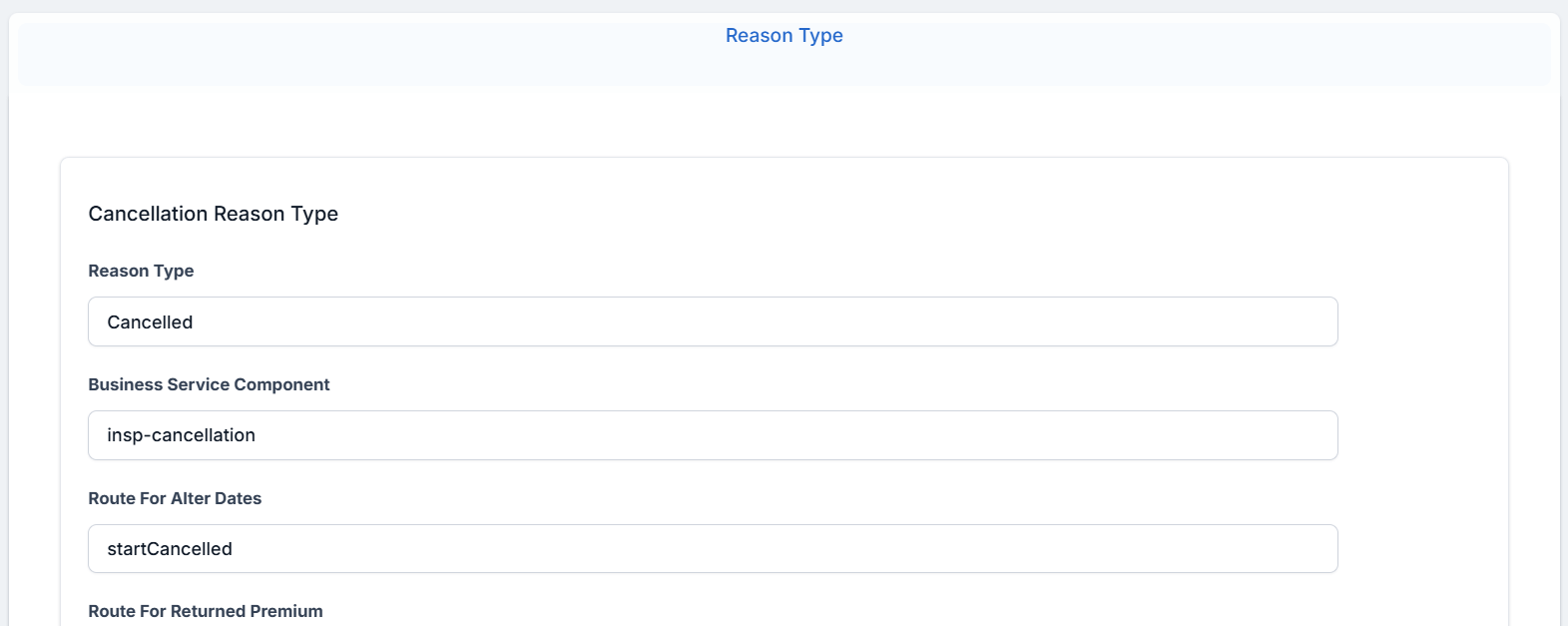
Fill in the fields:
-
Reason Type: name of the cancellation type.
-
Business Service Component: the name of the business component.
-
Route for Alter Dates: the name of the route part of the business component.
-
Route for Returned Premium: the name of the route part of the business component.
-
Payment Details Mandatory: whether payment details are mandatory or not.
-
Policy Status: pick from available business statuses.
-
Master Policy: check the box and choose the Masterpolicy Status from the drop down field. If the box is checked then the current cancellation reason type also appears for a Masterpolicy cancellation. If it is not checked, the current cancellation reason type is not displayed as a reason type for a Masterpolicy cancellation.
-
-
Click Save and Reload.
-
The Insurance Type grid is unfolded, where you can configure the insurance type for which the reason type applies.
-
Click Save and Close.
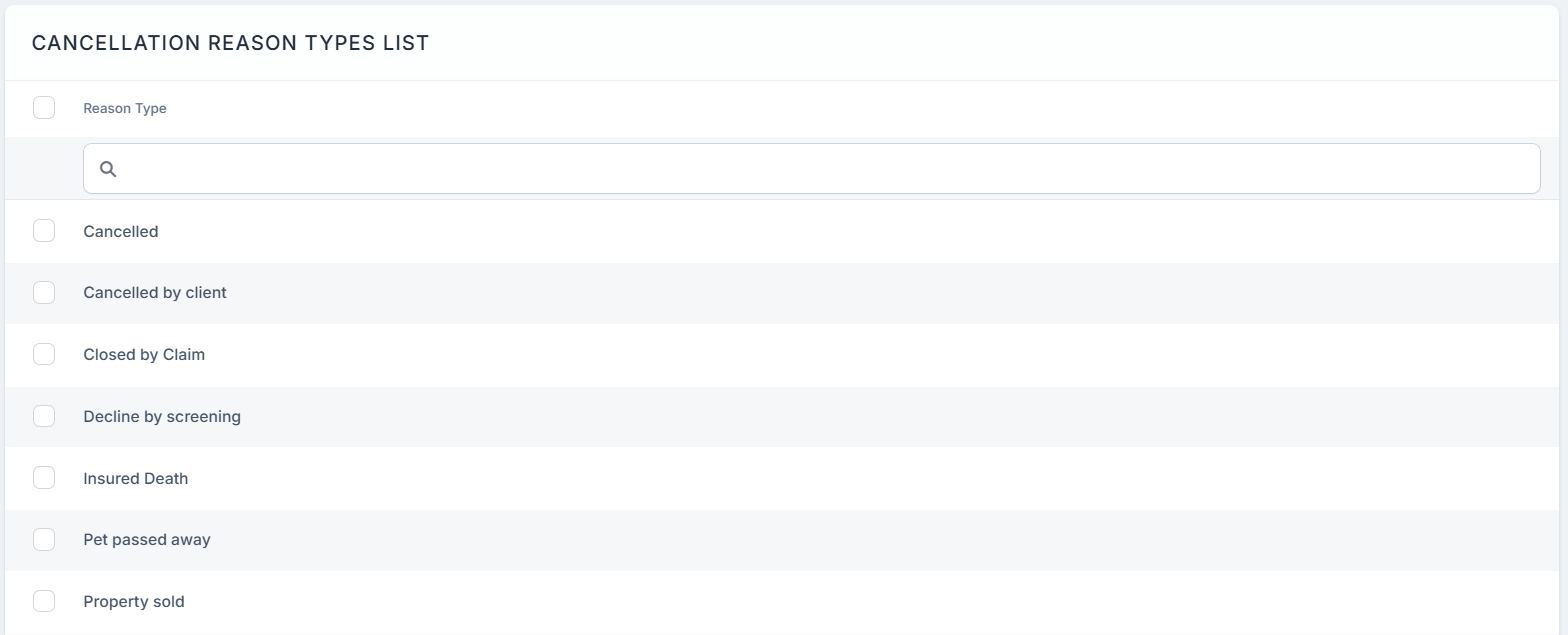
You are also able to configure a business status mapping between the Cancellation reason type and the policy and Masterpolicy statuses. For example, the Decline by Screening reason type triggers the transition of a policy and a Masterpolicy in the Decline by Screening business status after reaching the Cancellation Final End Date.
Presented below are the Reason Types for the cancellation, and the business statuses for the Policies and Masterpolicies.
| Reason Type | Policy Status | Masterpolicy Status |
|---|---|---|
| Decline by Screening | Decline by Screening | Cancelled |
| Property Sold | Cancelled or Surrender | Cancelled |
| Insured Death | Cancelled or Surrender | Cancelled |
| Withdrawal | Withdraw on Client’s Request | Withdraw on Client’s Request |
| Cancelled by Client | Cancelled or Surrender | Cancelled |
| Closed by Claim | Closed by Claim | Cancelled |
| Cancelled | Cancelled or Surrender | Cancelled |