Great News!
The screen Great news! informs you that the business account was successfully opened and details about this were sent to your email address. They are also informed that they can manage their account further using mobile banking. This screen also shows the IBAN International Bank Account Number for their bank account.
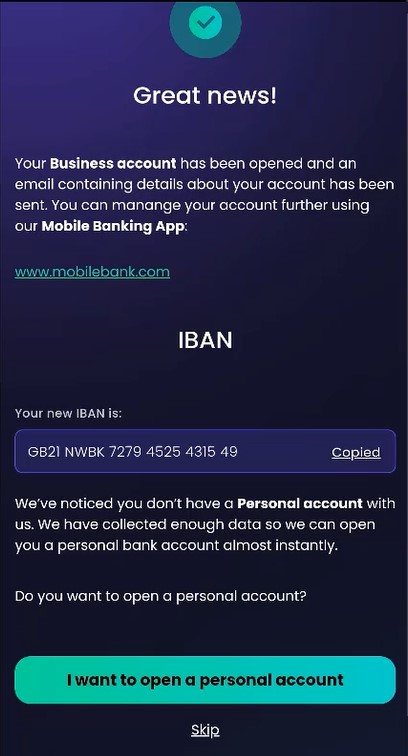
If you do not have a personal account with the bank, you can consent for the bank to use the information you provided and open a personal account by pressing the I want to open a personal account. This is optional.
NOTE
From this point on, the bank may choose to attach a Retail Digital Onboarding process to open a current account or another banking process. For this solution, this button does not trigger anything.
From this point on, the bank may choose to attach a Retail Digital Onboarding process to open a current account or another banking process. For this solution, this button does not trigger anything.
By clicking Skip, you advance to the next screen without opening a retail current account.