Configure DNT Questions
In this section, you can configure the DNT Questions that are further added in the DNT Questions grid when configuring the quote. These are then displayed in the application, and the offer is customized according to the customer's answer to the demands and needs test questionnaire.
-
Log in to Innovation Studio.
-
Navigate to Q&B Configurator > DNT Questions.
-
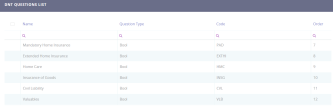
The DNT questions are listed in this screen, DNT Questions List. To add a new question, click the Insert (+) button on the top right corner.
-
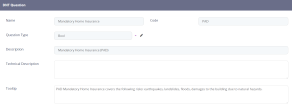
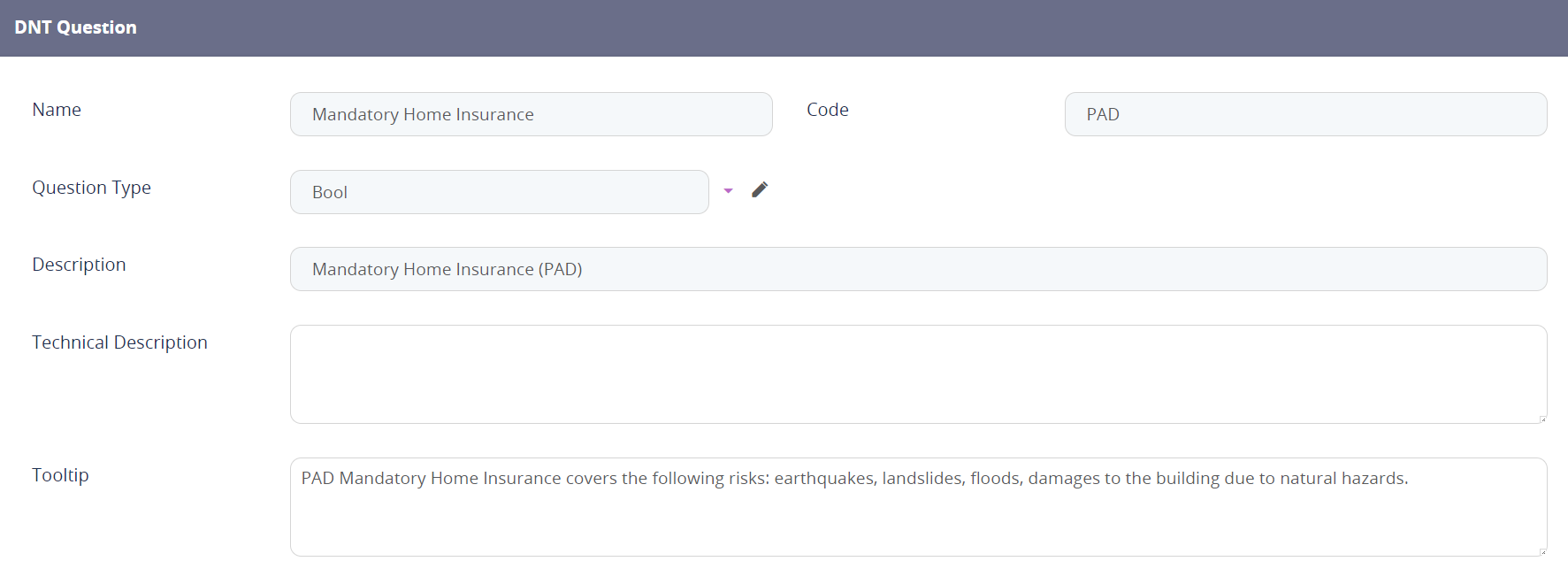
The following screen is displayed.
-
Fill out the displayed fields:
Field Description Name The DNT question name to be displayed in the Quote&Bind application. Code Assign a code to the DNT question. Question Type From the drop down, select the bool type of the question used in order to define the implied audiences. Description Free text field to input a description for the created question. Technical Description Input a technical description for the created question, if needed. Tooltip This field holds the description of the DNT Question from a customer point of view, that appears when the user hovers over the question. -
After following these steps, click the Save and Close button.
-
The question is now available in the DNT Questions List screen.
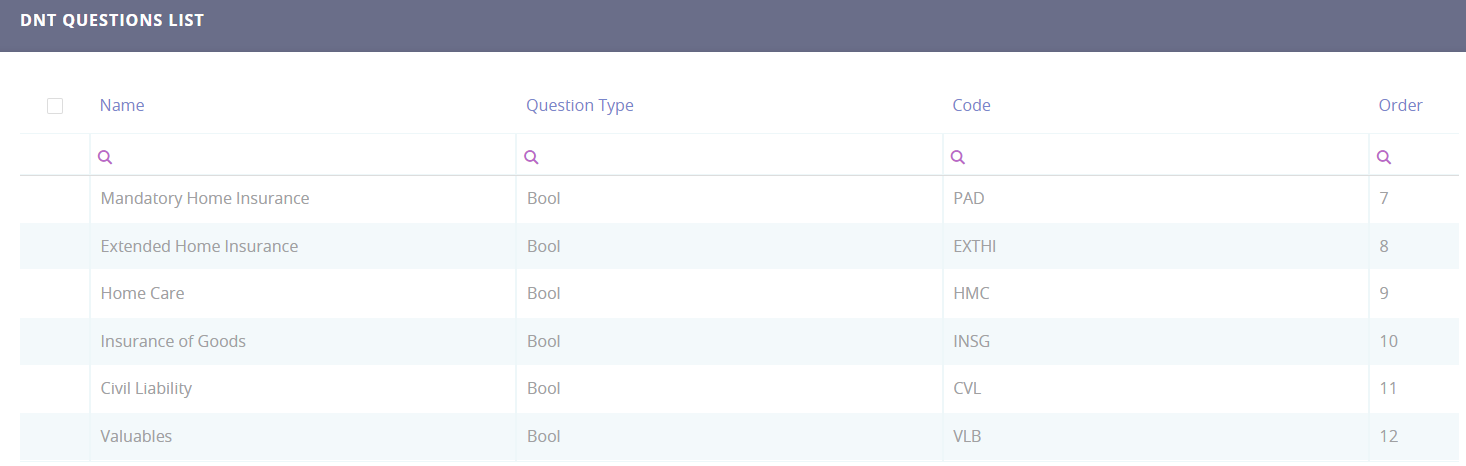
You can delete any of the configured questions by selecting one or more records and clicking the Delete button on the top right corner. In addition, the DNT questions data can be exported into an .xsls file by selecting one or more records, and clicking the Export button on the top right corner.