Configure DNT Question Answers
In this section, you can configure the answers for the DNT questions created earlier, based on which the fitting cards are displayed. The DNT Answers represents the proper options which are used for offer calculations. This means that the registered answer has an impact on the premium amount calculation displayed for each insurance offer.
-
Log in to Innovation Studio.
Navigate to Q&B Configurator > DNT Question Answers.
-
Click the Insert (+) button on the top right to insert a new DNT answer.
-
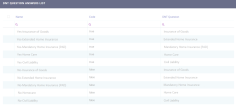
Fill out the following fields.
Field Description Name Input the DNT question answer name. Code Input a specific code for the DNT question answer. DNT Question Input the correlated DNT question for which the answer is available. Description Input a description for the DNT answer. Technical Description Input a technical description for the DNT answer. 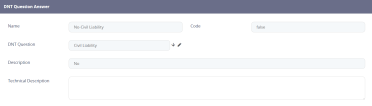
-
Click Save and Close. The answer is listed in the DNT Question Answers list.
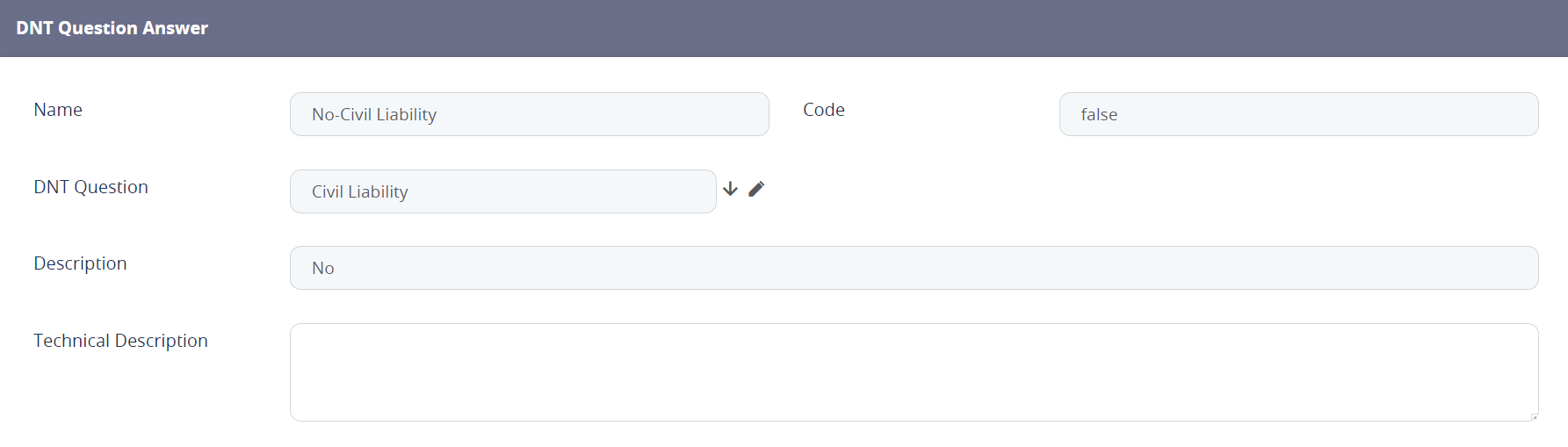
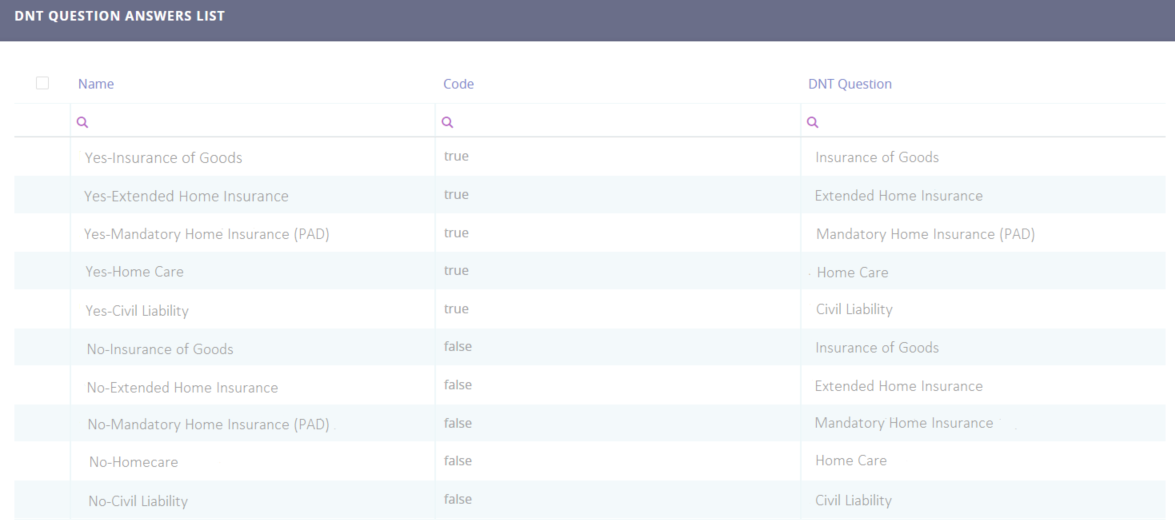
You can edit any DNT question answer by double clicking the specific record. To delete any of the records, tick one of the multiple answers and click the Delete button on the top right corner. In addition, the data in the DNT Question Answer List can be exported in an .xsls file by clicking the Export button on the top right corner.