Configure the Audience
To properly configure a Proposal Configurator solution, the audience configuration process represents one of the major actions of customizing a Quote&Bind offer application.
In this way, the insurance options offered can target a certain segment of customers so that the offers fit the needs of this created audience.
The audience is configured using the Hyperpersonalization Processor.
For the audience configuration process, it is first necessary to create targeted customer segments for the sales process, and then the created segments can constitute a customer audience to which insurers can address with various offers, in our case, with one or more offer cards.
-
Log in to Innovation Studio.
-
Navigate to Q&B Configurator > Audience.
-
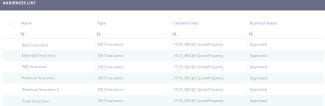
The audiences list is displayed, as shown below.
-
You can add new audience types as per the Hyperpersonalization Processor documentation.
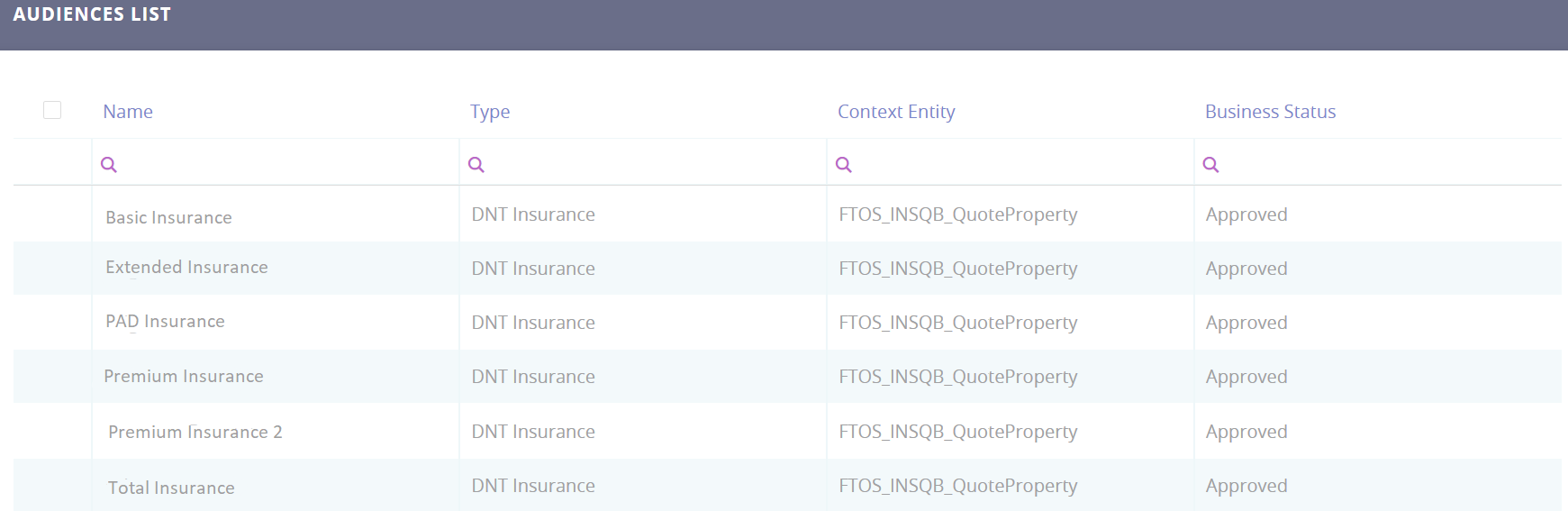
You can delete any audience record in the Audiences List by ticking one or more records and clicking Delete on the top right corner. In addition, the audience data can also be exported in an .xsls file by clicking the Export button on the top right corner.