Use a Transfer Template
A beneficiary template is a draft of a payment where the information about the receiver of the funds is already saved from a previous transaction.
Follow the steps below to use a template to make a transfer:
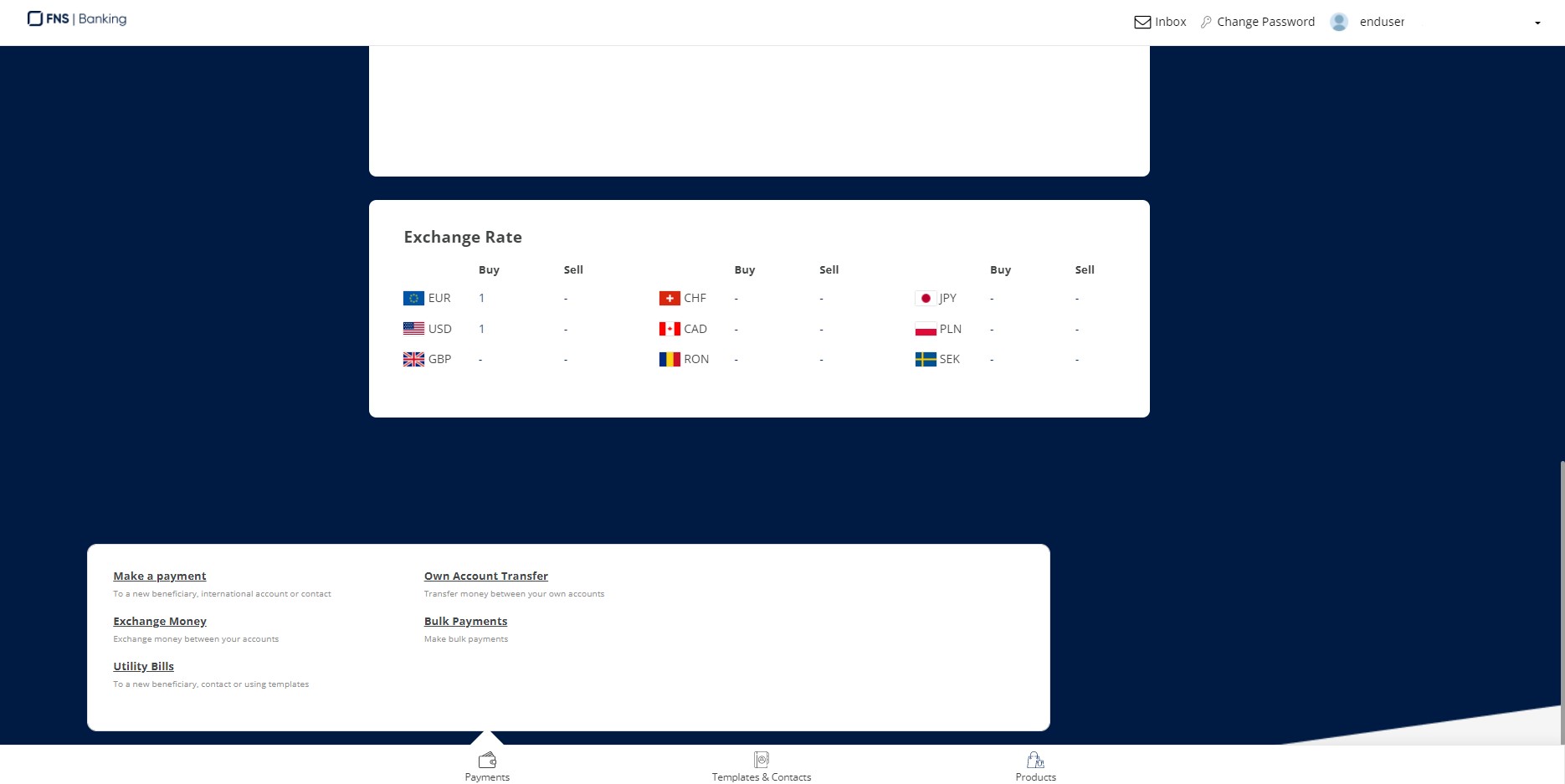
- On the Online and Mobile Banking homepage, scroll down to the .
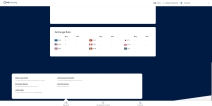
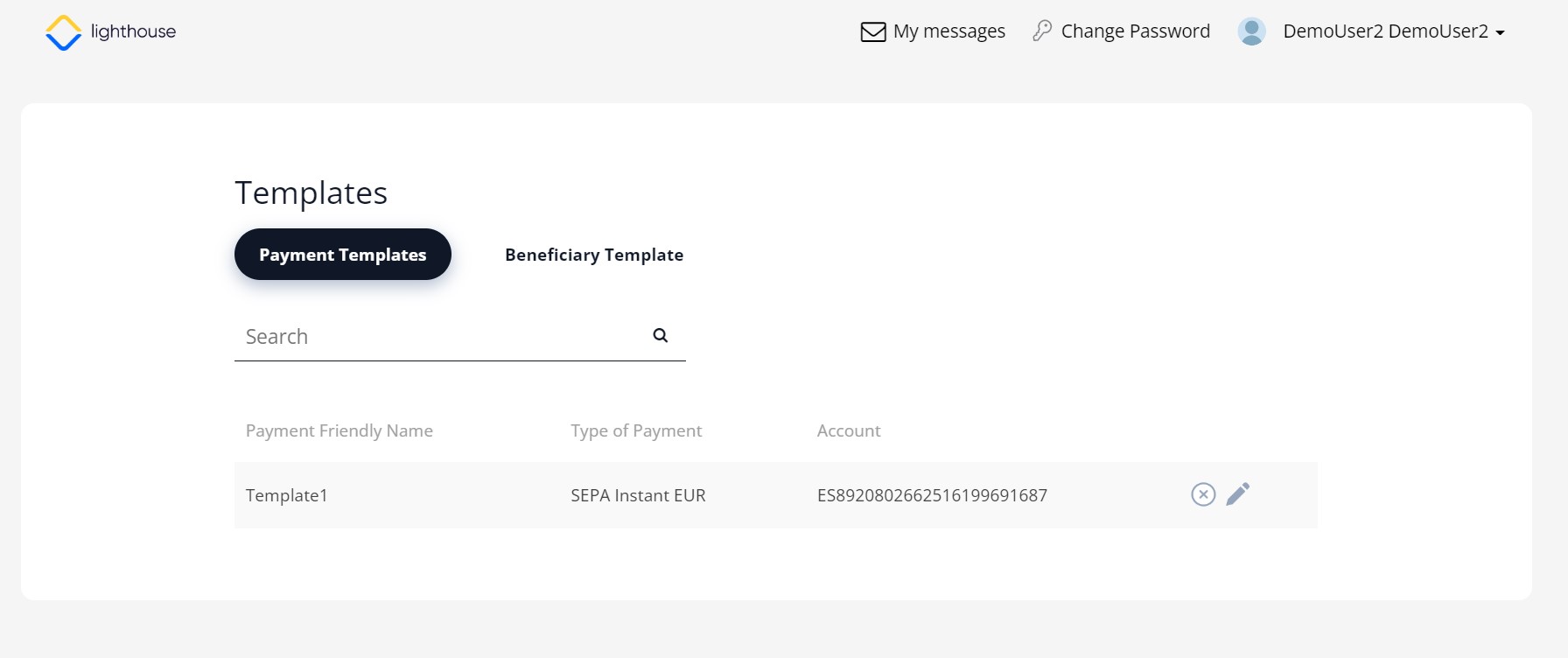
- Click the Templates & Contacts button. The Templates page is displayed.
- Select the template you want to use.
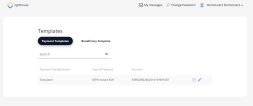
- To access the contacts, click the Beneficiary Template button under the header.
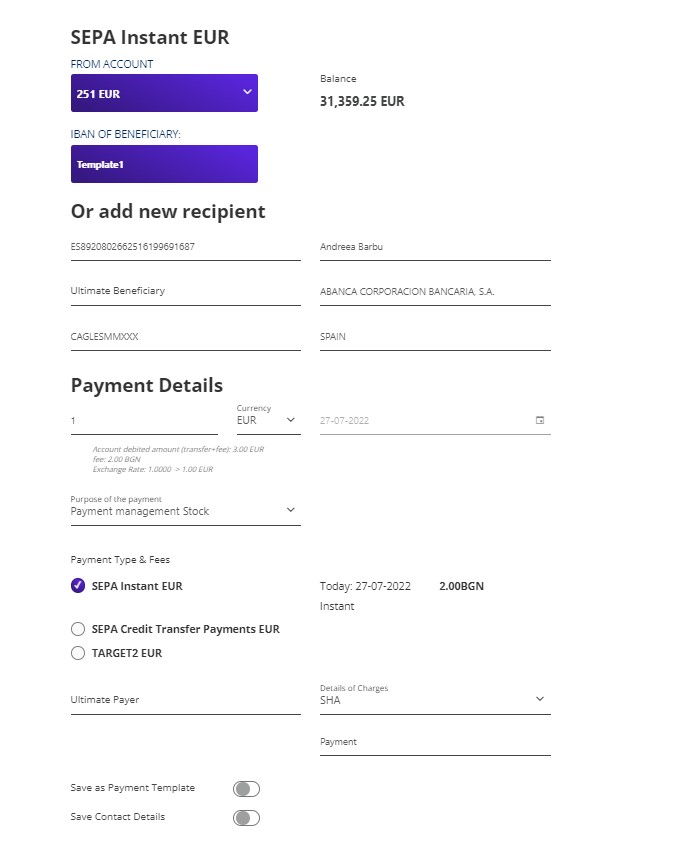
- Click the Edit button in the shape of a pencil. The Make a Payment page is displayed. All the details of the initial payment are displayed. Edit if needed.
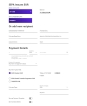
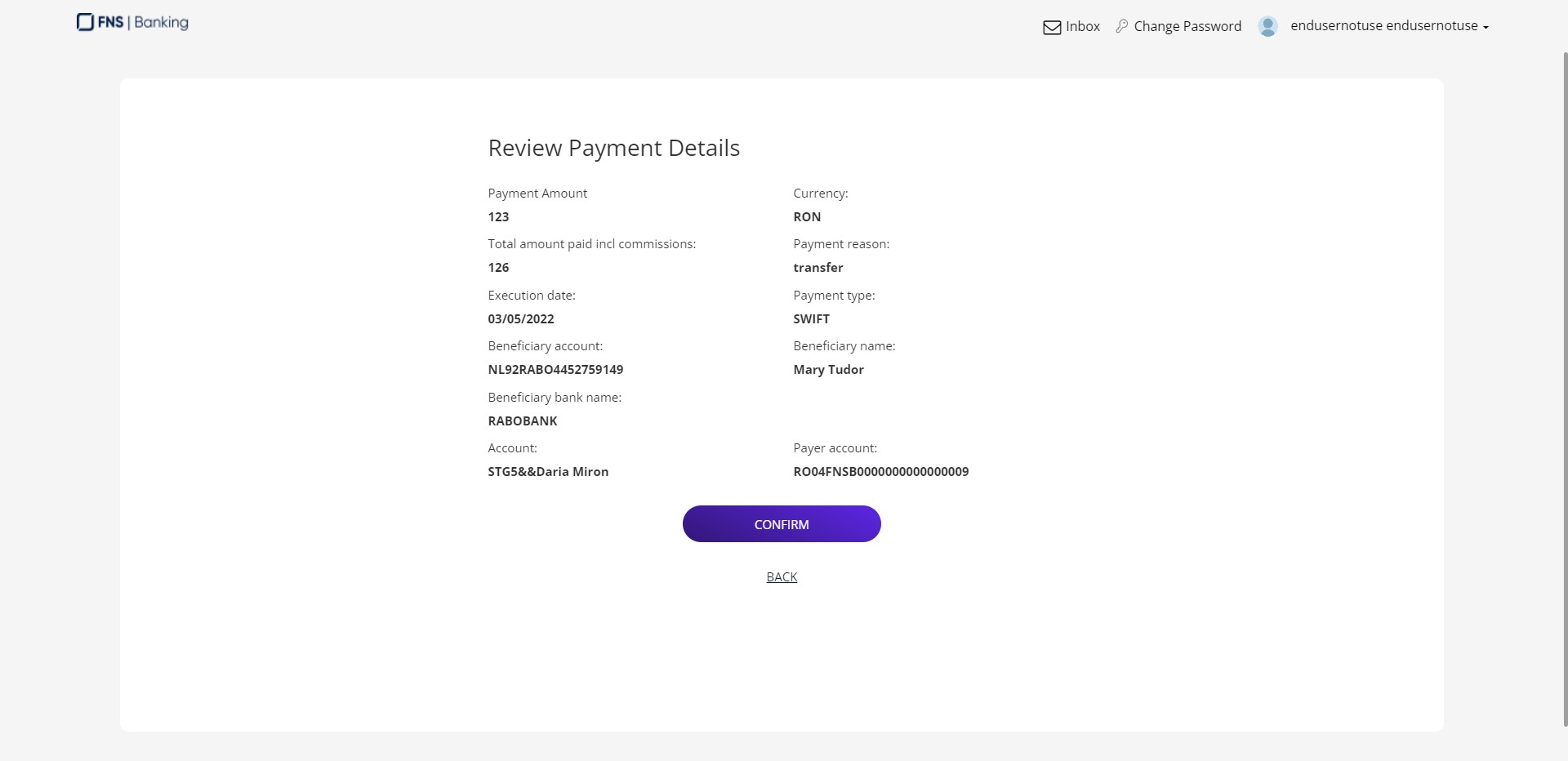
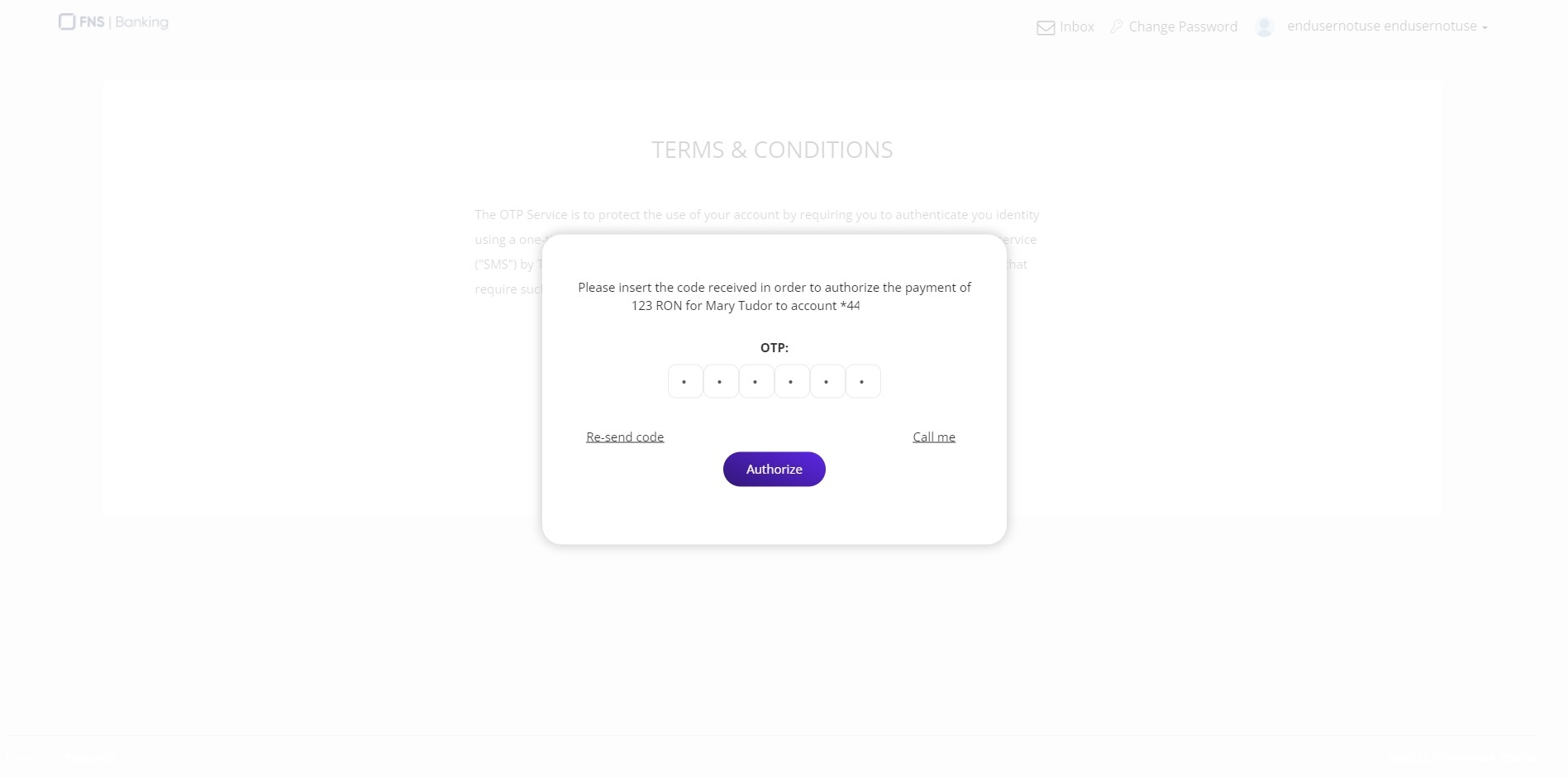
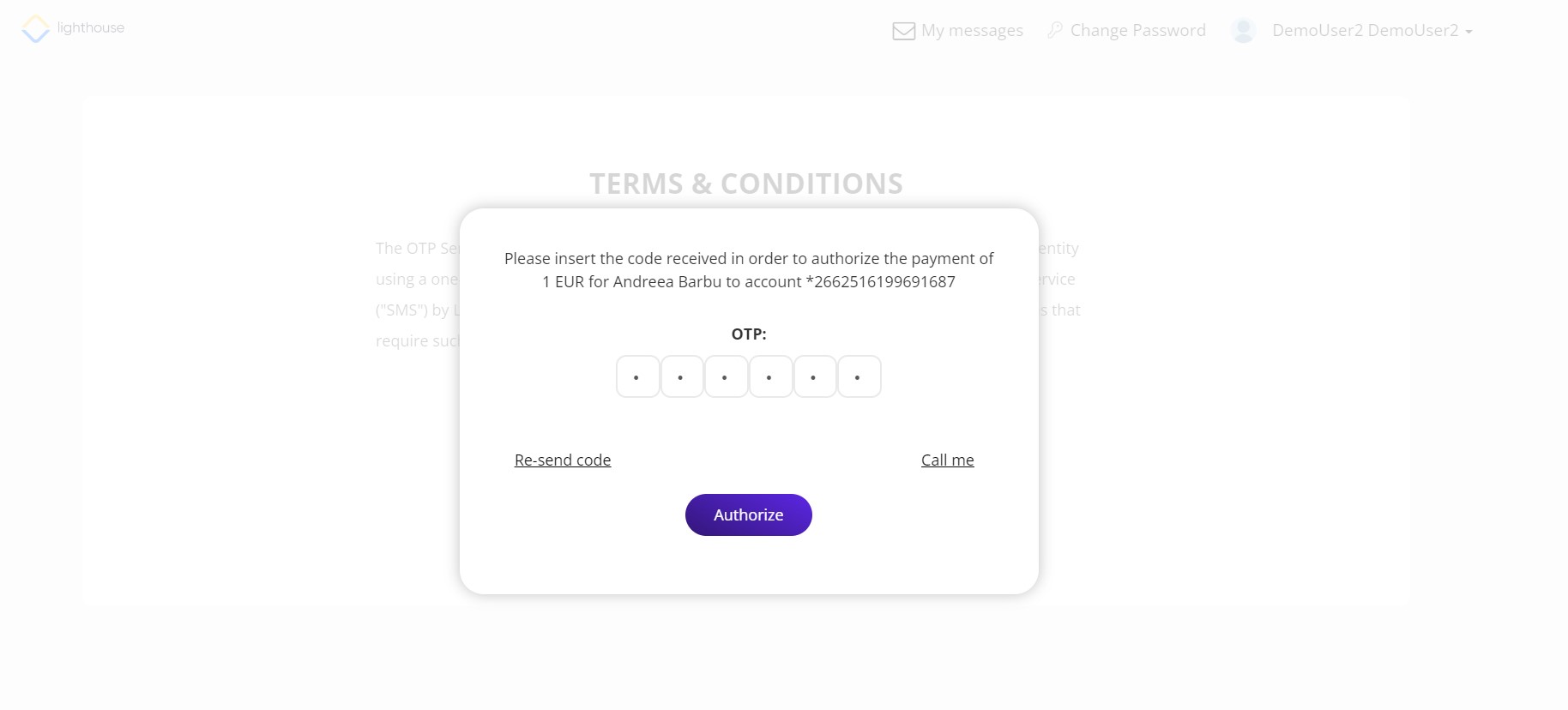
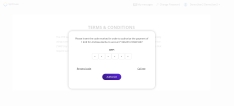
- Click Review payment. Then, authorize the payment by inserting the OTP.
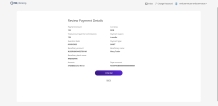
- Click Send.
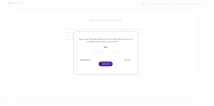
- Click Authorize.
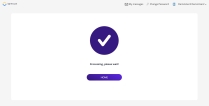
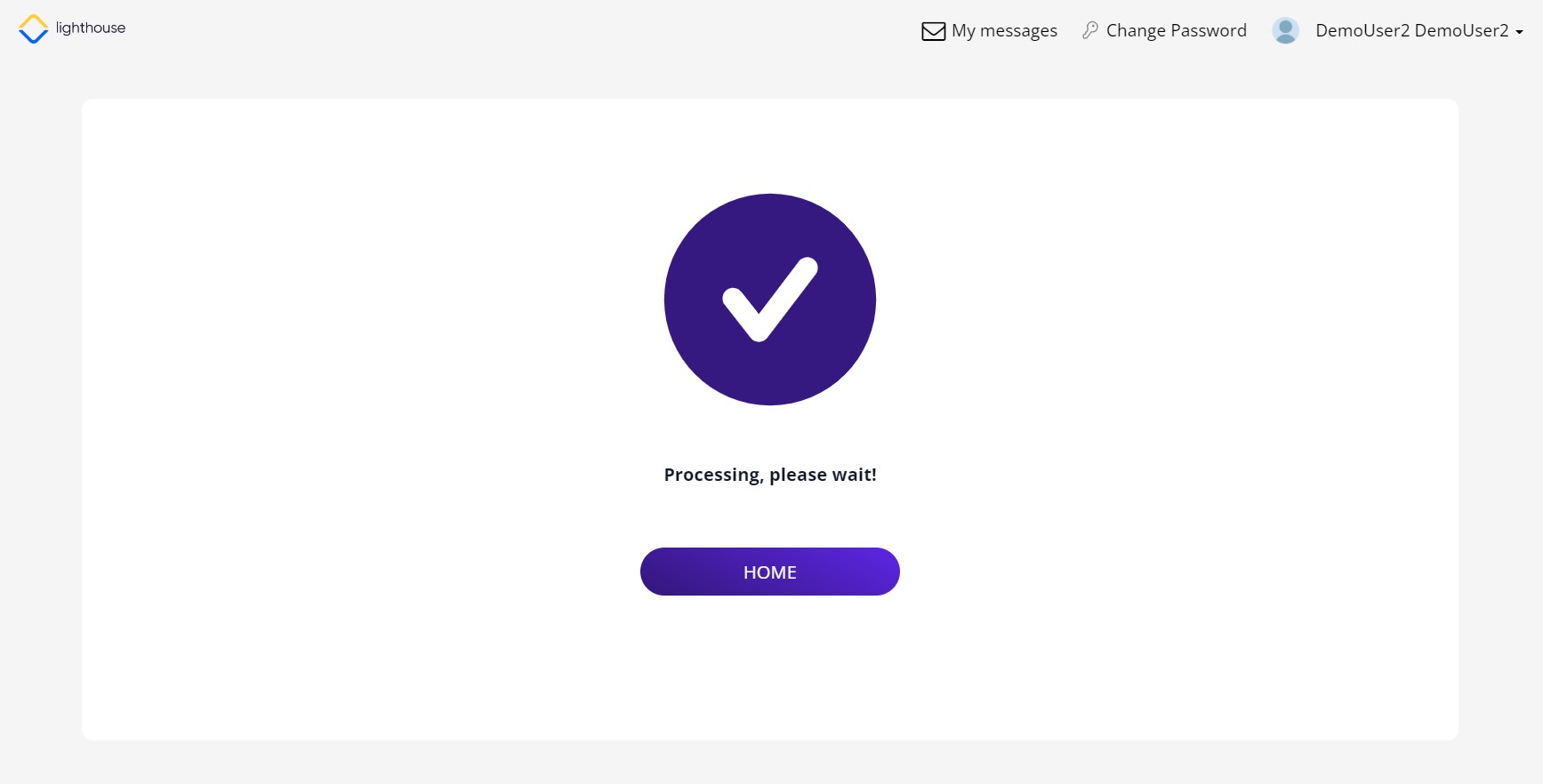
- A confirmation screen is displayed. Click Home to return to the home screen.