Make a Transfer
Follow the steps below to make a transfer:
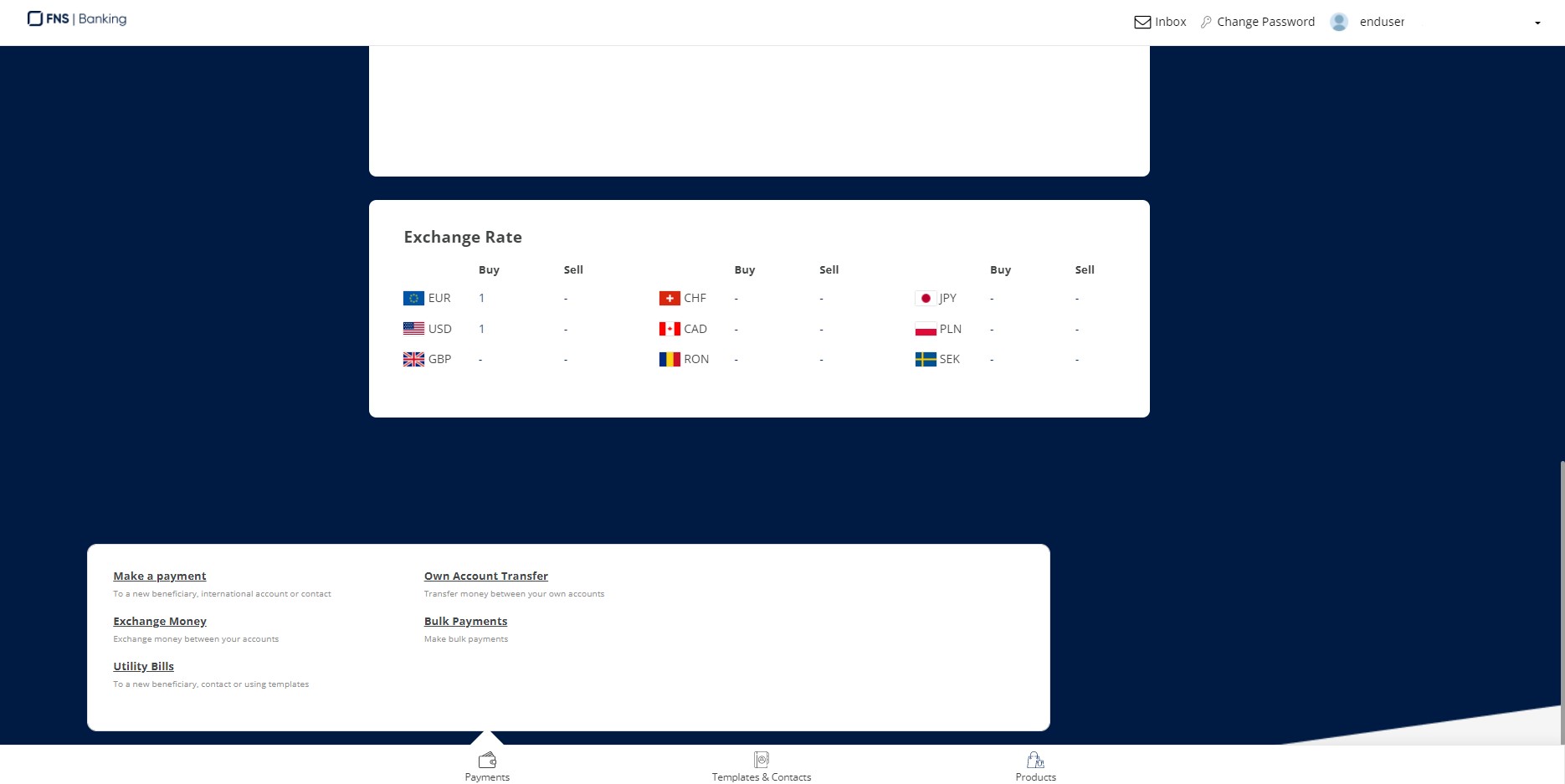
- From the homepage (or from the account details) select Payments.

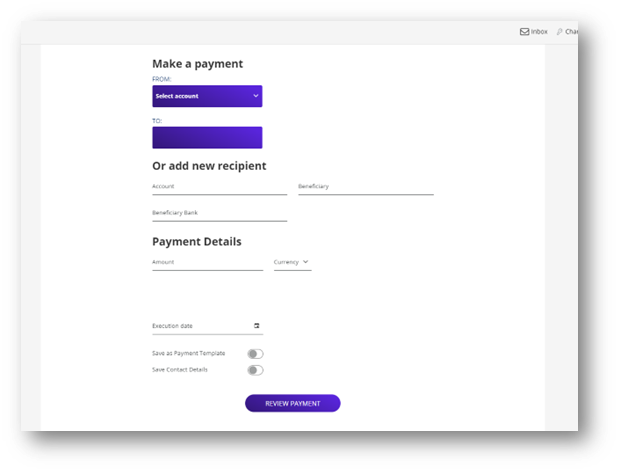
- Select Make a Payment from the list of options.
- Select the account from which you want to send the funds.
- Paste or input the account number/IBAN of the person/business you want to send the funds.
- Fill in their name.
- Fill in the amount and select the currency.
Depending on the type of the payment (automatically identified by the system), you are required to at least:
- Fill in the transaction details
- Verify any fees applicable (they are displayed on the screen). In certain cases you can choose different arrival time of the amount, which might incur different fee values. Everything is in your control to choose.
- Click Review payment.
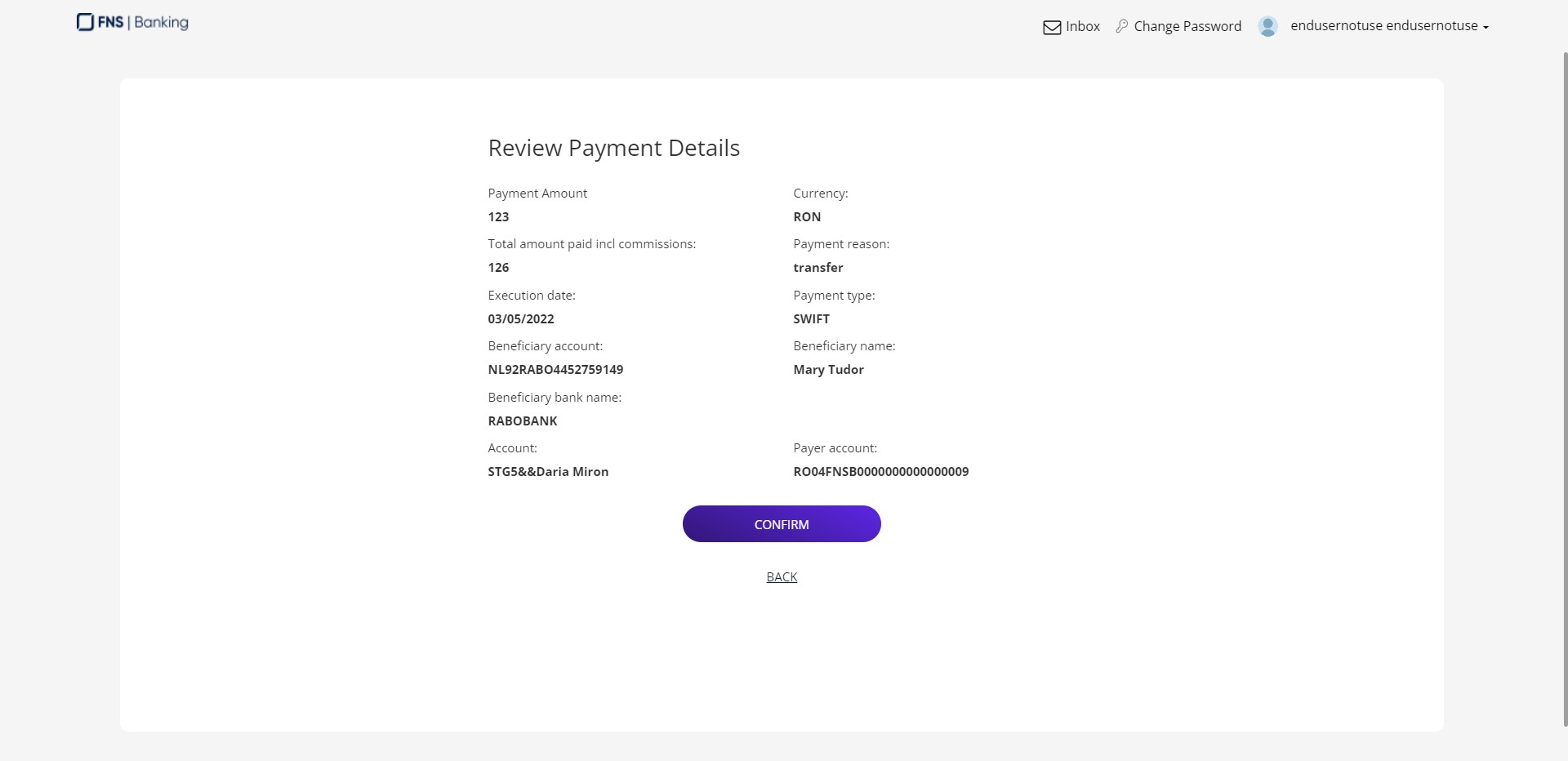
- Check the details and click Confirm.
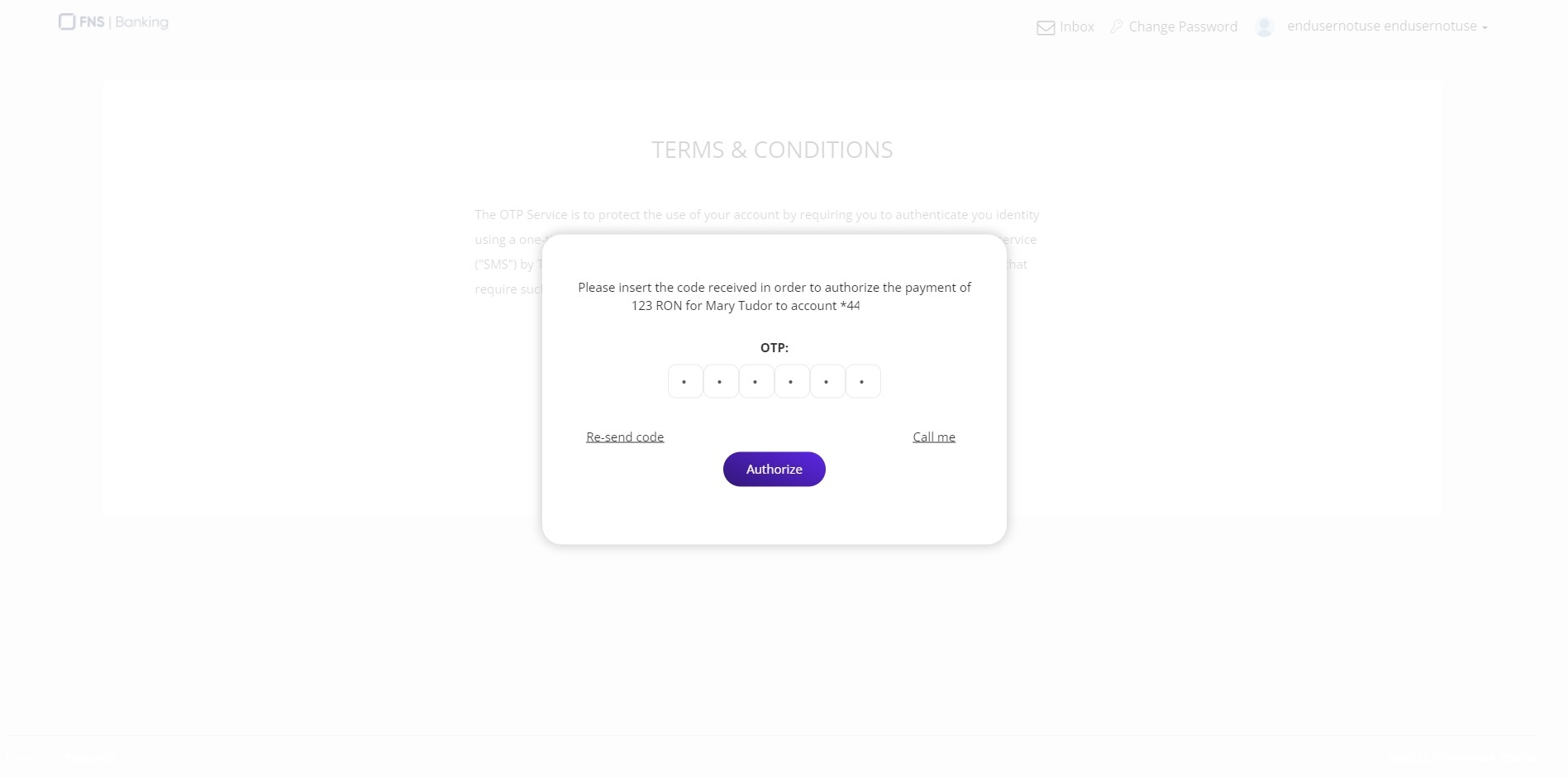
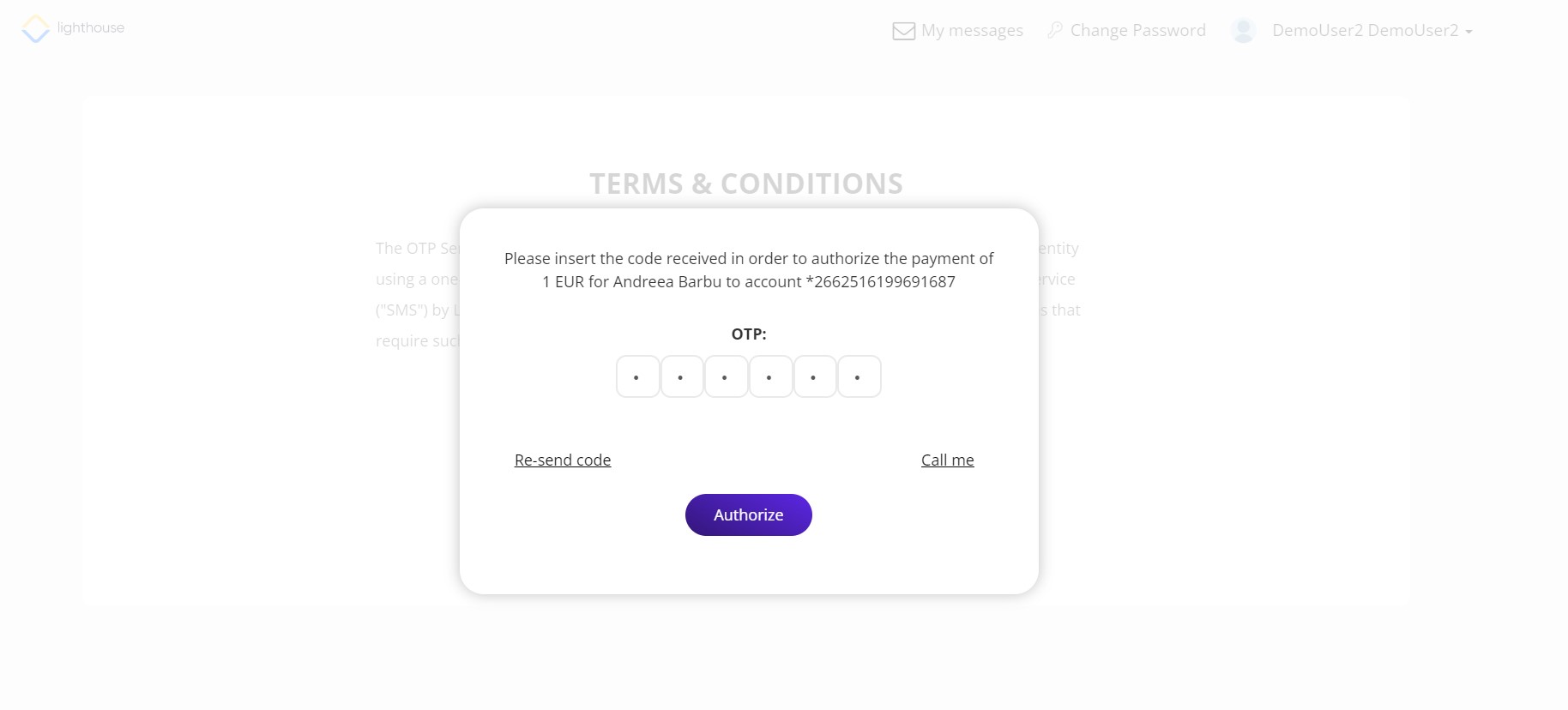
- An SMS is sent with an OTP. Click Send.
- Insert the OTP.
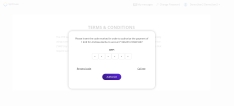
- Click Authorize.
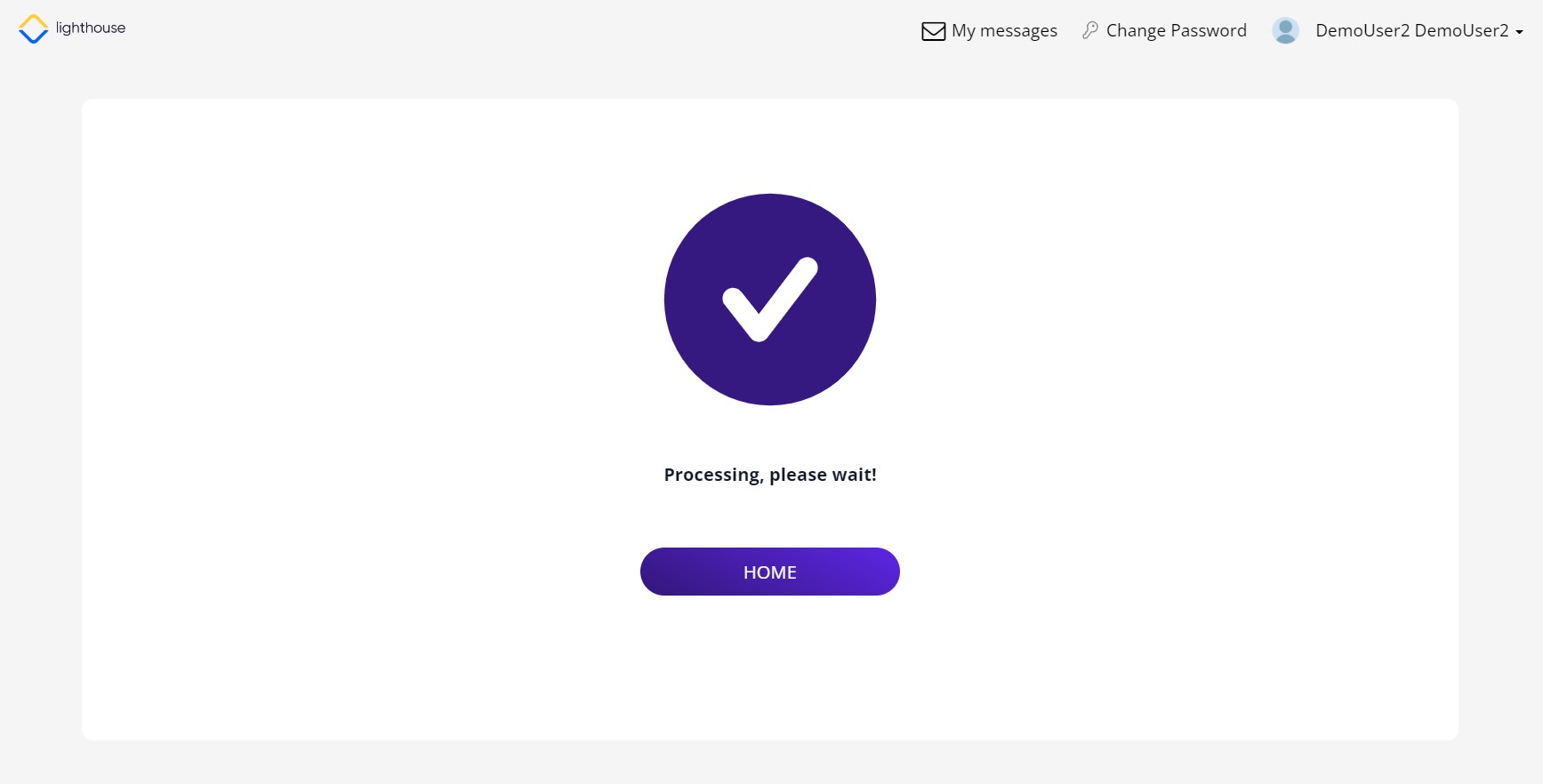
- A confirmation screen is displayed. Click Home to return to the home screen.