Welcome screens
The first screens are meant to guide the user, and determine whether or not they are an existing customer or not, i.e. if they already have a current account with the bank.
The welcome screens are placeholders where a bank can display marketing content about the process and the products it offers or photographs. Depending on the branding and advertisement strategies, a bank can use this space for commercial use.
1 Screen One
The first screen has the title The future of internet banking and two buttons:
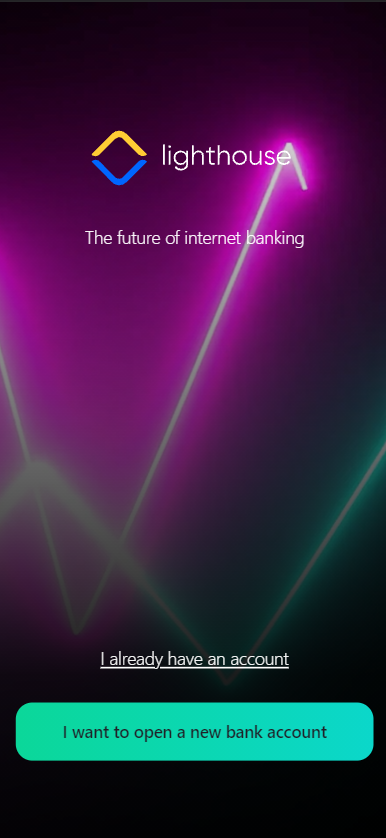
- I already have an account. This button leads to the Internet Mobile app owned by the bank for existing customers who already have an account. IMPORTANT!
This button does not work, but it is available for configuration at a later date. - I want to open a new bank account. This button launches the process of opening a current account and ordering a debit card.
The application has the status New once it is launched.
2 Screen Two
The second screen explains the necessities for the process. It is meant to guide the customer, and give some details about what to expect. In order to apply the potential customer must meet the following conditions found under the heading Open your account in minutes:
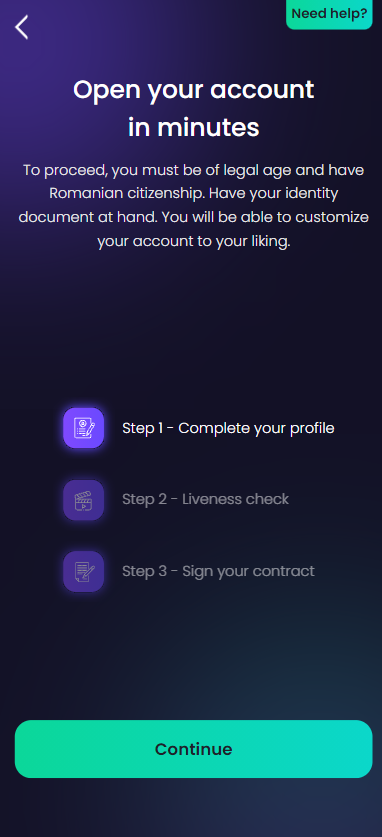
- be over 18 years old
- have Romanian citizenship
- not be a politically exposed person
- not be on the black list of the bank.
Additionally, it has a presentation of the three steps of the journey:
Step 1. Complete your profile
Step 2. Selfie
Step 3. Sign your contract.
There are no input fields, it is a read-only, static page.
To move to the next page, at the bottom of the page, click the Continue button.