Installation
Supported Operating Systems:
|
Minimum version |
Maximum version |
|---|---|
| Android 8 | Android 11 |
| iOS 12 | iOS 14.7.1 |
Prerequisites:
- Download the package with the solution from the App Store.
- Install the package from the App Store on an environment FintechOS 21.1.4.0 with the Studio, Portal and B2C Portal configured. For details on B2C, see Setting B2C Environment.
- Have Professional Banking SysPacks v21.1.6000 installed on the aforementioned environment.
- Configure the JobServer.
How to download the solution package from the App Store
- Access the Community Portal using the credentials you have set or create a new account. Watch the video here to get your Digital Innovation Passport.
- From the menu, click App Store.
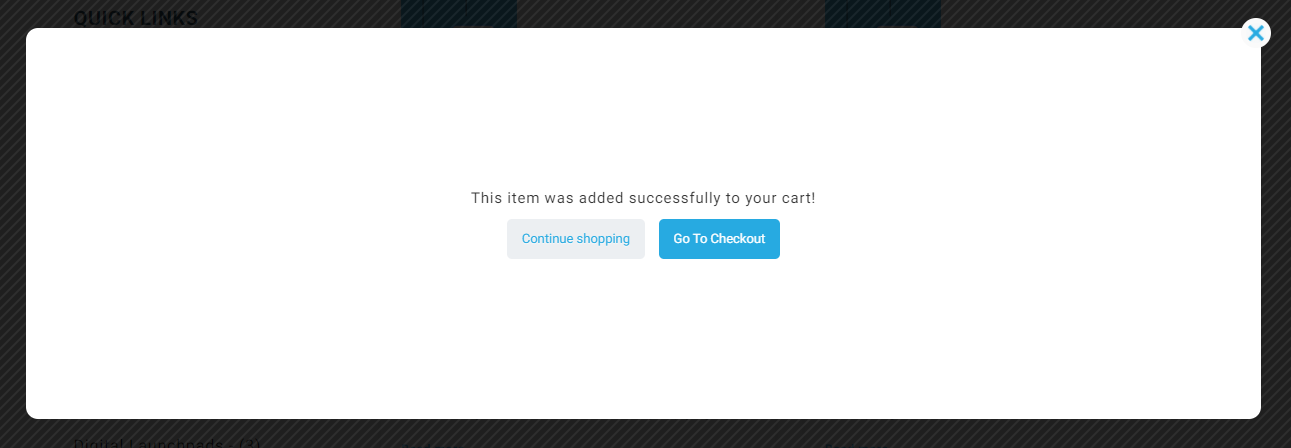
- Open the digital journey Mobile Retail Onboarding. Add it to cart.
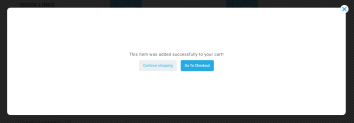
- Click Go to checkout.
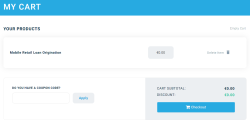
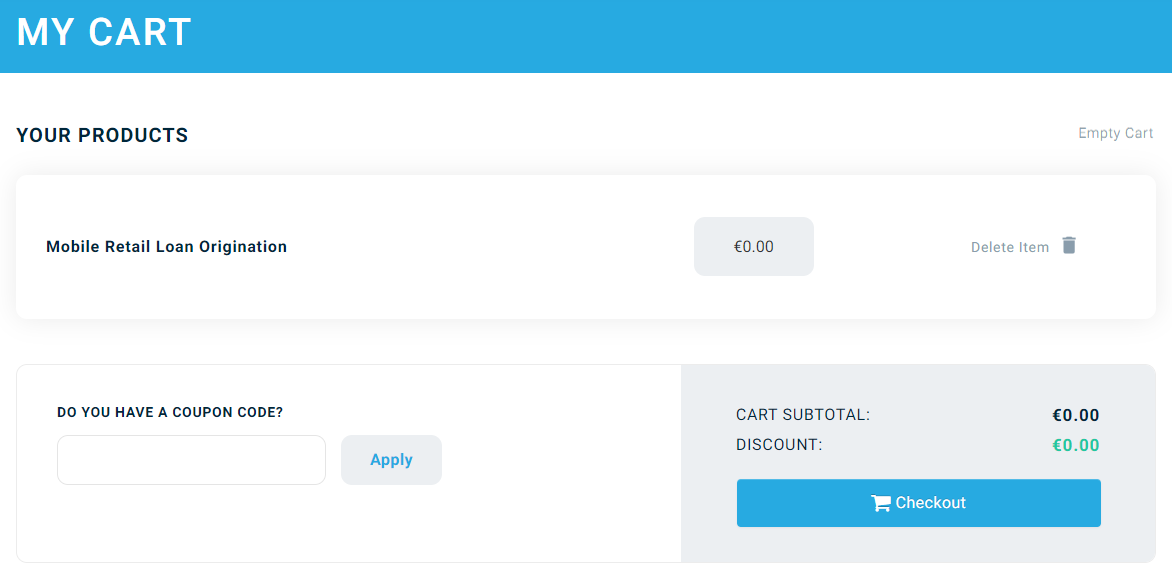
- Click Checkout.
- Fill in your billing address and click Place order. An email is sent.
- From the email click on the link. A webpage opens with access to download the package.
Import Packages:
Once you downloaded the package, unzip the package. It has several files. It contains:
- The library with custom controls
- The One-Time-Password 2.0 package
- The Banking products
- The Custom files and the report document templates
- The solution with the templates for the B2C Portal
- An installation Guide and Test Cases.
1 Import the packages
2 Complete the Channel Information
3 Banking Products
5 Additional Folders
6 System Parameters