Congratulations & Feedback
After the signature of the documents, the user arrives at the final screen where the information about the loan amount is presented. The status of the application is Disbursed.
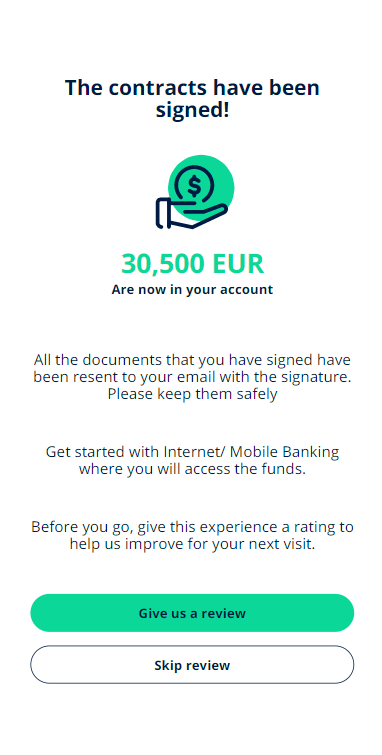
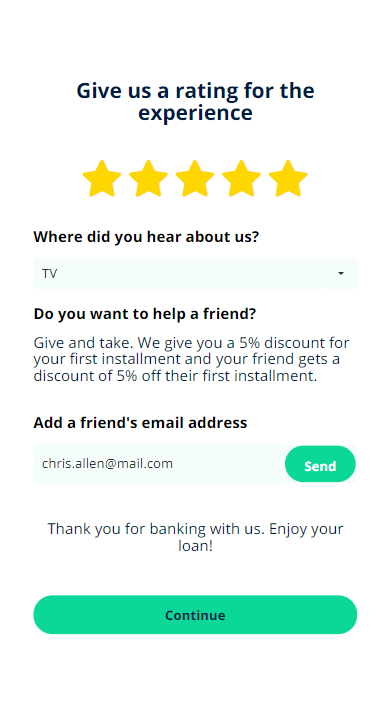
It is essential to store data about the experience of the customer. By clicking Give feedback a new page is displayed with a feedback form:
- Rate the experience.
- Select from the list from where you heard about the bank.
- Insert the email address of a friend who is looking for a loan to get a discount on your installment.

NOTE
The feedback information is stored in the database with the use of a server automation script named
The feedback information is stored in the database with the use of a server automation script named
FTOS_BARET_AddFeedback. For the referral, see FTOS_BNKAP_SendReferralEmail and FTOS_BNKAP_ValidateReferral. For details see Server Automation Scripts and Libraries. 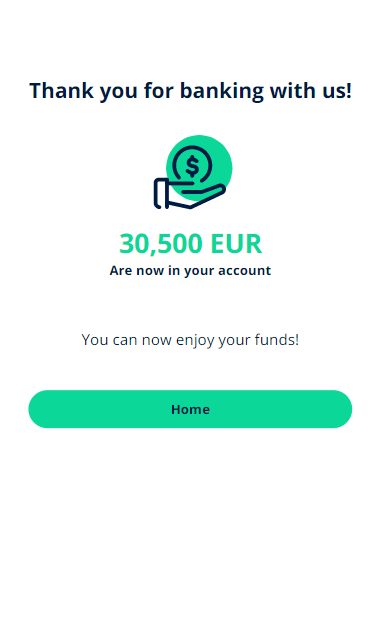
Another added advantage for the customer is the referral email. The system allows the customer to insert a friend's email and introduce them to this loan origination process The system sends an email to that address with the details about the offer.
To return to the homepage, click Go to homepage.