View Channel Configurations
- Log into the FintechOS Studio.
- From the menu, click Admin > Omnichannel Communication Automation > Channel Configurations.
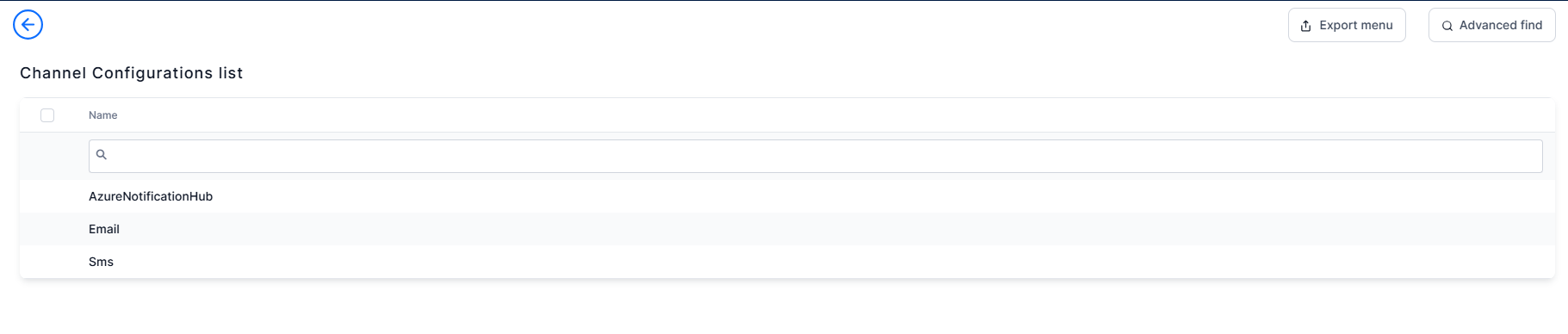
- The Channel Configurations List is displayed.
- In the Add Channel Configurations form, double click a configuration to view:
