Controlling Campaign Activities
This section allows you to control the associated campaign activities and actions that can be sent. These behave in a similar fashion to the activities and actions configured for the campaign stages only these should occur once the campaign has ended.
This feature is used to record the person responsible for sending specific messages and keeping a log of the number of messages sent. In addition, personal information such as name, email, and phone number are also stored along with an associated user to allow an easy way of contacting that person and to promote ownership.
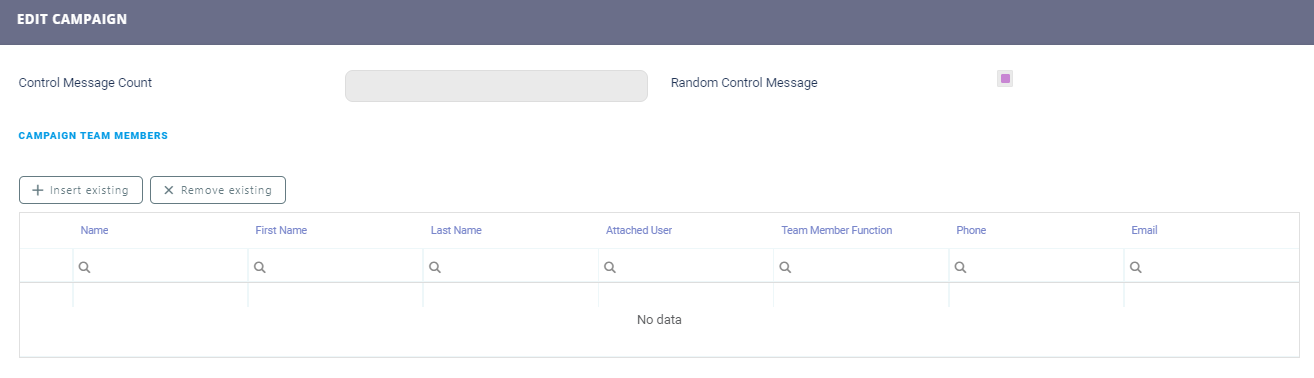
Campaign Team Members
Team members can be added to the campaign team member list by allowing them to be entered in the Control tab. The Control section allows you to select the number of messages that will be sent and varying the control message by selecting the random message option. Each message number is associated to a campaign user.
| Field | Description |
|---|---|
| Control Message Count | The maximum number of messages that are sent to the control group members, if the team members are defined at the campaign level. |
| Random Control Message | If true, and the control message count is smaller than the number of the messages that the system generates in case the Control Message field is null, then the system randomly selects the messages that are sent to the control group members. |
In the Campaign Team Members section, it is possible to select the member who can control the campaign.