Transaction Operation Type
A bank account transaction is any amount that moves in or out of a bank account. There are different types of operations that affect bank account transactions. Loan Management uses the following types of bank account transaction operations:
-
Payment– usual transaction operation for a bank account transaction; -
PaymentIn– transaction operated into a bank account; -
PaymentOut– transaction operated from a bank account; -
RepaymentContract– transaction operation type used when a contract repayment is registered. In this case, Loan Management debits the current account of the customer and credits the reconciliation account allocated to the banking product. This is an internal type of bank account transactions operation. -
Disbursement– transaction operation type used when a credit contract disbursement is registered. In this case, Loan Management debits the reconciliation account allocated to the banking product and credits the current account of the customer. This is an internal type of bank account transactions operation. -
RecoverDebt– transaction operation type used for direct debit in case of loan credit. Loan Management automatically registers a debt for an installment for which the amount in the current account associated to the loan credit doesn't cover the debt amount. This is an internal type of bank account transactions operation.
To manage bank account transaction operation types in Loan Management, follow these steps:
-
In FintechOS Portal, click the main menu icon and expand the Admin Configurations menu.
-
Expand Bank Account Transaction menu and click Bank Account Transaction Operation menu item to open the Bank Account Transaction Operations List page.
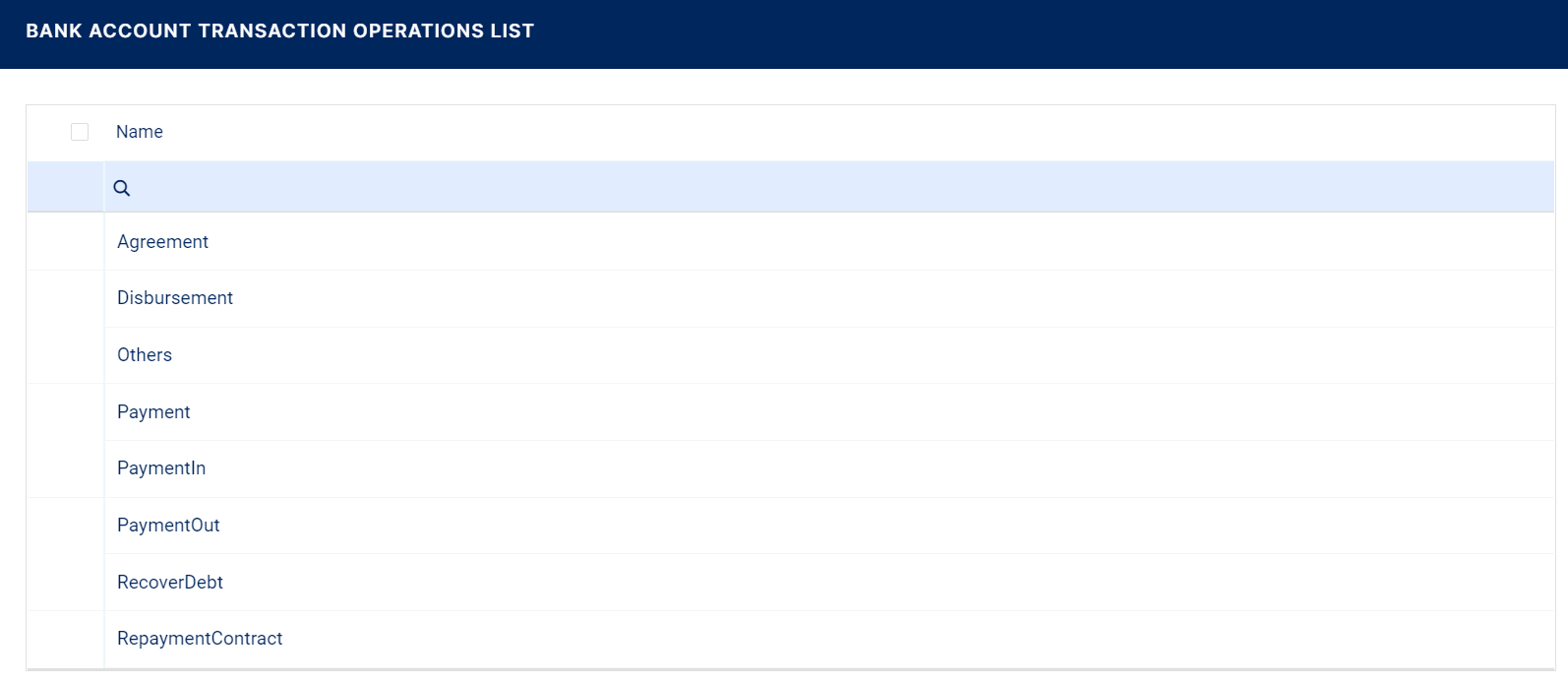
On the Bank Account Transaction Operations List page, you can add new bank account transaction operation types or search, edit, and delete existing ones.
Creating Bank Account Transaction Operation Types
Follow these steps to create new bank account transaction operation type records:
-
Click Insert on the Bank Account Transaction Operations List page to display the Transaction Operation Type page.
-
Fill in the following fields:
-
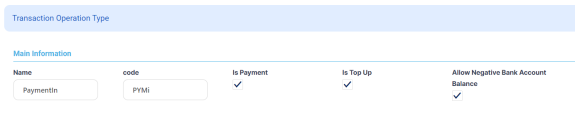
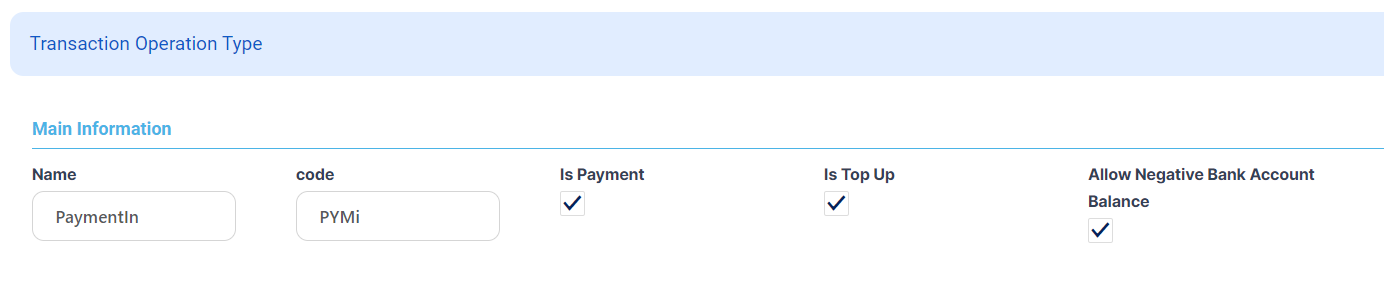
Name - Enter the name of the bank account transaction operation record.
-
Code - Enter a code for this transaction operation record.
-
Is Payment - Select this checkbox if the bank account transaction operation record represents a payment within Loan Management.
-
-
If you marked
Is PaymentasTrue, then fill in these newly displayed fields:-
Is Top-Up - Select this checkbox if the bank account transaction operation record represents a top-up type payment. This field is displayed only if the
Is Paymentfield is selected. -
Allow Negative Bank Account Balance - Select this checkbox if the bank account allows the existence of a negative balance. This field is displayed only if the
Is Paymentfield is selected.
-
-
Click the Save and Reload button.
In the Transaction Fee Items section displayed after saving the record, you can attach multiple transaction fee items, each serving a different purpose through filters (fees for payment to a specific country, fees made in a specific currency, fees for transfers having a certain minimum or maximum amount). Note that fees can also be combined in fee lists. You can add as many items as you need.
-
To add a new item, click the Insert button within the Transaction Fee Items section.
-
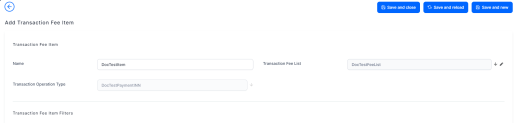
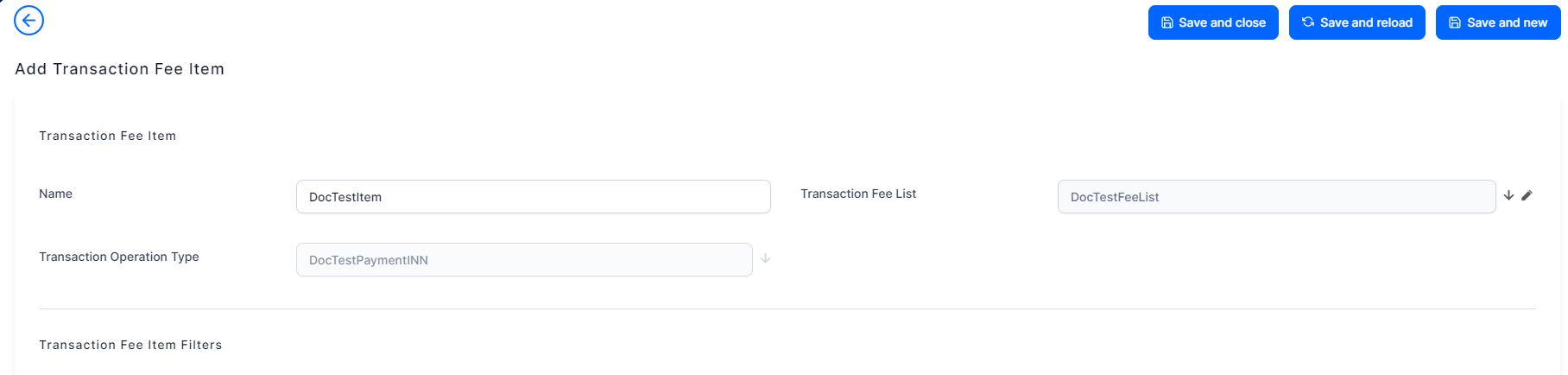
On the displayed Add Transaction Fee Item page, fill in the following fields:
-
Name - Enter the name of the transaction fee item record.
-
Transaction Fee List - Select the transaction fee list associated to the transaction fee item.
-
Transaction Operation Type - Automatically completed with the bank account transaction operation record being edited and it cannot be changed.
-
-
Click the Save and Reload button.
In the Transaction Fee Item Filters section displayed after saving the record, you can add filters for the transaction fee item. You can add as many item filters as you need.
-
To add a new item filter, click the Insert button within the Transaction Fee Item Filters section.
-
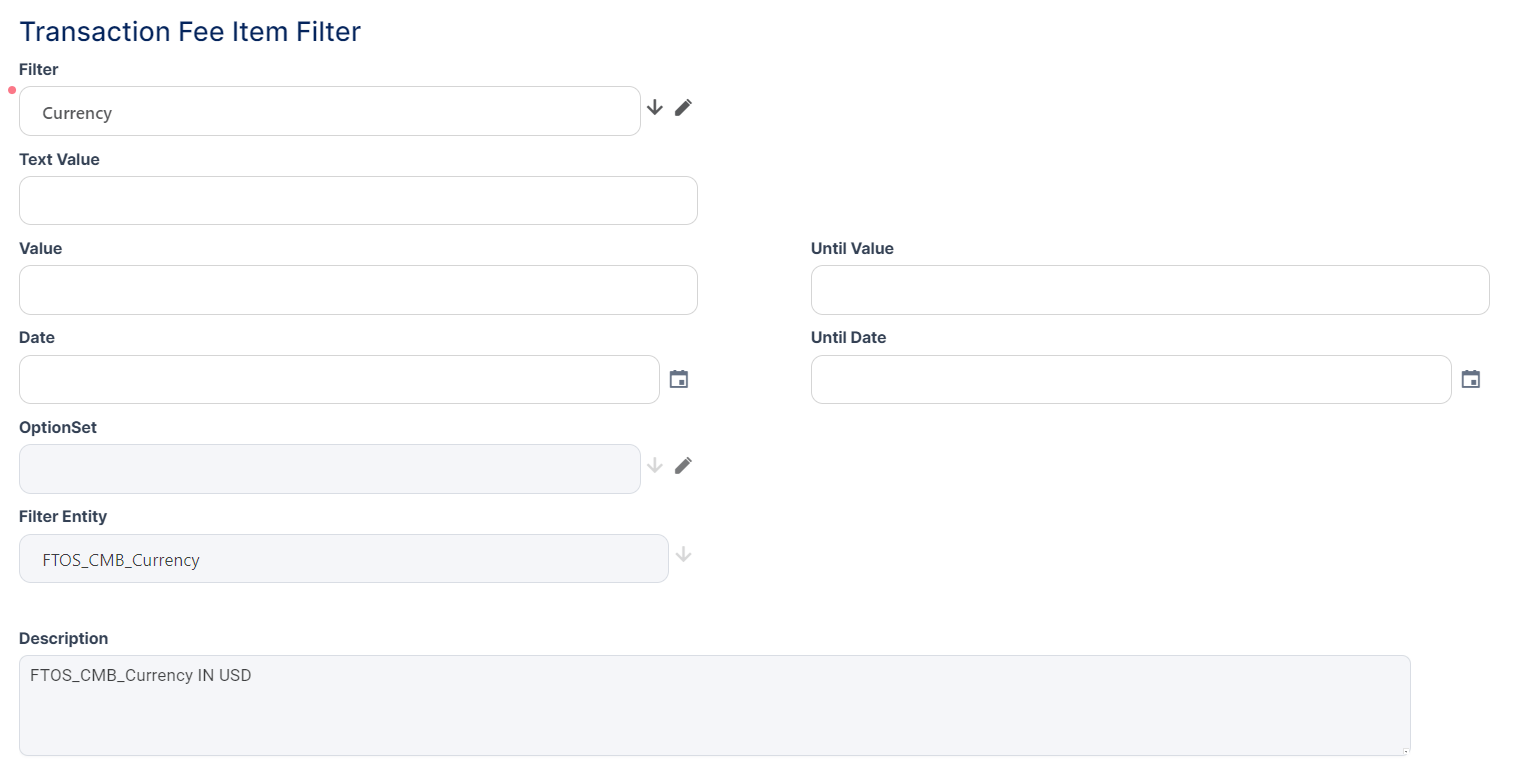
On the newly displayed Add Transaction Fee Item Filter, fill in the following fields to specify the filtering criteria for the transaction fee item filter:
- Filter - Select the filter for the transaction fee item filter.
- Description - Enter a description for the transaction fee item filter.
-
Optionally, fill in the following fields:
- Text Value - Enter the text value of the filter, if applicable.
- Value/ Until Value - Enter the starting/ ending value of the interval for the filter if applicable.
- Date/ Until Date - Enter the starting/ ending date for the filter if applicable.
- OptionSet - This field is automatically completed with the option set of the filter previously selected in the
Filterfield if that filter is of option set type. - Filter Entity - This field is automatically completed with the entity of the filter previously selected in the
Filterfield if that filter is of entity type.
-
Click the Save and Close button.