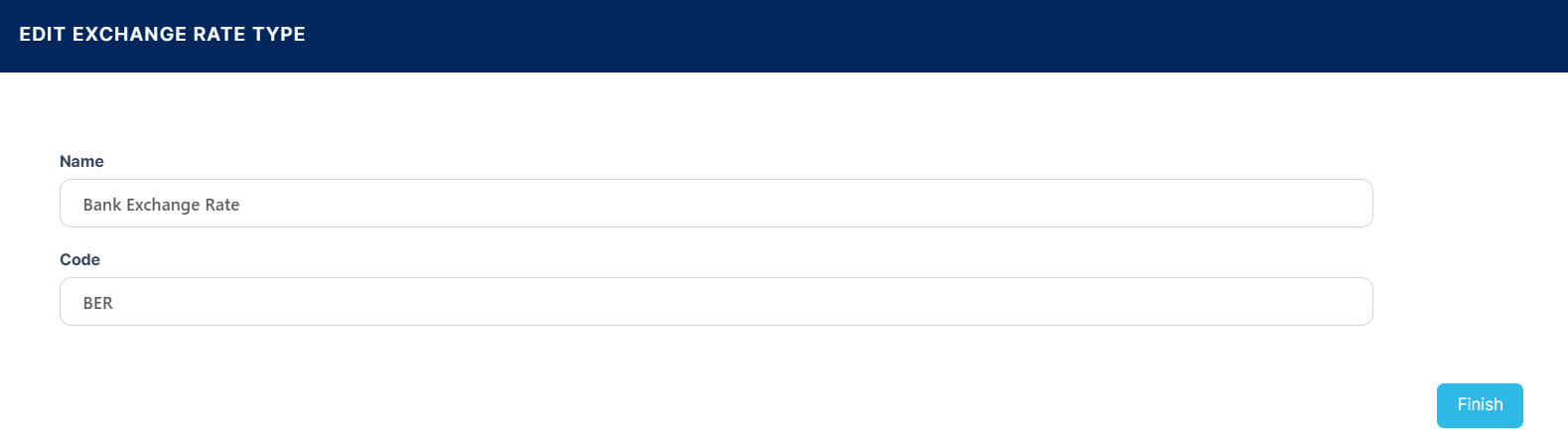
Exchange Rate Type
Although Loan Management uses only the BER (Bank Exchange Rate) is used when defining exchange rates, if there is a need to differentiate between exchange rates based on currency market or business areayou can create exchange rate types.
To manage exchange rate types, follow these steps:
-
In FintechOS Portal, click the main menu icon and expand the Admin Configuration menu.
-
Click the Exchange Rate Type menu item to open the Exchange Rate Types List page.
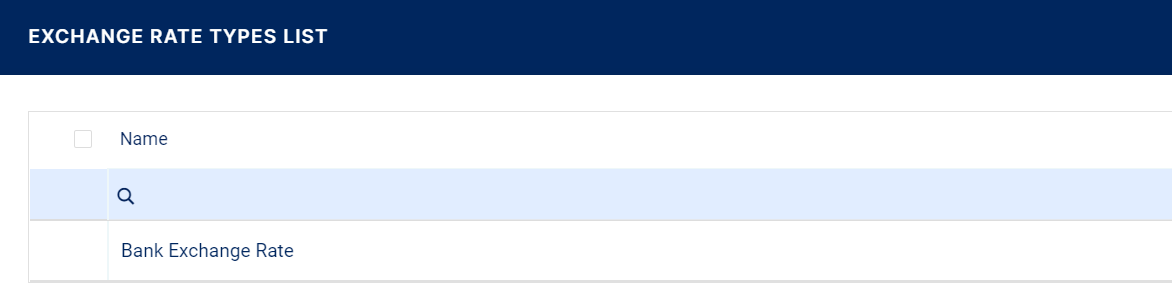
On the Exchange Rate Type page, you can add new exchange rates types or search, edit, and delete existing ones.
Creating Exchange Rates Types
Follow these steps to create a new exchange rate:
-
Click the Insert button on the top right side of the Exchange Rate Types List page. The Add Exchange Rate Type page is displayed.
-
Fill in the following fields:
-
Name - Enter the name of the exchange rate type.
-
Code - Enter the code of the exchange rate type.
-
- Click Finish at the bottom right corner of the page.