Insurance Products' Life Cycle
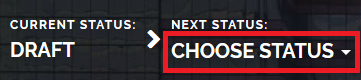
You can manage an insurance product's life cycle by changing its status from the top right corner of the screen.
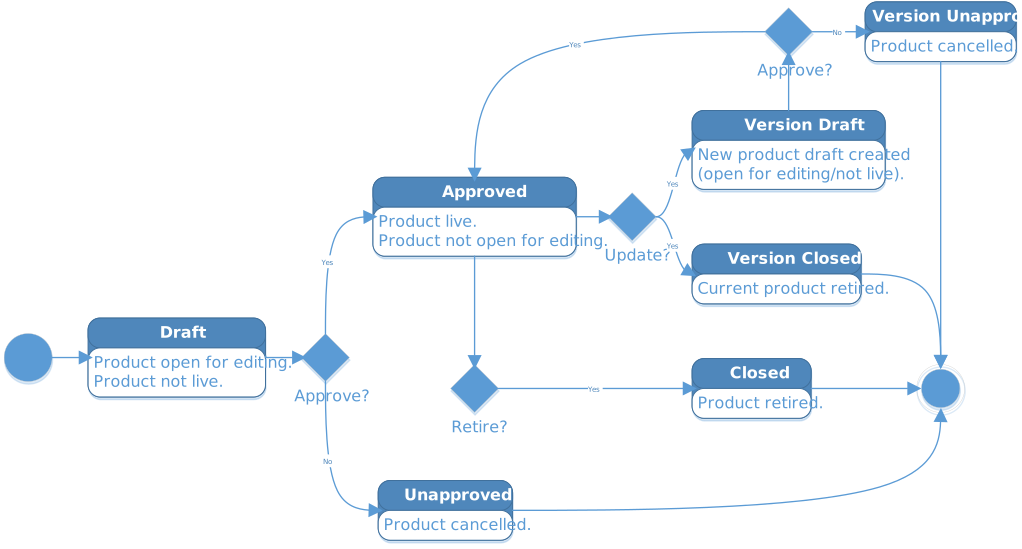
The product status transitions are illustrated below:
Note that:
- Once a product is live, its settings can no longer be modified.
- If you want to update a live product, you must create a new product version.
- When you create a new product version, the current version is retired.
- Every product version starts in a draft state and must go through an approval process before going live.
- Only one version of a product can be live at one time.